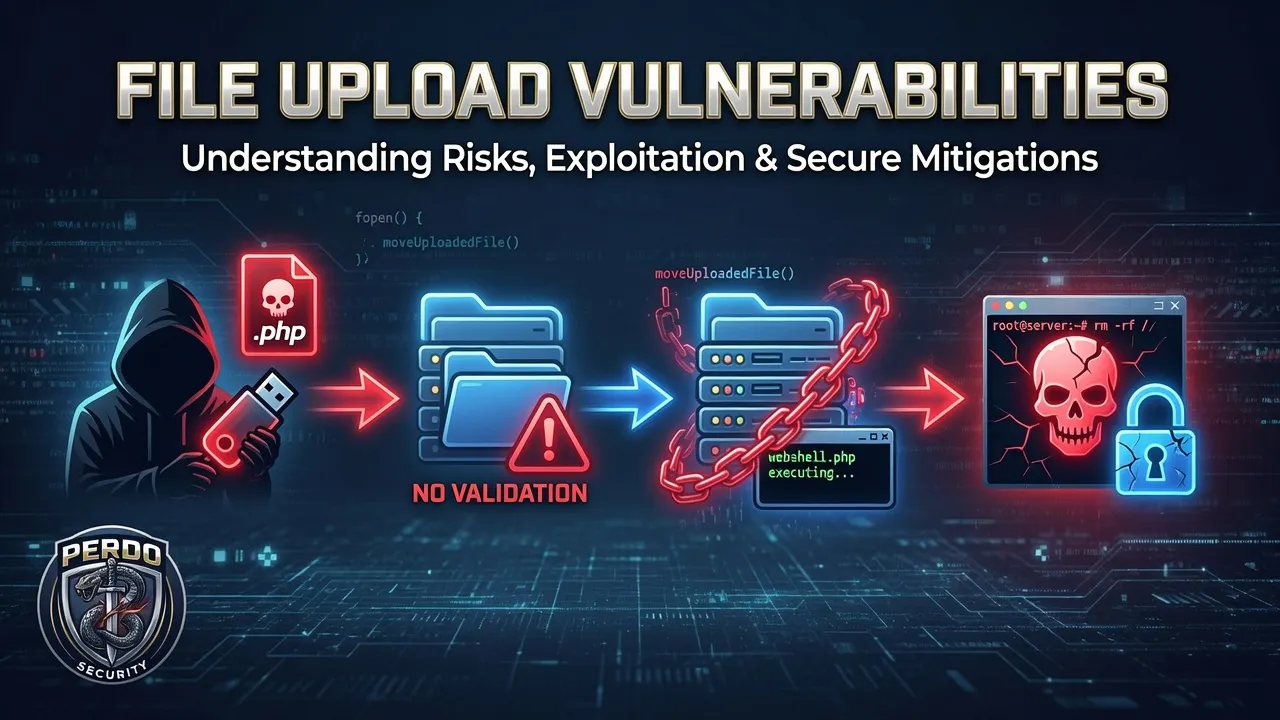
File upload vulnerabilities
A Portswigger lab
File upload vulnerabilities occur when a web application allows users to upload files without properly validating their properties like:
- name
- type
- size
- contents
- etc
When these checks are weak or missing, attackers can upload malicious files instead of the type expected by the application for normal everyday operations
Why File Upload Vulnerabilities Are Dangerous
malicious file uploads can cause:
- Overwriting of important files by abusing filename handling
- Uploading of files to unexpected locations using directory traversal
- Exhausting of server disk space, causing denial-of-service (DoS) conditions
- Control of the server by uploading a server-side script that functions as a web shell.
How These Vulnerabilities Happen
Most modern applications attempt to restrict file uploads, but these defences are often flawed. Common mistakes include:
- Relying on blacklists that miss dangerous or uncommon file types
- Trusting file extensions or MIME types that attackers can easily manipulate
- Inconsistent validation across different directories or servers
Portswigger file upload — lab 1
This lab takes advantage of the server not validating the file type that is uploaded, so it abuses a upload expecting png or other imgage format and allows upload of a php command instead
After logging in and uploading an avatar, send the image upload request to Burp repeater

Next, Burp provide a one liner php which you save on your system as exploit.php containing the following:
<?php echo file_get_contents('/home/carlos/secret'); ?>Upload this file to your avatar, note there is no error stating “invalid file type” or something similar to prevent the upload and modify the request in the repeater to point to that file

Now send the request, the request will successfully load exploit.php and will execute it to give a response containing a secret:

Submit the secret into the lab and you will have completed it
Portswigger file upload — lab 2
This time, its not possible to upload the .php file through the avatar interface because of the file type
I tried a couple of things here, renaming the file exploit.php to exploit.png allowed the file through, but when I tried to execute it the code wouldn’t run
I then tried to intercept the upload request and change the Accept: header to include image/php before the request reached the server, thinking that might work, no, I had the GUI error message about wrong file type
I stopped and had another look at the requests and saw a POST with a 403 when I tried to upload, that had the multipart form body in it.

I changed Content-Type on this request from application/x-php to image/jpeg and sent the request which was then a 200 response indicating the exploit had been uploaded
The rest of the lab was the same as lab 1 at this point — submit the GET request for the exploit instead of a proper image file and get the secret in the response

I submitted the secret to complete the lab
Get ShiftLeftSec’s stories in your inbox
Join Medium for free to get updates from this writer.
Portswigger file upload — lab 3
The lab follows the same methods as the first one, you are allowed to upload exploit.php. There is a tip in the preamble about changing the location of the file in the multipart form so I started with that
The learning of this lab is that while the directory where images are expected to be uploaded to is often locked down to prevent execution of code in this way, other directories may not be — if you can reach them and put your exploit there.
Once I had uploaded my exploit to what I thought would be a different dir I chose at random for a first go:

I checked the response…

but while the image was uploaded, I couldn’t see my ../ in the file path
It was then I remembered encoding…
the “/” is encoded as “%2f” so I tried that instead and this time the file path I chose was preserved

Now it was just a matter of sending the usual request, but making sure the filepath matched where the exploit was

I submitted the secret and the lab was solved
Portswigger file upload — lab 4
I didn’t do this lab — it was too contrived for me, but the underlying takeaway for all web technologies from it was (IMO):
“What decides execution here — the app or the server?”
If its the server (yes) then malicious modification of the .htaccess file (in the case of Apache) will allow the exploit to be run. Other tech will of course have other conflict than can be exploited
Portswigger file upload — lab 5
This was quite interesting although the preamble before reaching the lab went on a bit. The way to solve this centres around an encoded null byte (%00)
I did some digging as I didn’t want to take this as face value so here is whats going on in the lab

The act of adding %00.jpg into the filename means that the filename is accepted because the null byte is removed by the server as is the .jpg after it. Submission of this request shows the file to be uploaded
Why does this work? and how do we just “know” to use a null byte this way?
So it seems that a lot of programming languages a null byte can terminate the string, but its can’t be sent in a http request unless encoded as %00, so to the application the string is “valid” but to the server the null byte added isn’t a string and it causes truncation leading to exploit.php being processed
Portswigger file upload — lab 6
You need an additional tool to do this lab:
sudo apt install libimage-exiftool-perlThis is a lab worth just following tbh, the lab provides a command using the tool above to add a script in the comment field of the jpg file
exiftool -Comment="<?php echo 'START ' . file_get_contents('/home/carlos/secret') . ' END'; ?>" <YOUR-INPUT-IMAGE>.jpg -o polyglot.phpWhen the jpg is uploaded via the GUI, to all intents and purposes, it is a valid jpg file
However, when the image is called via a get request, the image is returned in the request body, but instead of the comment also being returned as plain text, the comment is executed as php and the secret is returned, neat huh?


Final thoughts
These aren’t the only way to manipulate file uploads, here are some alternative ideas for you to try in addition to null byte:
- Change extension (
.php.jpg) - Double extension (
.jpg.php) - Case tricks (
.PhP) - MIME type mismatch
- Path tricks (
../)