How I Use AI Tools to Work Smarter (and Where They Still Fall Short)

This article has an updated 2026 version.

AI is more than a tool, it’s a teammate. Here’s how our collaboration helps me write, plan, and build smarter every day.
It’s still spring 2025, and I can already tell this article will feel outdated six months from now.
That’s not a disclaimer, it’s a sign of how quickly things are moving. AI tools are evolving at a breakneck pace, and so is the way I use them. What felt magical in 2023 or 2024 is already part of my daily routine. But what’s more surprising is how the relationship with these tools is changing. They’re no longer just utilities or clever chatbots. In many ways, they’ve become teammates helping me to think, write, code, and plan in ways I couldn’t have done before.
This isn’t a list of tools or hacks. It’s a reflection on how I actually collaborate with AI: where it speeds me up, where it needs my guidance, and where the combination of human intuition and machine intelligence creates something genuinely useful.
In the sections that follow, I’ll walk you through four real-world ways I use AI every week: to write articles like this one, to debug and develop code, to plan projects, and to explore ideas or topics I want to understand better. It’s not always perfect, but it’s often pretty remarkable.
Co-Writing and Thinking Together
This very article is a collaboration between me and an AI assistant. I’m not just talking about using it to fix grammar or summarize a paragraph. I mean something much deeper and more iterative. Writing with AI has become a real back-and-forth. I throw in ideas, fragments, or even just a vibe I’m going for, and the AI offers structure, phrasing, or ways to make the point land more clearly. Or throw in a hyphen or three.
It starts with practical things, like testing out titles, subtitles, or opening lines. Sometimes I’ll ask for five headline ideas, critique them, and then combine elements from two or three. Closings get the same treatment. If I’m unsure how to end strongly, the AI gives me a springboard, and I reshape it into something that fits my voice.
More importantly, the AI helps me clarify my own thinking. When I’m wrestling with an argument or struggling to decide on a structure, I’ll sketch out the logic in a few rough lines. Then I ask the AI to clean it up, or challenge it.
The process is oddly Socratic. (That phrase, by the way, was suggested by the AI, and it immediately clicked with me.)
The AI doesn’t understand in a human sense, but the act of explaining something to it often forces me to make my position clearer.
It also helps with language. English isn’t my native tongue, and while I write fluently, there are moments when a phrase feels off or a transition falls flat. The AI often catches those edges without flattening my voice. It’s like having a well-read, endlessly patient editor who always speaks native English and who brings a distinctly American-style enthusiasm to even my most hesitant drafts.
And almost nothing gets used on the first try. I rarely accept a suggestion wholesale. The AI is a great first-draft engine, but the shaping, curating, and tone-tuning is all mine. What I’m doing isn’t prompt-and-publish. It’s iterative, layered, and intentional.
Zooming out, this collaboration extends to the bigger picture. I’ve used AI to sketch my Medium publishing roadmap, think through whether I should delay an article to pair it with a follow-up, and evaluate which topics are worth exploring next.
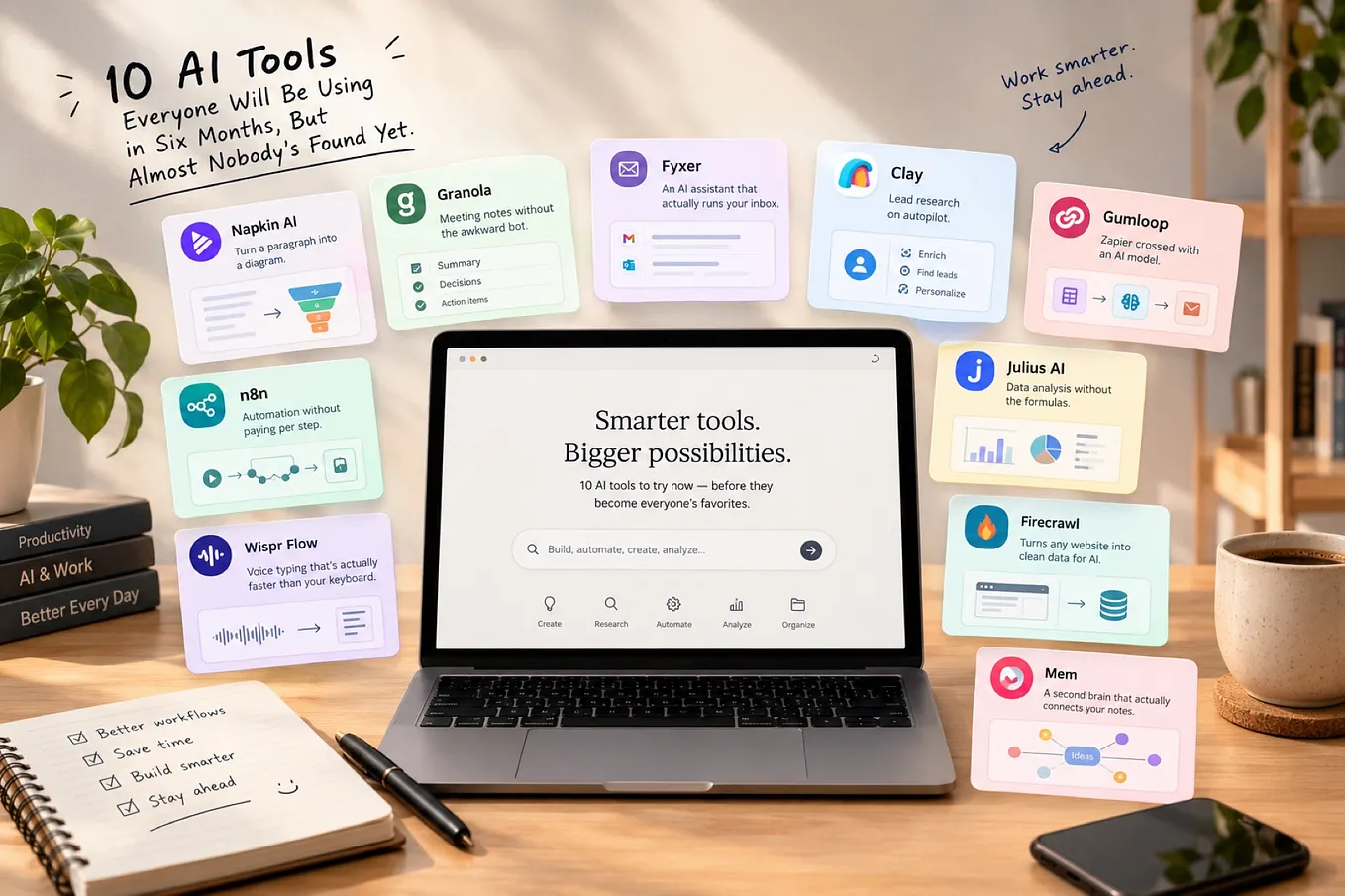
The collaboration continues right up to the moment I hit publish. I’ll often ask the AI to suggest tags that match both content and search trends, or to offer formatting tweaks that make the piece more readable. It helps me draft blurbs for social media and even consider SEO-relevant phrasing without turning everything into marketing copy. I’ll use it to generate an image for the article to hopefully clarify the underlying message. It’s all part of shaping not just what I write, but how I share it.
This isn’t just automation. It’s collaboration. And it’s one of the clearest examples of how AI, when treated as a teammate rather than a tool, can reshape even something as personal as putting words on a page.
Coding and Debugging with AI
While I don’t write production code every day anymore, I still think in code. As a computer scientist turned product manager, I often sketch technical ideas, explore architectural options, or test out rough prototypes to see how something might work. And for that, AI has become an incredibly effective partner.
It’s not about handing over the hard parts. It’s about moving faster through the early ones.
When I have an idea I don’t start with an empty file.
I start by describing what I want, in natural language, to the AI. In return, I get a first pass: code that may not be perfect, but that gives me momentum.
Get André Bergholz’s stories in your inbox
Join Medium for free to get updates from this writer.
One thing I particularly value is how frictionless the interaction can be. If I run into an error, I can often just paste the stack trace and the AI gives me a useful diagnosis or at least a pointer to what’s wrong. No explanation needed. That kind of responsiveness makes it easier to stay in flow, especially when I’m juggling multiple tools or concepts. In practice, AI has already replaced Stack Overflow for me. And judging by their website traffic, I’m clearly not the only one.
Of course, the suggestions aren’t always correct. The AI doesn’t know my codebase or architectural constraints unless I explain them. And it has a tendency to rush, jumping to implementation when I’m still thinking through the problem. Sometimes we go in circles because it forgets what we discussed earlier or misses something buried a few scrolls up. It’s a smart assistant, not a long-term collaborator.
That’s also why I don’t see this as a one-tool setup. While I currently rely on ChatGPT for most of my prototyping, I’m well aware that tools like Claude and coding-specific environments like Cursor or GitHub Copilot are becoming serious alternatives. At this stage, it’s still unclear to me which model or workflow is “best”. What I know is that different tasks pull me in different directions, and I switch tools accordingly. The landscape is changing fast.
I also want to be clear about where I’m speaking from. I’m not deep in VS Code with an integrated AI pair programmer running 24/7. I’m using AI more like a thinking partner: typing back and forth, exploring problems, clarifying solutions. It’s work in progress. There are smarter setups and more advanced workflows out there. But even from where I sit, the shift is unmistakable: AI is changing the way I approach problems, and speeding up the moments where I used to slow down.
Planning and Decision-Making
AI also plays a growing role in how I make decisions, big and small. Not because it makes the decisions for me, but because it helps me think more clearly about what I’m actually deciding. Whether I’m planning a vacation, sketching a product roadmap, or weighing article ideas, AI helps me surface the structure behind the chaos.
What I find most helpful is its ability to organize the mess. I’ll describe a half-formed problem, “Should I publish this article now or wait?” or “France, Sicily, or Iceland for a family trip?”, and the AI helps me unpack the dimensions. What are the options? What matters most? What haven’t I considered yet? It doesn’t tell me what to do. It just lays out the landscape more clearly so I can navigate it better.
When I was deciding between different travel plans it helped me think through logistics, seasonality, food, kid-friendliness, even route planning. I still made the call based on personal priorities, but I got there faster because I wasn’t juggling all the trade-offs in my head.
The same thing applies at work. When I’m outlining a product roadmap or figuring out which feature to prioritize, I use AI to create a rough framework: dependencies, pros and cons, risks I might be missing. It doesn’t generate a release plan, but it helps me question my own assumptions and sometimes notice blind spots I hadn’t articulated.
Even in writing, this pattern shows up. Before starting this article, I used AI to outline possible sections, map how the argument should flow, and consider whether this should be a standalone piece or part of a series. Again, I didn’t take the suggestions as-is. But the exercise made my own reasoning sharper.
And that’s really the point. I’m not asking for decisions. I’m asking for clarity.
I want a conversation that helps me see the shape of the problem more clearly.
Self-Education and Curiosity
This might be the most important use case for me personally. I’m a curious person by nature, and AI has become one of my favorite ways to explore ideas. Whether it’s a passing question or the start of a deeper dive, I now use it like an intellectual companion: fast, informal, available at all hours, and ready to talk about nearly anything.
What’s striking is how lightweight the interaction can be. Sometimes I just toss in a random question like the one I had recently about a geometric shape with near-zero volume and near-infinite surface area. (It’s called a Menger sponge, by the way, a fascinating fractal that loses volume but gains surface as it’s recursively subdivided.) These are not long research projects. They’re moments of mental ping-pong: question, answer, maybe follow-up, maybe not.
In that way, it reminds me of how I now use Perplexity more than Google, a shift I wrote about in an earlier article. The experience of learning through dialogue, rather than navigating link farms, is powerful. It removes friction. It accelerates thought. And it’s exactly the kind of shift that, if embraced widely and well, could raise the baseline intelligence of entire populations without expensive tutors, classrooms, or institutional gatekeeping.
It’s not a tutor, and it’s not a source of truth. But it’s the most responsive thinking partner I’ve ever had.
Sometimes I ask about fractals or philosophy. Sometimes I just want to know which TV station is showing the game. You could argue the friction was already low. After all, Google was always there. But this is different. I’ve set up my phone so that a double tap on the back opens ChatGPT, and I can just speak my question. No typing. No switching apps. No choosing between links. That small shift, going from searching to asking, has made me more likely to follow my curiosity wherever it goes. I’m not just getting answers. I’m thinking more often, more freely, and with a kind of momentum that wasn’t there before. For someone driven by curiosity, that changes everything.
Conclusion: Just One Snapshot in Time
I’m writing this in the spring of 2025, and already I know it won’t age well. The tools will change. My habits will change. Some of what feels novel now will soon be routine. And maybe some of what feels helpful today will fall away completely.
But that’s exactly why I wanted to capture this moment.
What I’ve described here isn’t a polished system or a set of best practices. It’s just how I currently work with AI. How I draft, code, plan, and learn with it by my side. Not as a guru. Not as an oracle. But as something closer to a sounding board, a second brain, a patient collaborator who never gets tired of my questions.
I don’t know exactly what this collaboration will look like a year from now. But I’m paying attention and adjusting as I go.
If you’ve read this far, I’m pretty sure you’re using AI tools yourself. What’s working for you? What surprised you? What still gets in the way? I’d love to hear how your workflow is evolving, because in the end, we’re all figuring this out together.
For more of my experiments and reflections on working with AI, browse my complete collection here.