BonusTrade Signals deliver phenomenal win rates!


BonusTrade has just launched Signals! BonusTrade Signals is available in both the full BonusTrade app and the BonusTrade Simulator app. If you downloaded the app recently, you will see Signals in the navigation bar at the bottom of the screen.
Here’s a quick walkthrough.
What are BonusTrade Signals?
We have a number of proprietary trading algorithms that give us some phenomenal win rates some of the time when the chart patterns that the algos target are present. When that happens, the algos ride the winning streak and milk it while the chart pattern holds. We then rank these algos by win rate in real time and put them on a leaderboard.

The beauty of the leaderboard
The leaderboard practically cherry picks the best performing signals for you. Signal algorithms are ranked by win rate, by the volume of signals, and the frequency of signals. So you see the algo/asset combo with the highest win rate, the highest volume and the shortest interval between signals on the top of the leaderboard.

Which time frame to choose?
Leaderboards are available for 4 different timeframes: 5 minutes, 10 minutes, 15 minutes and 30 minutes. The 5 MINS timeframe leaderboard ranks signals by performance in the last 5 minutes, the 10 MINS timeframe for the last 10 minutes etc.

One caveat about the timeframes: The 5 MINS timeframe gives you results from the last 5 minutes of trading. You can say that that’s more relevant and up-to-date. Bear in mind that the win rate from the 5 MINS timeframe is bound to be more volatile than the 30 MINS time frame because signal results are constantly getting dropped as they fall out of the 5 MINS timeframe window and new results are added. So be sure to check out the 10 MINS and 15 MINS tabs as well.
How to trade a signal
Tab on Signals and pick a timeframe for the leaderboard. Then pick a signal to trade. This is a bit of a no-brainer as it makes sense to just pick from the top ranking ones, right?

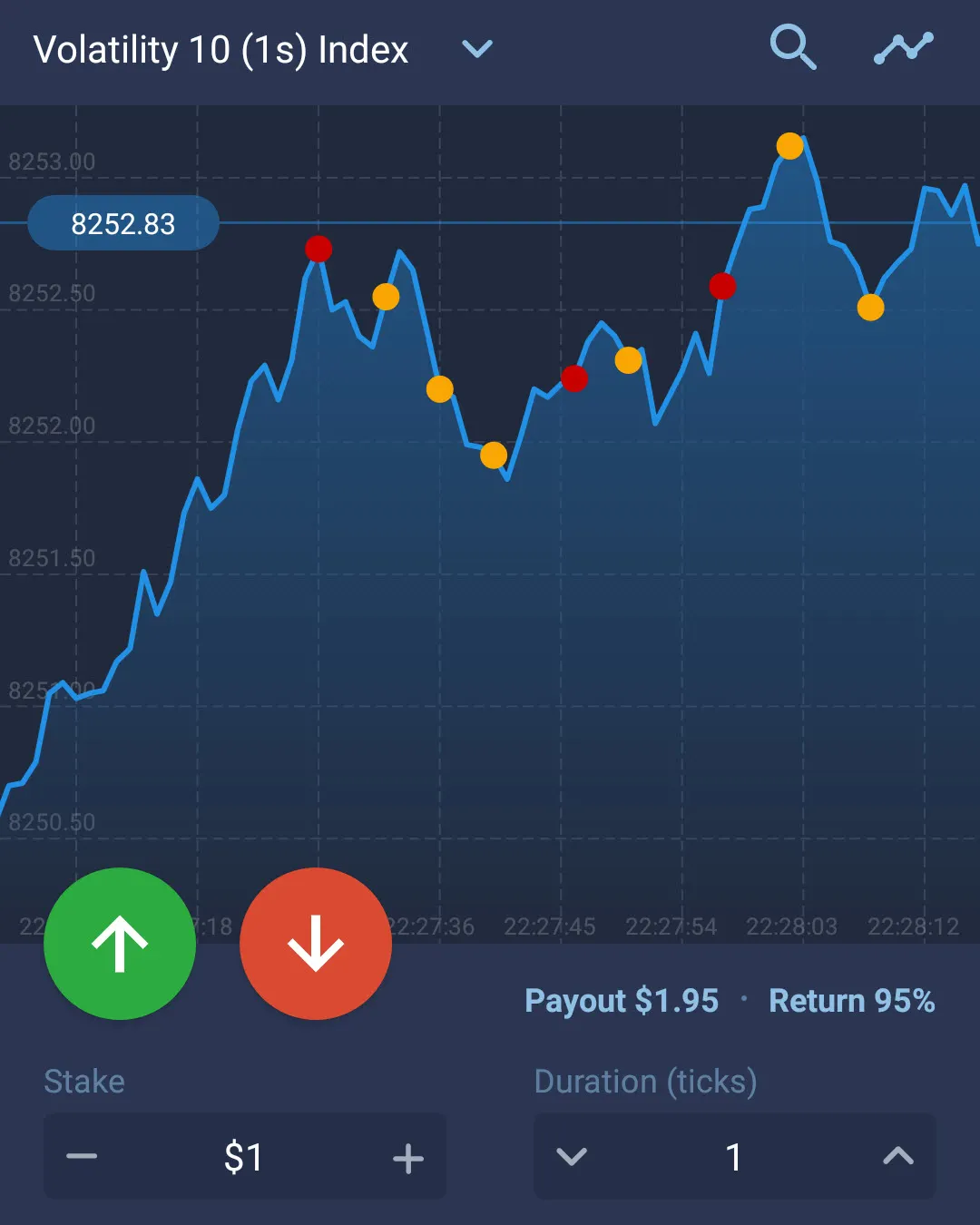
Just tap on the APPLY button to trade the signal and you will be taken to the asset chart. Note that trading a signal is NOT an automatic process, you have to wait for the signal to be triggered and then tap on the button with the green or red arrow to trade.

The signal shows you clearly which direction to trade. Trade in the direction of the big orange arrow.
Get BonusTrade’s stories in your inbox
Join Medium for free to get updates from this writer.
Be sure to set the Stake and the Duration (Ticks) before you trade a signal if you don’t want to use the default values of $1 and 5 ticks.

What is the best tick duration for Signals
Signals are traded for 10 ticks just so that you have time to jump in during the 10 tick count down.

For best results, it is best to follow the signal as closely as possible. This means getting in when the countdown is at 8 or 7 ticks. Your duration setting should match when you should “jump in” when the signal is live. That means when you are trading 5 ticks, get in when the countdown is at 5. Have your finger ready one tick before!
When to quit trading a signal
When you are trading a signal, you will find that signals really do fire frequently often within seconds. It’s easy to get carried away with the excitement.
You will notice that sometimes you will see a red X after a signal has fired and the solid orange arrow for the signal direction changes into an outline. This means that it is no longer safe to follow the signal as the prices have either made too big a move or is going in the wrong direction. So don’t trade those red X’s.

You will see that there is a real time live win rate update for the signal on the top left corner of the screen. When the win rate drops drastically, it’s time to quit. The signal/asset win rate will turn red when the win rate goes down.

Don’t worry, there’s plenty of fish in the sea. It’s time to go back to the leaderboard and trade another signal.
Practice makes perfect
You will find that it takes a few trades for you to get used to following the signals. Absolutely practice with your demo account first before trading for real.
Get your 7-day free trial
BonusTrade the full app can be downloaded here. BonusTrade Simulator is available from GooglePlay.
Signals is a premium subscription service available for a small monthly subscription. You get to try it for free for the first 24 hours after you first open the app. When the initial free trial time runs out, you can sign up for a 7-day free trial to check it out for yourself. If you are getting good results demo trading with Signals, you’ll cover your monthly subscription with just one win of a $10 trade!
Look out for a step-by-step guide on BonusTrade Signals coming soon!
Originally published at https://www.bonustrade.app on August 15, 2020.