I Built a Tiny Chrome Extension for One Annoying Problem


## Why a photo size limit pushed me to make something smaller than a website
I’m Chandan Singh. I run editpdf.tools, a set of free PDF and image tools that work in the browser. Our small team is based in India, and I live in Dubai. On 2 November 2026 we published our first Chrome extension. It does exactly one thing, and this is the story of why.
## The problem nobody talks about
If you have ever filled an online form for an exam, a job, an admission, a visa or a government service, you know this moment. Everything is filled in. Then the upload step says your photo must be under some size in KB, and your signature under another. Your phone photo is a few megabytes. The form says no.
The exact limits change from form to form, so you always have to check the notice for your own form. But the panic is the same everywhere. You are usually in a hurry, often close to a deadline.
So people search for a quick fix and upload their passport photo, their signature, sometimes a scan of their ID card, to the first website that promises to shrink it. Most people never think about where that file goes next.
That part bothered me more than the KB limit itself.
## We already had a web tool. Why an extension?
Our website has a Compress Image to KB tool that runs in the browser. It works well. But a website has to be found first. You search, you compare, you wonder which result is safe.
An extension removes that step. It sits in your toolbar, right next to the form you are filling. Click the icon, choose a JPG, PNG or WebP photo, type the size you need or tap 20, 50, 100 or 200 KB, click Compress and download a JPG that fits.
That is the whole product.
## What happens inside
I wanted the result to look as good as possible at the size you asked for, so the order of steps matters.
First, the extension keeps your photo at full dimensions and lowers only the JPG quality. It searches for the highest quality that still fits under your target.
If quality alone is not enough, it shrinks the dimensions a little at a time, to 85% on each step, and tries again until the file fits.
If you give it a JPG that is already under the target, it keeps the original as it is. There is no point in making a photo worse when it already fits.
Get Chandan Singh’s stories in your inbox
Join Medium for free to get updates from this writer.
If you give it a PNG with a transparent background, the transparent part becomes white, because JPG has no transparency. Many forms ask for a plain light background anyway, but it is worth knowing.
In our own test, a 4.6 MB photo came out at 49.8 KB with a 50 KB target, and at 18.4 KB with a 20 KB target.
## Why it asks for no permissions
When you install a Chrome extension, Chrome shows what it is allowed to do. Many extensions ask to read and change data on every website you visit. Some need that. This one does not.
Compress Image to KB requests no permissions at all. It does not read your tabs or your pages. It makes no network requests. We tested it and saw zero external requests. It stores nothing and collects no data. The photo is processed on your computer inside the extension, using the browser’s own canvas, and the result goes straight to your downloads.
It is built on Manifest V3, the current extension platform for Chrome.
I made these choices on purpose. If the whole point is to stop people from uploading ID photos to random sites, the extension itself has to be something you never need to wonder about.
## What it can’t do yet
I would rather tell you the limits than have you find them on a deadline.
It only outputs JPG. Most forms want JPG, but if yours asks for PNG, this is not the right tool.
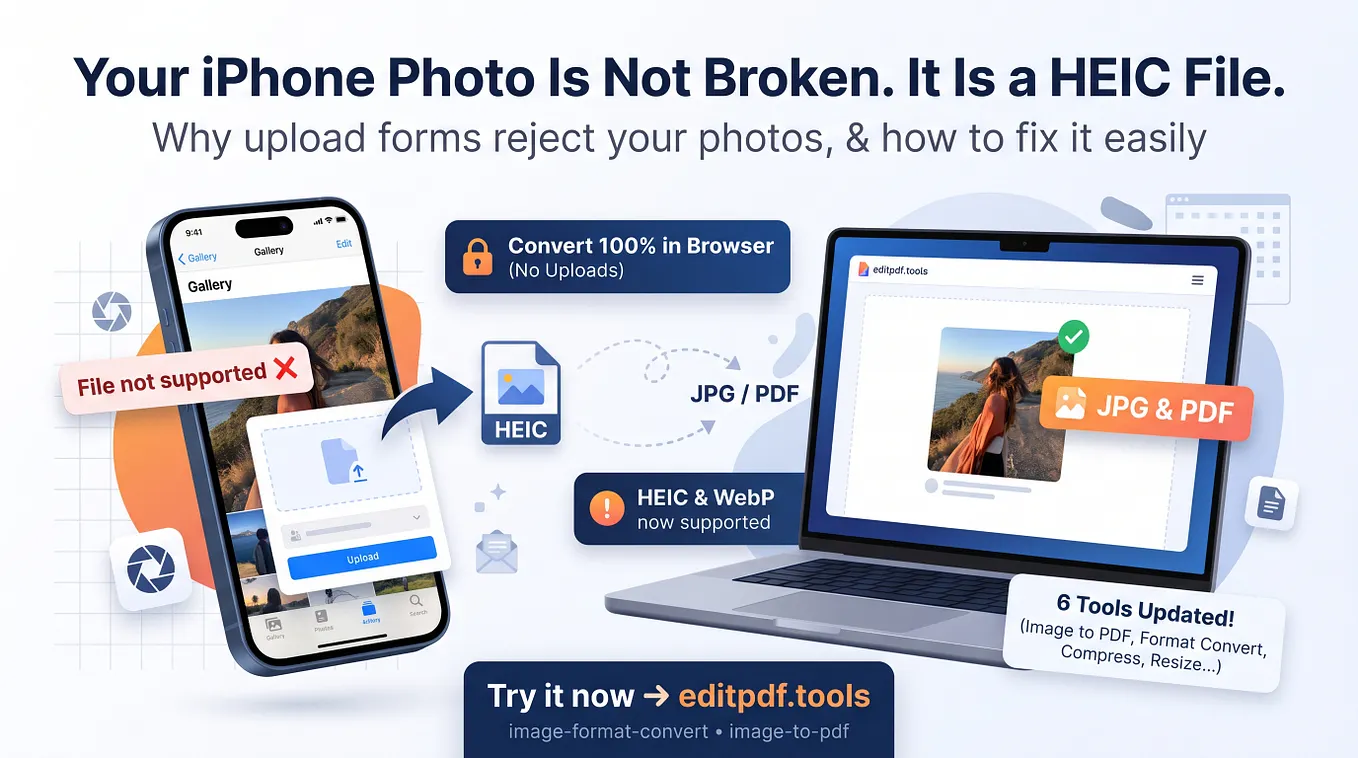
It does not open HEIC files, the default photo format on iPhones. For those, the extension links to our full web tool at editpdf.tools/compress-image-to-kb, which accepts HEIC and also runs in your browser.
Very small targets have a cost. If you ask for a tiny size from a big photo, the extension may need to shrink the dimensions a lot to get there. Always open the final file and check that your face or signature is still clear.
## It’s free, and I want your feedback
There is no signup, no watermark and no payment. It went live on the Chrome Web Store on 2 November, so there are no reviews yet and I am not going to pretend otherwise.
If you fill forms often, or help family members fill them, please try it on a real photo and tell me what happened. Was the output clear enough? Did a limit trip you up? What would you want it to do next?
You can install it here: https://chromewebstore.google.com/detail/komomnoldmjjidnobbmomnpmnhjelfdp
And if you are on an iPhone, the web version is here: https://editpdf.tools/compress-image-to-kb
Thanks for reading. Small tools for small annoying problems is a good way to spend a year.