Task description
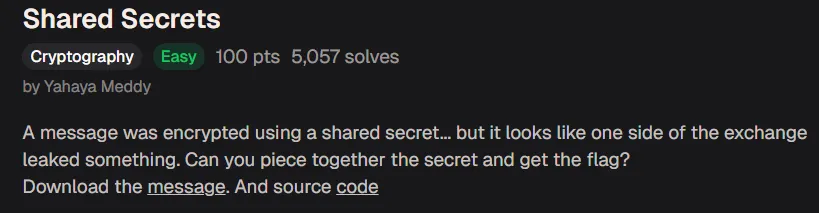
Jacky is not very knowledgable about the best security passwords and used a simple password to encrypt their BitLocker drive. See if you can break through the encryption!

Extracting and cracking the hash
In this task, we first need to extract the hash from the attached file (bitlocker-1.dd). This can be easily done with the command bitlocker2john -i bitlocker-1.dd > hash.txt. This will store the hash of the password used to protect the BitLocker drive in a file called “hash.txt”.

Now that the hash has been extracted, we can try to crack it with the “john” tool. This is easily done with the command john hash.txt --wordlist=<path-to-wordlist>. I recommend using rockyou.txt or similar wordlists.
Get ColdByte’s stories in your inbox
Join Medium for free to get updates from this writer.
After a while, you should see the following output:

Mounting the BitLocker drive
Now that we have cracked the password (jacqueline), we can mount the drive to find the flag! To mount the drive, please run the following commands:
- sudo mkdir -p /mnt/bitlocker
- sudo dislocker -V bitlocker-1.dd -u”jacqueline” — /mnt/bitlocker
- sudo mkdir -p /mnt/mountbitlocker
- sudo mount -o loop /mnt/bitlocker/dislocker-file /mnt/mountbitlocker

To access the drive, simply run cd /mnt/mountbitlocker.
Finding the flag
Here we see the file containing the flag:

The flag is: picoCTF{us3_b3tt3r_p4ssw0rd5_pl5!_3242adb1}
Clean-up
It’s always smart to clean-up after working with potentially malicious files. First, move out of the /mnt/ directory, then run the following commands:
- sudo umount /mnt/mountbitlocker
- sudo umount /mnt/bitlocker
- sudo rmdir /mnt/mountbitlocker
- sudo rmdir /mnt/bitlocker
That’s it! Thanks for reading!