Things I Wish I Knew Before Editing My First Videos


I still remember the first video I tried to finish on my own. It was not a film project or anything ambitious. I just needed something usable for study and maybe social media if it turned out decent. I thought I would drag a few clips onto a timeline, trim the awkward bits, add music, and call it a day. That did not happen.
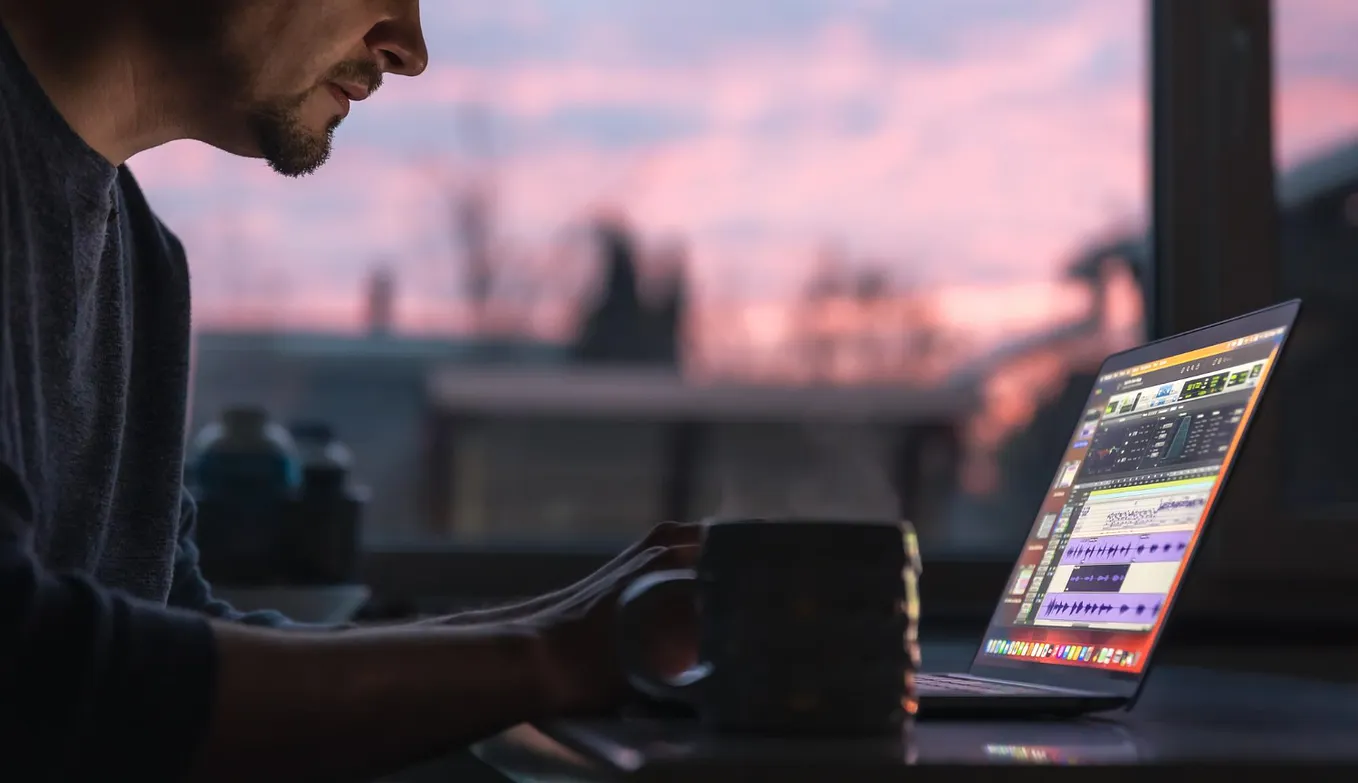
A few hours later, I was still stuck on the opening. I had already changed the clip order five times. The sound felt rough. The text looked huge on my laptop and weirdly small on my phone. I was tired, slightly annoyed, and already learning my first lesson about video editing: even short videos take longer than they seem.
When I first started looking up beginner video editing tips, I wanted shortcuts. I kept searching phrases like how to edit videos for the first time, hoping there was a hidden rule that would make the whole thing easy. What I needed was something less than that. I needed a basic idea of what matters, what does not, and what I could stop worrying about.
I Thought Editing Would Be the Quick Part
Before I tried to edit videos myself, filming looked like the hard part and editing looked like the part where you just clean things up after. I was very wrong.
Editing is where all the small decisions pile up. Which clip should come first. How long a pause should stay. Whether the music helps or distracts. Whether the title appears too early. None of this sounds huge, but all of it adds up.
My first time video editing felt painfully slow because I had no process. I clicked around, tried random fixes, undid them, watched the same seven seconds again, then moved a cut by half a second as if that would solve everything. I was not failing. I was just doing the normal beginner thing of trying to figure out ten jobs at once.
Once I understood that editing is mostly a chain of tiny choices, I felt less embarrassed about being slow. Speed came later. First, I needed to stop expecting myself to work like someone who had already done this a hundred times.
I Made the Same Beginner Mistakes Almost Everyone Makes
I also made a lot of the mistakes beginner editors make, and I made them fast.
The first one was overdoing effects. If the software had transitions, I wanted to use transitions. If it had motion titles, I wanted motion titles. If it had filters, I tried several in the same video. The result looked busy and distracted from the actual footage. I was trying so hard to make the video look edited that I forgot to make it easy to watch.
The second mistake was ignoring sound. Room echo, background noise, volume jumps between clips, music that is too loud under speech, all of that stands out fast. I spent way too much time fixing visuals before admitting the audio was what made the video feel off.
The third mistake was bad framing. I assumed I could fix everything later, but later has limits. If the subject is placed awkwardly, if a clip is too zoomed out, or if I filmed vertically when I needed horizontal, editing can only help so much. I learned that cropping is useful, but it is not magic.
The last mistake was trying to make the whole thing perfect. That one wasted more time than anything else. I would keep adjusting things nobody else would notice. A text box one pixel higher. A cut two frames shorter. Music starting a little earlier. Some of those changes helped. Most did not.
The Small Things That Actually Made My Videos Better
The biggest surprise was that the most useful fixes were basic.
Get ColeWool’s stories in your inbox
Join Medium for free to get updates from this writer.
A clean trim matters more than a cool transition. Putting clips in the right order matters more than adding ten effects. Audio that people can understand matters more than cool visuals. Titles that are readable on a phone matter more than titles that fly in from three directions.
That was probably the most useful simple video editing advice I got: fix the obvious things first.
Now when I start a video, I try to do it in stages. First I trim the clips. Then I put them in a rough order. Then I check sound. After that I add titles if I need them. Music comes later. Effects come last, and sometimes they do not come at all.
That small change gave me an easy video editing workflow I could repeat. It also helped me stop treating every project like a test of my talent. Most videos do not need to prove anything. They need to be clear, watchable, and done.
A lot of beginner video editing tips online make editing sound more technical than it felt in real life. My version was much less grand. I mostly needed to learn how to leave things alone once they were working.
The Tools That Felt Usable for a First Project
I also wish I had understood sooner that my first editing software did not need to be the last software I ever use. I put too much pressure on that choice.
For a first project, I think tools matter mostly in one way: they should help you start instead of making you freeze. Movavi Video Editor, Wondershare Filmora, CapCut, and iMovie all make sense to me in that early stage for different reasons, and none of them need to be treated like a miracle solution.
Movavi Video Editor felt direct when I wanted basic cuts, titles, music, and export without digging through too many menus. Wondershare Filmora gave me a similar feeling, but with a larger built-in set of visual extras if I wanted to test different looks. CapCut felt quick for social clips and short-form stuff, especially when I wanted to move fast. iMovie felt calm and readable, which helped a lot when I wanted fewer distractions.
What mattered most was picking an app, learning where the basic controls were, and making a few finished videos before switching again. Early on, too much comparison can eat the same time you hoped to save.
Good Enough Is a Real Finish Line
This is the part I wish someone had told me early: your first videos do not need to impress everybody. They need to be good enough to post, send, submit, or show to another human being without apologizing for every second. That standard helped me more than any effect pack or tutorial.
Once I stopped asking my videos to look advanced, I started making them more often. And making more videos taught me more than staring at one project for six hours ever did. Repetition did the work. Finishing did the work. Small improvements did the work.
So if you are in that stage where video editing feels weirdly slow and every cut makes you second-guess yourself, I get it. I was there too. I still have moments like that now.
But if you are learning, then a plain, watchable video is already progress. A finished video is progress. A video that does its job, even if it still has rough edges, is progress.
That was the biggest lesson for me. I did not need to start with impressive work. I just needed to start, make a mess, fix the obvious stuff, and keep going.