AWS & Azure: Audit your CIS Foundations benchmark compliance


Running a CIS benchmark audit across cloud providers shouldn’t require hours of manual setup or dealing with scattered policy scripts.
With Kexa, you can run a full compliance scan directly from your terminal containerized, automated, and ready in minutes.
In this guide, we’ll use Docker Compose to launch a Kexa scan locally and review the JSON output that reports your Azure & AWS account’s CIS benchmark compliance status.
kexa-io/Kexa: Kexa’s simple rules (Open Source)
Star us if you like the project ! ⭐
TL;DR
In this tutorial we will first set up a local environment to run Kexa, configure AWS credentials for the scan.
Then we will show how to run the CIS Benchmark audit samples for AWS or Azure, as well as understanding results.By the end, you’ll have a working local setup you can reuse across environments or integrate later into your CI/CD pipelines.
1. Setting up
✔️ Prerequisites
Before we start, make sure you have:
- Docker and Docker Compose installed
- An AWS IAM user or role with read-only access to the resources you want to audit
- Or/And Azure Service Principal with read permissions on your subscription (as well as permissions to read on entra id ‘Directory.Read.All’ & ‘Application.Read.All’)
- Your AWS credentials (
AWS_ACCESS_KEY_IDandAWS_SECRET_ACCESS_KEY) - Or/And your Azure credentials (
AZURETENANTID,SUBSCRIPTIONID,AZURECLIENTIDandAZURECLIENTSECRET)
📦 Setup
Clone the Kexa samples repository:
git clone https://github.com/kexa-io/kexa-samples.git
cd kexa-samples
Inside the repo, you’ll find a ‘samples/’ folder, in which there is multiple providers and rulesets. For this tutorial, we want to use the AWS or Azure CIS benchmark so we will work in the following directories :
cd ./samples/aws/check-cis-benchmark/cd ./samples/azure/check-cis-benchmark/Inside this, you’ll find few directories and configuration files. For this guide, we’ll focus on the main ones:
.
├── docker-compose.yaml
├── .env-sample
└── README.md
🔧 Environment Variables
The .env-sample file contains placeholders for the environment variables required by the scan.
Copy it and fill it with your AWS details:
cp .env-sample .envThen edit .env:
AWSPROJECTA_AWS_ACCESS_KEY_ID=XXXXXXXXX
AWSPROJECTA_AWS_SECRET_ACCESS_KEY=XXXXXXXXX
2. Running the scan
Once your .env is ready, you can launch the audit directly with Docker Compose:
docker-compose upKexa will start a container, connect to your account using the credentials you provided, and automatically begin evaluating your resources against the CIS Benchmark standards.
Get Kexa’s stories in your inbox
Join Medium for free to get updates from this writer.
Depending on the size of your AWS or Azure environments, the scan may take a few minutes.
3. Understanding results
By default, all results will be logged on standart output.
Refer to Viewing Results | Kexa Documentation to know more about output options.

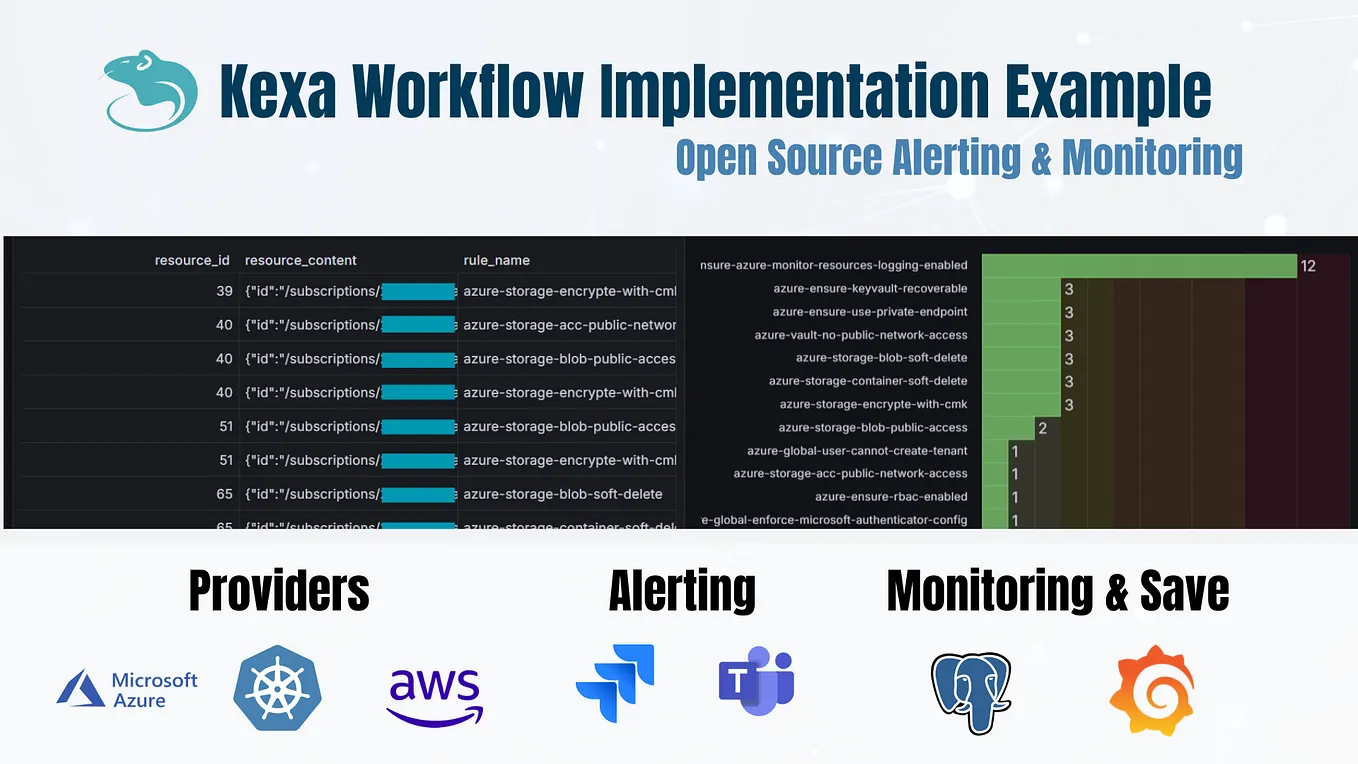
You will get for each provider and each rule, the resources that did not respect the CIS benchmarks.
Star us if you like the project ! ⭐
4. Additional links
Thanks for reading ! Here is a few more links if you want to know more or learn more about the Kexa project :
🚀 Kexa project :
Kexa script : kexa-io/Kexa: Kexa’s simple rules (Open Source)
Kexa website : Kexa — Open Source Cloud Security & Compliance Platform
Kexa documentation : https://docs.kexa.io/docs
💼 Our company :
Linkedin for news : https://www.linkedin.com/showcase/kexa
Contact us : contact@kexa.io
📢 Follow us on Medium for more tutorials, and LinkedIn for news !