Unreal vs Unity vs in-house engine


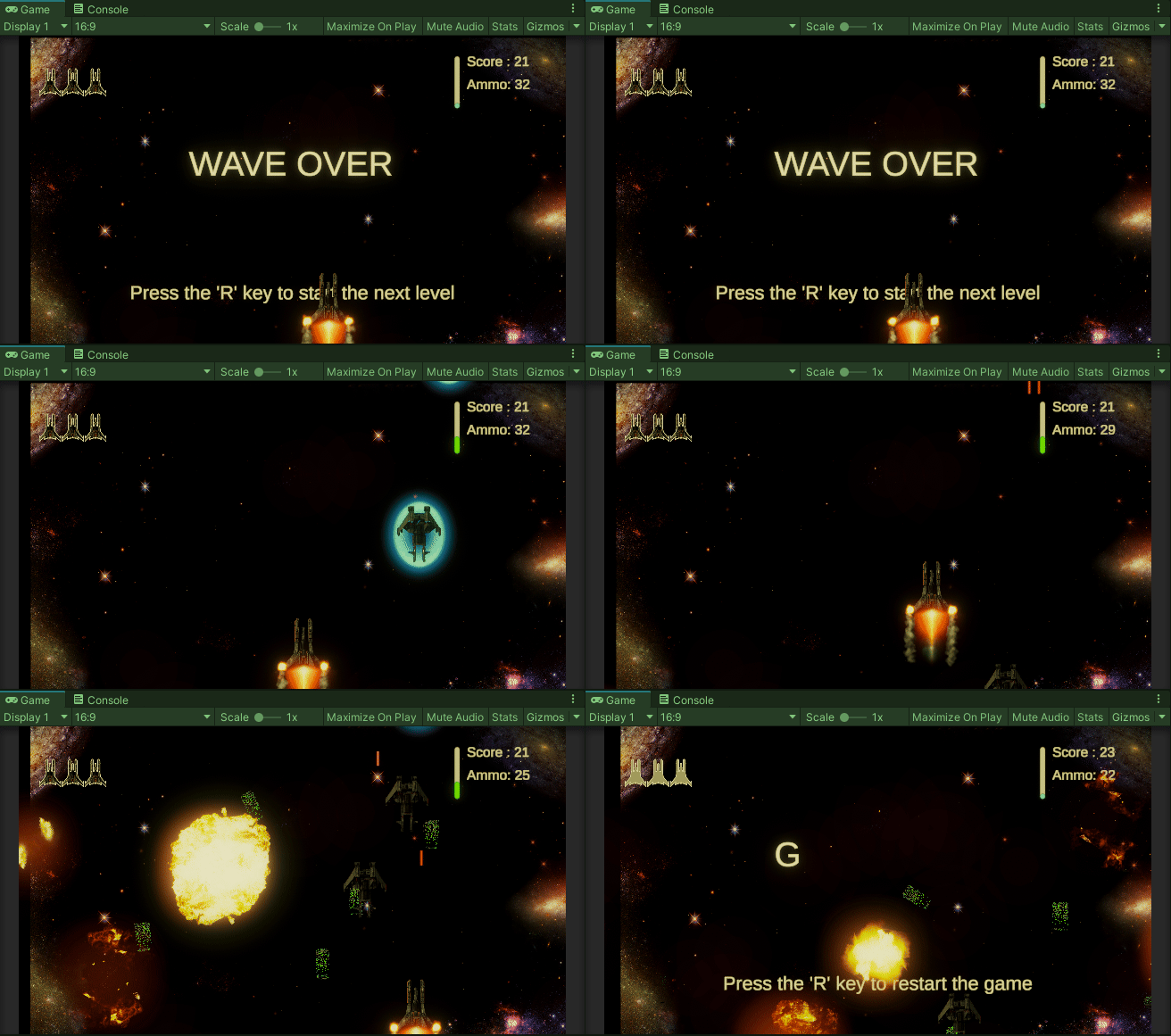
In my journey as a game developer, I had the incredible opportunity to create a game prototype called Skysis using three different engines. Skysis is an MMO game that’s all about flying airplanes and shooting down other planes. It features different game modes.
Skysis is unique in its gameplay, The game has two phases: planning and execution. Planning phase, players plan their next actions and choose a powerup to use. Execution phase, the game runs and all players’ commands are executed. The goal is to defeat the other players using strategy and the chosen powerups. The unique gameplay mechanism requires players to predict their enemies’ movements and plan their actions wisely, adding an element of strategy and excitement to the game.
In this article, I’ll share my experiences with each of the three engines I used to bring Skysis to life: Unreal Engine, a custom-made game engine, and Unity. We’ll explore the advantages and challenges of each approach, shedding light on the unique qualities of these engines and how they shaped the development of Skysis. So, let’s dive into the world of game prototyping and the creative journey that led to the creation of Skysis.
1: Unreal Engine:
Unreal Engine (UE) is one of the most complete engines you’ll come across. It gives you a fundamental framework to build your game, with rules and conventions that, if you follow, make the whole development process smoother. They’ve got some really well-thought-out stuff like the Player Controller, Game Mode, and Game State.
I initially fell in love with Unreal’s Blueprint visual scripting. It’s a game-changer when it comes to rapid prototyping. You get to see your ideas in action almost immediately, and that’s a huge benefit when you’re just starting. But as our project grew, so did our issues with Blueprint. They started to feel a bit like a headache, especially when dealing with complex stuff. So, I decided to write all the math functions in C++ from the get-go. It gave me more control and clarity, especially when handling intricate calculations and logic.
However, as the project kept expanding, moving more and more from Blueprint to C++, we ran into another problem — compile times. The time it took to compile the code was driving me nuts and it became a serious consideration in terms of project scalability.
One place where Unreal Engine really excels is in networking. It’s got everything you need for a multiplayer game, and it’s designed well. I tested it with less-than-ideal internet conditions, including lots of disconnections, but it held up like a champ.
Pros:
- Blueprint: It’s a fantastic tool for quick prototyping and fast feedback.
- Advancing networking: Unreal Engine offers an extensive suite of networking tools that are highly reliable.
- Gameplay framework: It gives you a structured approach to game development.
- Complete tools: Unreal Engine comes with a wide range of built-in tools and assets, saving you time on asset creation.
- Built-in services: It offers various services and features that make development smoother.
Cons:
- Compile time: Unreal Engine’s compile times can get painfully slow as your project gets bigger, affecting your workflow and patience.
- Editor crashes: While Unreal Engine is a powerful tool, stability issues can be frustrating, particularly with earlier versions. Frequent editor crashes can be disruptive during development.
2. Custom engine:
Creating game engines has always been a personal passion of mine because it’s an incredible way to dive deep into the very core of game development.
It all began when I watched a Naughty Dog video at E3, where they showcased how they optimized their game using fibers and multi-threading. I was so inspired that I couldn’t resist testing these techniques in a new game engine I created from scratch. Building a custom engine is no small feat; it demands a significant amount of time and effort. But the reward is that I could cherry-pick the features I loved from Unreal Engine, like its robust networking capabilities, while sidestepping the parts I wasn’t so fond of, such as Android export.
To compile the engine for different platforms, I used a nifty tool called fips, and I even crafted some of my own tools to convert textures and shaders, making them compatible with various platforms. Here’s where Basisu texture format came into play — it allowed me to convert textures into the most suitable format for the end user’s device, right at runtime.
During the development journey, I stumbled upon Beef programming, and it turned out to be a brilliant decision to implement it into my engine. Beef programming brought live coding to the table, enabling me to edit my code while the game was running. This feature significantly sped up gameplay and UI development. However, it does come with a drawback — my custom engine lacks a dedicated editor.
Get Ali Akbar Mohammadi’s stories in your inbox
Join Medium for free to get updates from this writer.
Pros:
- Flexible design: Building a custom engine grants unparalleled flexibility to tailor it to your specific needs.
- Live code editing: Beef programming introduced the incredibly valuable live coding feature, allowing real-time code changes while the game is running.
- Advanced networking: The custom engine inherited advanced networking capabilities inspired by Unreal Engine.
- Complete cross-platform tools: Tools like fips and Basisu texture format ensured smooth engine operation across various platforms.
Cons:
- Hard work and time-consuming: Developing a custom engine is a labor-intensive and time-consuming endeavor.
- Lacks editor: Unlike some commercial engines, my custom engine doesn’t come with a dedicated editor, which can make content creation and design tasks more challenging.
3. Unity:
My most recent experience was with Unity, and it felt like a sandbox compared to Unreal Engine. In Unity, you pretty much start from scratch and need to either code the functionality you want or hunt for third-party packages in their asset store. Initially, I was amazed at how much more work it requires to create something advanced in Unity compared to Unreal Engine, but for a Samurai everywhere is Japan 😁
One of the standout features of Unity, for me, was its C# scripting and how beautifully it integrates with their editor. Writing editor scripts and crafting custom editors within Unity’s editor was a breeze. In fact, I’d say that Unity’s editor is its real hero. It’s where the magic happens.
Exporting to various platforms in Unity was refreshingly easy, and the integration with continuous integration and continuous deployment (CI/CD), like GitHub Actions, worked like a charm. Unity’s compilation speed was a pleasant surprise, and I didn’t encounter any crashes while using its editor.
However, Unity’s dedicated server build posed a challenge. It consumed significantly more memory and CPU compared to Unreal Engine, and the networking capabilities fell short of what’s needed for an MMO game.
I should mention the Universal Render Pipeline (URP) and shader graphs, which provided me with more control over the rendering pipeline. This allowed me to create the specific visual effects required for my game, a feature that I found quite valuable compared to Unreal Engine. UE uses deferred rendering so you can not edit the rendering orders as I know.
Pros:
- C# scripting with fast compiling: Unity’s C# scripting and speedy compilation make development smoother and more efficient.
- Editor scripting: Crafting custom editors and writing editor scripts within Unity’s environment is a highlight of its flexibility.
- Scriptable Objects: Unity’s Scriptable Objects offer a versatile way to create, configure, and store data that’s accessible throughout the development process.
- Cross-platform works like a charm: Unity simplifies exporting to different platforms, and its integration with CI/CD systems is impressive.
Cons:
- High CPU and RAM usage for dedicated server builds: Unity’s dedicated server builds can be resource-intensive, which can be a concern for server stability and costs.
- Networking is not advanced enough: For complex multiplayer games like MMOs, Unity’s networking capabilities may fall short of what’s required for advanced synchronization and player interactions.

Conclusion:
In the journey of creating the Skysis game prototype, we ventured through three distinct game development landscapes — Unreal Engine, a custom-made engine, and Unity. Each engine offered its own set of tools, challenges, and opportunities.
Unreal Engine, with its comprehensive and well-structured framework, was a powerhouse for rapid prototyping, network optimization, and gameplay development. However, as the project grew, issues like compile times and occasional editor crashes made it clear that the path to perfection was not without its bumps.
The custom-made engine represented a unique endeavor, allowing for complete creative control. It was a canvas where I could explore my own ideas and experiment with advanced features. Live code editing and advanced networking were significant highlights. However, the absence of a dedicated editor meant that content creation and design tasks were more challenging.
Unity, with its C# scripting and user-friendly editor, felt like a playground for creative minds. The smooth cross-platform integration and rapid compilation speed made it a versatile choice for many projects. Yet, Unity’s networking capabilities may not meet the demands of complex MMO games.
In the end, the choice of an engine should align with your project’s scope and your own preferences. Unreal Engine, Unity, and a custom-made engine each have their merits and quirks. The journey of creating a game prototype is one of creativity, learning, and a fair share of problem-solving. It’s an adventure where you choose the path that best suits your game development aspirations. So, whether you’re navigating the vast capabilities of Unreal, building a custom engine from the ground up, or enjoying the flexibility of Unity, remember that each engine is a unique tool in your game development toolbox. Embrace the journey, learn from it, and bring your game prototype to life with the engine that fits your vision.