FIGMA

What is Figma?
Figma is one of the most revolutionary graphics editing apps, Figma taking over the design world by storm. What makes it so attractive is that it’s free to use.

Get Rana Fahad Ali’s stories in your inbox
Join Medium for free to get updates from this writer.
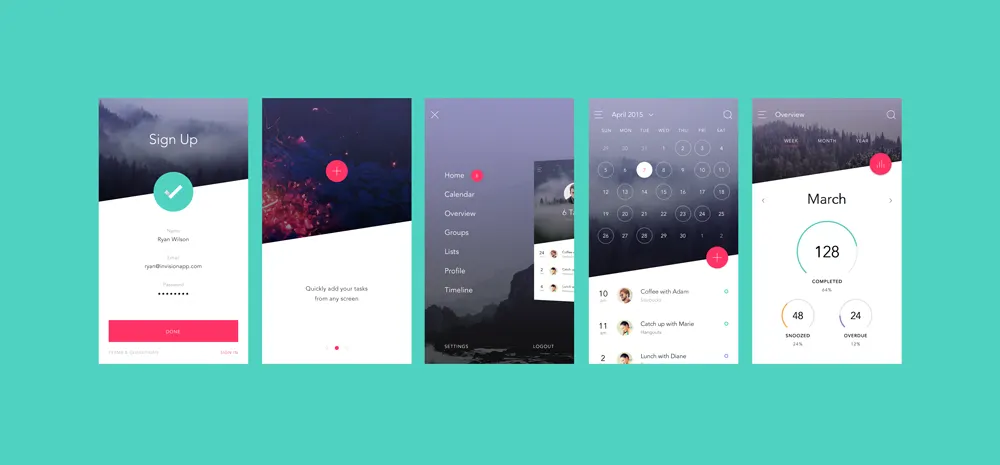
Figma is a web-based graphics editing app and user interface design app. You can use it to do all kinds of graphic design, designing mobile app interfaces, prototyping designs, crafting social media posts, and everything in between.
The reason why designers love the Figma app
Figma offers a generous free plan where you can create and store three active projects at a time. It’s more than enough for you to learn, experiment, and work on small projects.
How To Use Figma?
As we know, Figma is a web-based app. All you need to start using the app is a desktop computer or a laptop with a good browser and an internet connection. Then you can visit the Figma website to register a free account. And you can start working on your designs.

Figma is a beginner-friendly editor where you can create designs from scratch or use pre-made templates. There are plenty of resources for learning how to use Figma. But, the learning process will be much easier if you follow our recommended tutorials below.
Intro To UI Design Tutorials
Figma is a tool made for user interface design and prototyping for designers. Before moving forward, a basic understanding of UI design. It’ll help you to make the most of the free apps. The official Figma team has put together a series of courses to teach you the basics of Designing. It includes a dozen video tutorials with designing exercises.
Figma Basics Tutorials
https://www.figma.com/file/q9iggtZIt5LYqKS2C2SxAO/fooapanda
If you’re new to using web-based tools and UI designing apps, these tutorials will help you to get a basic understanding of how Figma works.
If you are not sure that Figma is the right tool for your needs and works, this guide will help you to understand the best features of Figma. It’ll help you decide whether you should invest your time learning this app or look for an alternative.
Figma Editor & Interface Tutorials
Understanding the editor interface and the tools palette is the key to making the most out of Figma. These guides and tutorials will help you get there much faster and easier.
Figma Design Systems Tutorials
Design systems allow you to create your component libraries and make things consistent with the design. Figma offers many tools for you to create designs. This comprehensive guide will teach you everything you need to know about creating design systems in Figma. It’s even available in video format if you prefer to watch instead of reading.
Figma Web Design Tutorials
https://www.youtube.com/watch?v=FK4YusHIIj0
It is easy to design a website on Figma. If we see any problem so we can watch the above-linked video and there are many videos on youtube
Does Figma add color swatches to Figma?
Add fills
Select layer(s) that you want to add.
In the Fill section of the right sidebar, click the icon to add a fill layer.
Figma will add a default Solid fill with a hex value of F2F2F2.
Selection colors include:
✅ Fills
✅ Strokes
✅ Solid colors
✅ Gradients (linear, radial, angular, diamond)
✅ Boolean groups*
Selection colors do not apply:
🚫 Images
🚫 Hidden fills
🚫 Masks