Atlas Copco Power Focus 6000 Open Protocol Communications Using C# Socket Programming

hello!
In this article I’ll be showing you how to communicate with Power Focus 6000 using Open Protocol from a Windows Form Application (I’m using Visual Studio)
As we know from the Power Focus 6000 manual book, Atlas Copco Open Protocol uses socket TCP communication. Controller as the server and integrator application as the client.
Message Structure
Communication between controller and integrator are using MID. What is MID? MID or Message ID is four digits number that represent the purpose of the message. For example when we sent MID 0001, that means we sent a connection request. MID detail explanation can be seen in Atlas Copco Open Protocol Specification Manual Book

Setup your controller.
- Set your controller IP Address
- Turn on open protocol and set port number. From home screen >> Virtual Station >> Open Protocol.

Now we have a configured server..
Create the Integrator Client.
Get Ading’s stories in your inbox
Join Medium for free to get updates from this writer.
Start a new windows form project.
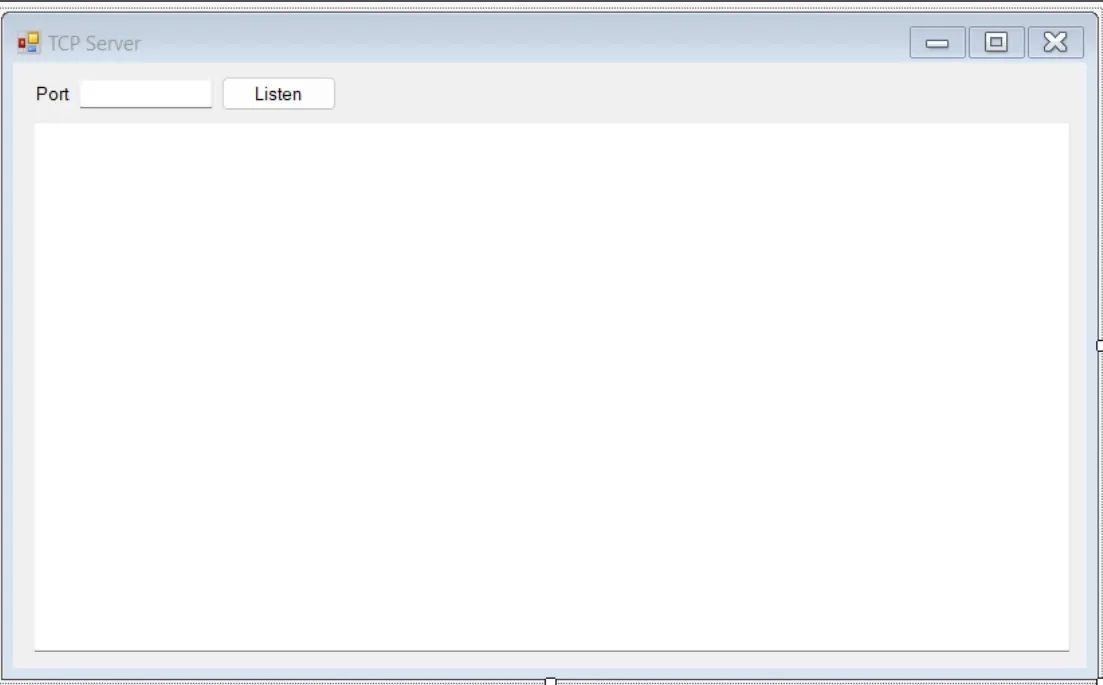
- Create layout for interface.

- Create the client.
- Create connection to the server (controller) and stream message from server.
- Create timer to refresh the connection because the controller has a communication timeout 15s.

Now we have receiver of this connection. Next steps, send command to the server.
- Send MID9999 (Keep Alive)
- Send MID0001 (Application Communication Start). When integrator send MID0001, controller will reply with MID0002 if connection success and MID0004 if connection fails.
- Send MID0060 (Subscribe Last Tightening Result). After integrator sent MID0060, controller will send tightening result real time after tightening, and integrator have to send MID0062 to keep the connection.
- Send MID0062 (Last Tightening Result Data Acknowledge)