Back to Basics II: Email Phishing Analysis

In this part 2 of the blog series, I’ll walk you through the essence of email analysis for phishing. This post includes challenges posted by TCM Academy SOC101 resources on YouTube. Before we get into the details, let’s quickly talk about phishing.
Phishing is a cyberattack where attackers impersonate a trusted person or organization to deceive individuals into revealing sensitive information, such as passwords or credit card details.
Phishing can take several forms, including:
- Vishing, where scams are carried out through phone calls.
2. Spear phishing, which targets specific individuals or organizations.
3. Whaling, which focuses on high-profile targets such as executives or CEOs. And a lot more...
In this blog, we are going to focus on email phishing analysis, mainly focusing on header analysis and content and attachment analysis.
How does email work:

SMTP is the protocol used to send and relay emails between mail systems.
MUA (Mail User Agent): Client used by the user to compose, send, and read emails (e.g., Outlook, Thunderbird).
MSA (Mail Submission Agent): Receives authenticated email from the user and prepares it for delivery.
MTA (Mail Transfer Agent): Routes and relays emails between mail servers using SMTP.
MDA (Mail Delivery Agent): Delivers accepted email to the recipient’s mailbox.
IMAP: Protocol used by clients to retrieve emails from the mailbox.
Get Hariharan’s stories in your inbox
Join Medium for free to get updates from this writer.
Email headers record the path, metadata, and authentication of a message. From: shows the claimed sender. Return-Path: shows the actual return address. Each Received line shows the server hop from sender to recipient. SPF, DKIM, and DMARC verify sender legitimacy and integrity.
SPF (Sender Policy Framework):
SPF is an email authentication method that specifies which mail servers are authorized to send emails on behalf of a domain. It works using a DNS TXT record that lists permitted IP addresses or mail servers. When an email is received, the receiving server checks the sender’s IP against the SPF record to verify legitimacy.
DKIM (DomainKeys Identified Mail):
DKIM ensures the integrity and authenticity of an email by adding a digital signature to outgoing messages. This signature is generated using a private key, while the corresponding public key is published in the domain’s DNS records. The receiving mail server uses the public key to verify that the message has not been altered during transit.

DMARC (Domain-based Message Authentication, Reporting, and Conformance):
DMARC builds on SPF and DKIM by defining how receiving servers should handle emails that fail authentication checks. It requires alignment with SPF or DKIM and allows domain owners to choose a policy such as monitoring, quarantining, or rejecting failed emails. DMARC also provides reporting, enabling organizations to monitor email abuse.

Header Analysis:
We are going to use nslookup/ dig to see SPF/DKIM/DMARC records.

SPF Analysis:
nslookup -type=TXT example.com | grep -i spf
dig TXT example.com | grep -i spf

SPF record contains these at the end, which means:
-all → Fail (reject email)
~all → SoftFail (accept but mark suspicious)
?all → Neutral (no policy enforcement)
+all → Allow everything
DKIM Analysis:
nslookup -type=TXT s1._domainkey.example.com
DKIM uses asymmetric encryption, so the public key can be checked on MXToolbox or using our own terminal with the above command.

IOCs from an email: Content and Attachment Analysis
For quicker analysis, we can utilize the DidierStevensSuite’s “eioc.py” Python script to extract essential header details. This will give all the essential details for us to go through instead of manually looking at headers, but we can still see the SPF and DKIM in the headers and move forward with eioc.py to continue the investigation.

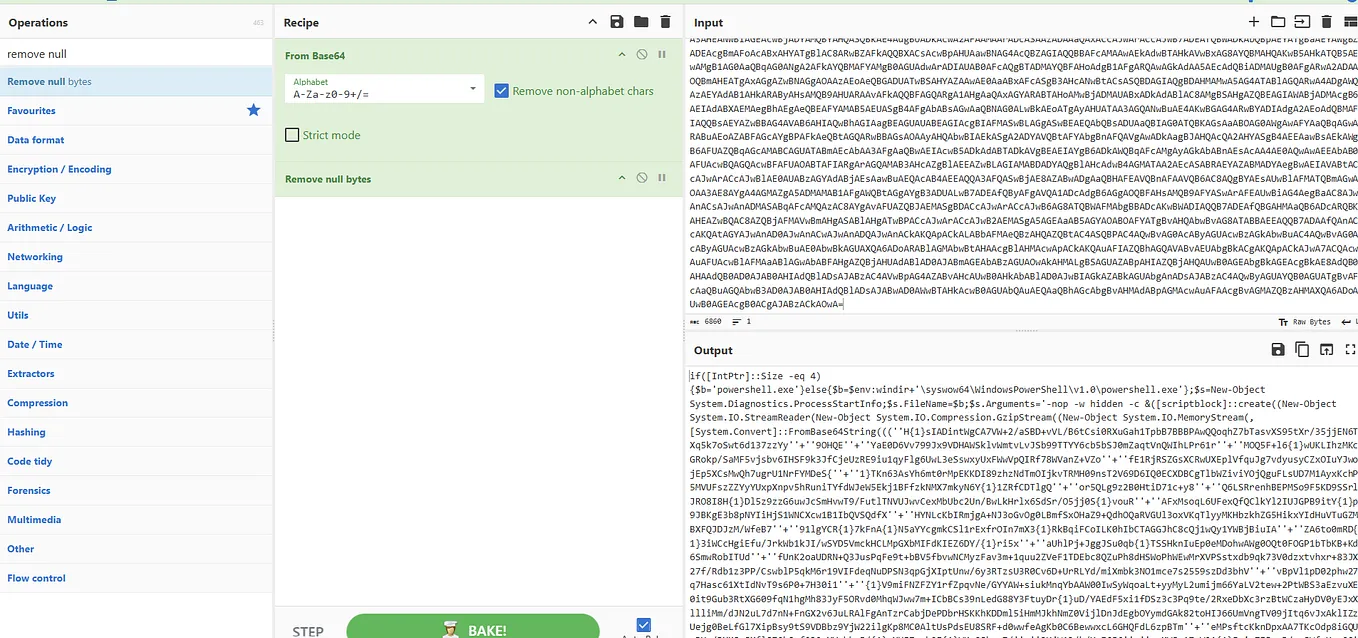
Oledump.py is also a script that can be used to get the info of macro files attached in the email.

So, to get the macro-enabled script inside this document file, we can use the ‘vbadecompresscorrupt’ filter to get the script and move forward with the analysis.


From here on, we can start our endpoint level investigation and M365-level investigation for compromised users, and check network connections, downloads, parent-child processes, and complete the investigation.
Until next time! Cheers!
Resources:
Thank you TCM Academy and the author of these python tools ‘Didier Stevens’.
https://youtu.be/56NDgBOSpUg?si=c8flRFaZoTDKMfDb