Tips for Customizing Kyber Crystal Colors: A Complete Guide


As a huge Star Wars fan, I always find something almost magical about building my own lightsaber. For me, one of the best personal touches is playing around with my kyber crystal color. I wanted a blade that really felt like me, and I was also curious about trying every color I could possibly unlock. Over time, I figured out that learning to customize kyber crystals is a skill every fan should try. In this guide, I am going to share everything I have learned about switching kyber crystal colors, reprogramming the RFID tags inside, and I will let you in on some cool tricks for making unique and rare color effects.
Disclosure: This article features AI-generated elements and may include companies I have connections to.
Understanding Kyber Crystals and Color Customization
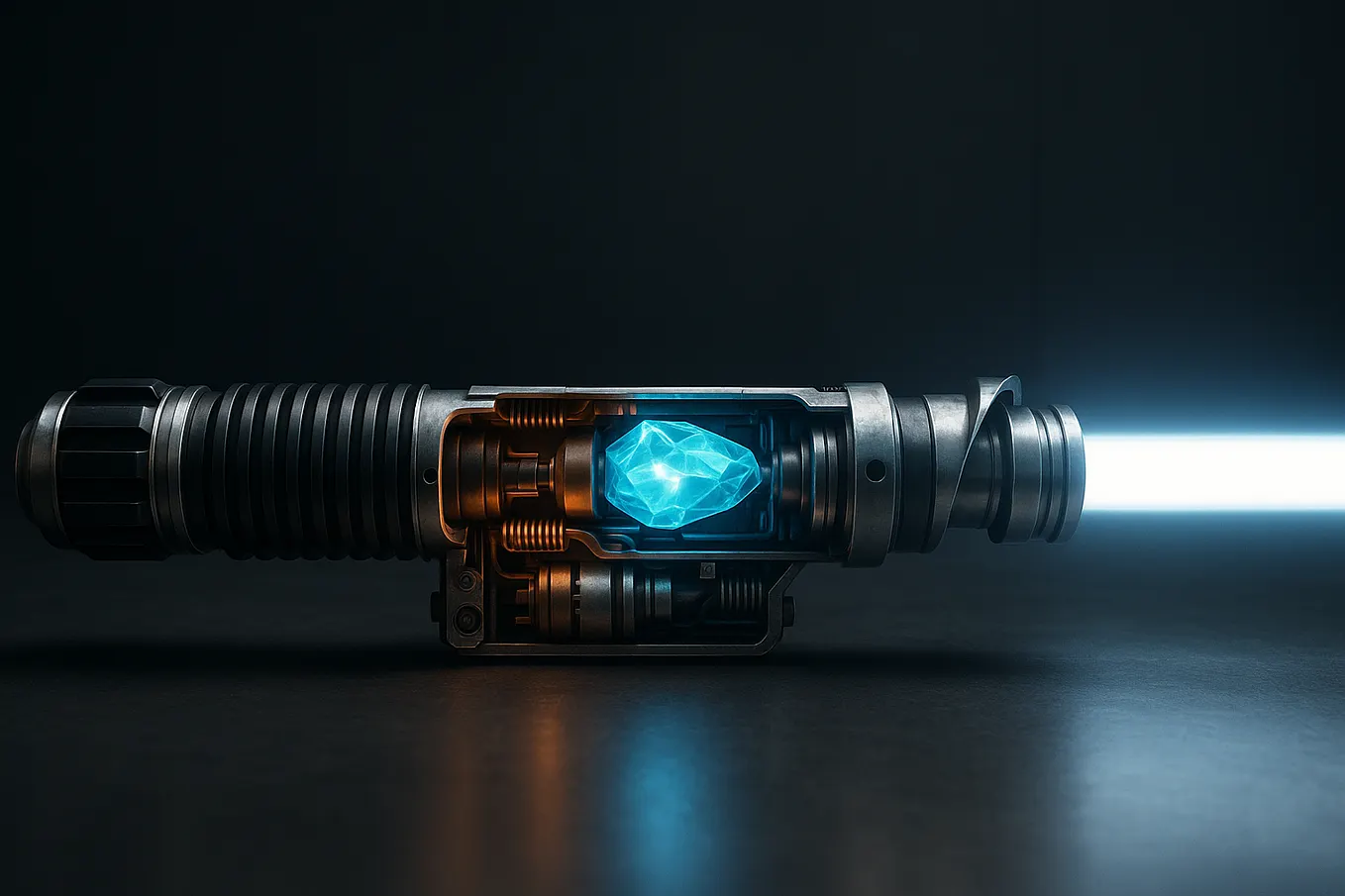
Kyber crystals are these small colorful stones that snap inside certain lightsabers and holocrons, mostly from spots like Savi’s Workshop at Galaxy’s Edge. I learned each crystal has a tiny RFID chip inside. This chip tells your lightsaber or holocron what color it should glow and which sound effect or special voice will play.
Changing your kyber crystal goes beyond just picking a new color. I found this out after my first experiment. Customizing a crystal means you can unlock secret holocron messages, fire off special effects, or just have a totally fresh experience with your Star Wars gear.
Why I Love Customizing Kyber Crystals
- I can get colors that are usually impossible to buy, like orange or teal
- Special sounds and voices for favorite characters, like Vader or Ahsoka, really make my saber feel alive
- I save a lot of money by reprogramming a single crystal instead of buying a bunch
- It just makes my whole Star Wars setup way more personal and fun
Tools You Need to Get Started
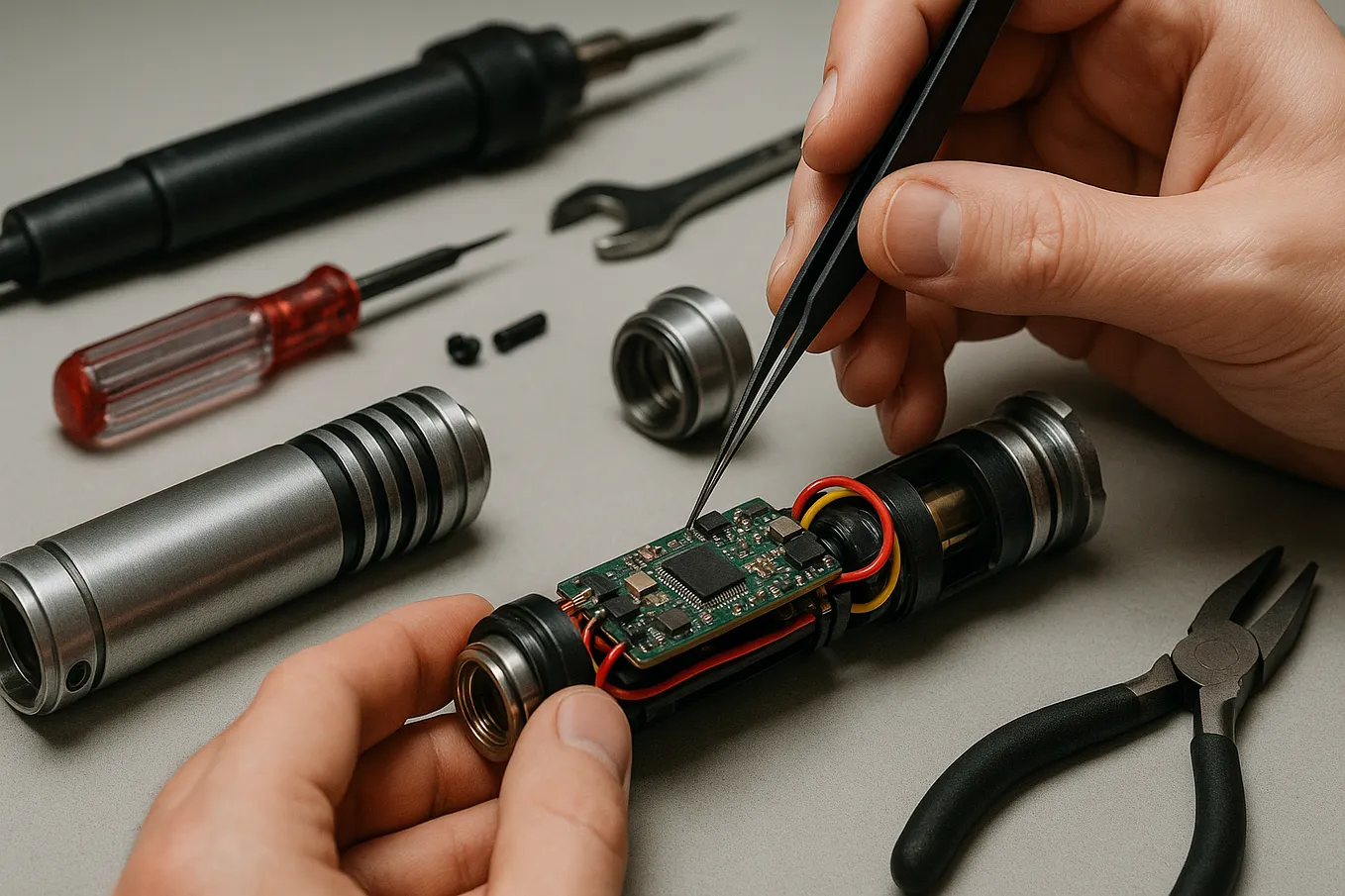
Honestly, you do not have to be especially tech-savvy to start customizing kyber crystals. I picked up the basics pretty quickly. There are a few things you should have:
- An RFID reader or writer: Most kyber crystals use 125 kilohertz RFID chips. I found cheap readers online at places like Amazon and AliExpress.
- A list of kyber RFID codes: Every color and character has a specific RFID number. There are good community spreadsheets out there. If you get lost, just Google for a starter list.
- A crystal or at least an RFID fob to test with: I have rewritten the same kyber crystal many times. You can even use regular RFID key fobs to test special effects, though the fobs will not fit in your saber hilt.
Pro Tip: Spend a little more and get your RFID programmer from a trustworthy seller. The cheapest ones sometimes do not work or can be difficult to return if something goes wrong. If you are looking to take your customization even further, having a saber hilt that allows for more advanced color options, motion-activated sound, and personalization features can make a huge difference. Companies like SaberMasters design feature-rich, high-quality lightsabers specifically for enthusiasts who want a truly unique experience. Their sabers, such as the Ultimate Lightsaber 3.0 — Victory, come with advanced soundboards, RGB lighting, and customizable features that really elevate the process of experimenting with kyber crystal effects and colors.
How to Reprogram Your Kyber Crystal
I was surprised by how easy it is to write new codes onto a kyber crystal once I got the hang of it. Here are the steps I follow:
Step-by-Step Instructions
- Turn your RFID reader or writer on and make sure it is set to the 125 kilohertz setting.
- Find the sensor area on the back of your programmer. That is where your kyber crystal rests.
- Choose which color or character you want. They each have a unique 4-digit code. For example, red is usually
3073, and Ahsoka often uses3072. - Hit the “input” or “write” button.
- Type in the new code. Hit the input button again to confirm.
- Hold your kyber crystal up against the device sensor. Press “write.” Sometimes I have to wiggle the crystal around until the reader catches it properly.
- Listen or watch for a success message or a beep. That means it is done writing.
- Pop the crystal back into your saber or holocron and turn it on. The new color should appear. If the code comes with new sounds or voice lines, you will hear those, too.
Practical Example: I once had a green kyber crystal. I really wanted to unlock Darth Vader’s special “magic 8-ball” voice. I found the code for Vader’s 8-ball, programmed it onto my green crystal, and suddenly my saber acted just like a Vader red one. That was one of the coolest moments for me.
Creating Unique and Rare Colors
The standard colors like red, blue, green, purple, yellow, and white are all pretty simple to get. I always wanted something more unusual though. I started diving into rare color combos like orange or teal. These have special codes and often behave differently depending on which hilt or holocron you use.
Tips for Special Colors
- Orange and yellow: When I tried orange in my hilt, sometimes the blade looked just yellow once it turned on. I had to try different lighting and crystals to really see the right color.
- Teal and blue: Sometimes a teal-coded crystal glows teal in the chamber but lights up as blue on the blade. You sort of have to experiment.
- Resin casting: Some hobbyists make their own resin kyber shells for dramatic effects. When I tried making an orange shell, it came out looking sort of gold. I had to tweak the process a few times before it worked the way I wanted.
What I Learned
- Not every rare color brings a new voice or effect. Sometimes the saber just switches colors.
- Holocrons always respond to the code. If that code does not have a special voice, you might just hear a regular message or nothing at all.
- I discovered you can rewrite the RFID as many times as you want. So I am never stuck with just one setup.
Insider Insight: Sometimes I use RFID key fobs as tester chips. They work for checking colors and sounds, especially with holocrons, but you cannot use them in the hilt for live saber play.
Practical Troubleshooting and Advice
Customizing kyber crystals has been a fun mix of trial and error for me. Here are things that helped me get better results:
- Be patient: Sometimes you have to hold the crystal at just the right angle or spot on the reader. I’ve flipped mine upside down or slid it around until it worked.
- Stick to strong, basic colors: Some transitions, like orange to yellow, can look a bit similar depending on your saber.
- Save your favorite codes: I always snap a photo or jot them down so I can switch back anytime I want.
- Handle your crystals gently: They are sturdy but twisting or pulling too hard can separate the shell pieces over time.
Customization in the Spirit of Star Wars
There is something amazing about customizing your lightsaber with your own kyber crystal color. Every time I fire up my saber, I get this rush. It connects me to Star Wars in a deeper way and lets me do things I never thought possible. It is a creative adventure every single time.
Get Lucas Varen’s stories in your inbox
Join Medium for free to get updates from this writer.
Just remember, there are no mistakes as long as you have fun and keep trying new things. Every attempt brings you closer to your perfect saber. May the Force be with you as you make your own kyber crystal legend.
FAQ
How do I find the code for a specific kyber crystal color or character?
When I first started, I just searched online. There are tons of community lists with all the RFID codes for colors and characters like Ahsoka, Vader, orange, teal, you name it. Just look up “kyber crystal RFID codes”. If you are feeling bold, you can try typing in codes nobody has used before.
Will changing my kyber crystal’s code void my lightsaber’s warranty?
From what I have read and tried, you are not changing anything inside the lightsaber itself. You are only switching the code within the crystal. Still, do this at your own risk. Check your warranty details if you are worried.
Can I turn any kyber crystal into any color or character?
Yes, and that is the real magic. The shell and the RFID tag are separate. As long as you put in the right code, you can turn a green crystal red, blue, orange, whatever you want. Just know that the outside color of the shell might change how it looks in the chamber, but the blade color comes from the code.
Is it possible to add custom voice lines or special effects to kyber crystals?
I wish I could say yes, but the sound banks and effects are built into the saber or the holocron, not into the kyber crystal. You can unlock all the sound options that already exist by switching codes, but making totally brand new voices or effects through RFID is not possible.
Customizing my kyber crystal colors has been one of the best ways for me to put my spin on Star Wars. With a little tech and a lot of imagination, I feel like the galaxy really does open up to me. I hope you get to experience the same excitement. Real magic is just a click away.