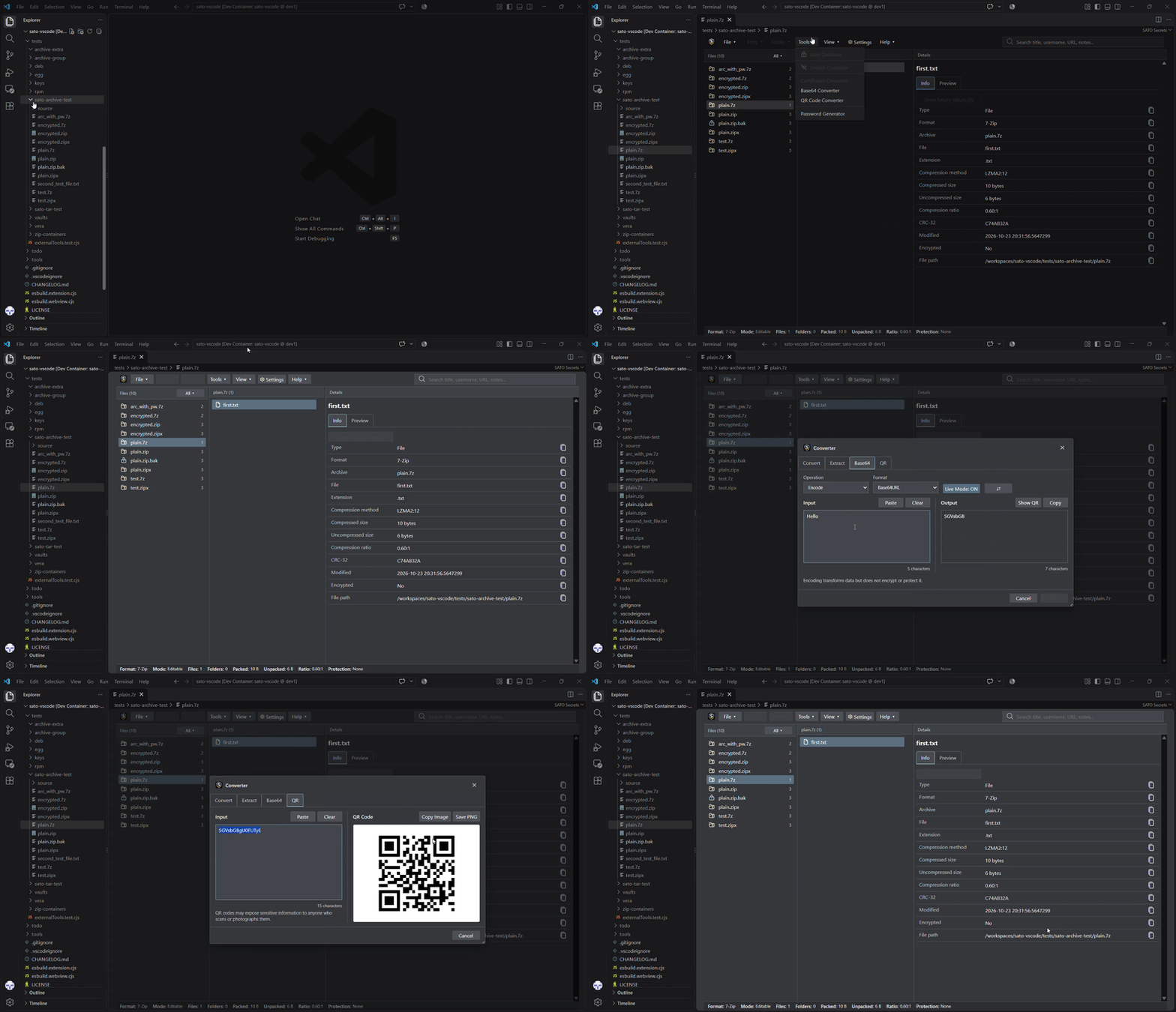
VS Code-compatible extension for browsing crypto files/vaults
Tired of using different command-line tools for different crypto files and password databases, I built a VS Code extension to keep everything inside the editor.

It allows to browse and inspect crypto files/vaults with a single UI.

Current features:
• Browse:
• password vaults (.kdbx, .psafe3, .ibak, .1pif, .bcup)
• secure containers and keystores (.p12, .pfx, .jks, .jceks)
• Inspect:
• certificates, keys and signatures (.crt, .cer, .der, .pem, .key, .csr, .p10, .p7b, .p7c, .p7s, .p7m)
• SSH, PuTTY, OpenPGP, and AGE files (.ppk, id_rsa, id_ecdsa, id_ed25519, .gpg, .pgp, .asc, .sig, .age)
• Detect certificate duplicates
• Generate secure passwords
• View certificate chains and metadata
Get Marcus Aprelius Antoninus’s stories in your inbox
Join Medium for free to get updates from this writer.
Project goals:
• Replace multiple command-line tools with a single UI (in progress)
• Support additional cryptographic formats, wallets, and containers (planned)
• Add functionality such as conversion, export, and other utilities (planned)
Many thanks in advance for your overview and constructive feedback.
P.S.:
Please use test files and non-production data when evaluating the extension, as bugs and unexpected behavior may still occur.
[Release 0.4.0] [Release 0.3.0] [Release 0.2.0]
[GitHub] [VSCode Marketplace] [OpenVSX Registry]
© 2026 Marcus-Aprelius