How to Create an Acapella from a Song from Most Reliable Software?

Input Song :
Output Song : (Isolated Vocals)
Creating an acapella from a song is nowadays easier and more effortless. There are many online and free applications available through which users can create an acapella from a song. However, most of the software is not reliable as it stores user data privacy in the cloud.
Get Photo Tech’s stories in your inbox
Join Medium for free to get updates from this writer.
We have tried and tested many applications, considering factors such as reliability, ease of use, pricing, and learning curve.
Pixbim Acapella Maker AI is most reliable, efficient and affordable software to create an acapella of a song.
How to create an acapella from a song using Pixbim Acapella Maker AI?
Here are the simple steps to create an acapella.
Step 1: Download Pixbim Acapella Maker AI
Start downloading and installing Pixbim Acapella Maker AI.
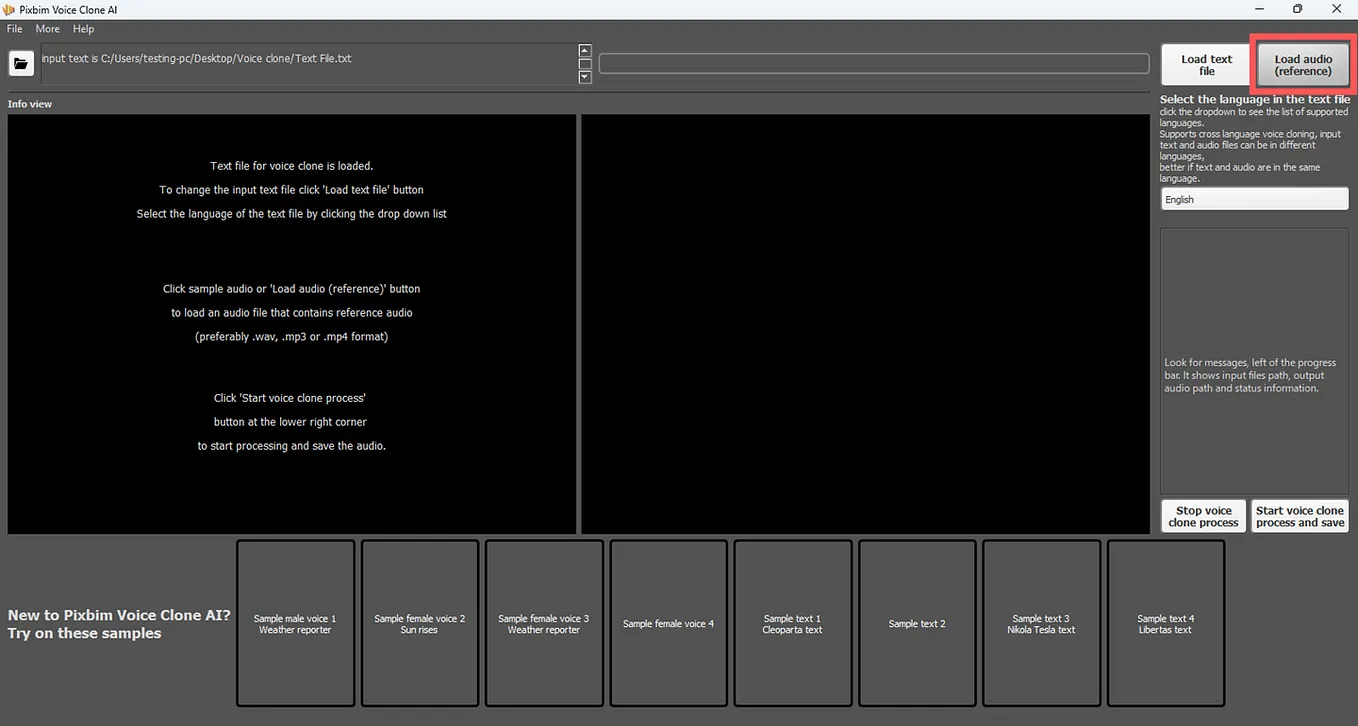
Step 2: Load Audio
Start ‘Load Audio’ button and load the input song.
Step 3: Start vocal isolation process
Click ‘start Processing Audio and Save’ button and initiate vocal isolation process.
Step 4: Access the output
Access the output which is isolated from a song.
Conclusion :
With this few steps, user can create an acapella from a song effortlessly. Pixbim Acapella Maker AI can also isolate vocals, drums, bass, piano and guitar.