A useful tool to obtain news from HuffPost

HuffPost, the Huffington Post, is an American multilingual online media. It started operation on May 9, 2005 as a news reporting and commenting platform. In 2012, The Huffington Post became the first commercial online media to win the Pulitzer Prize and has become the most representative online news website.
Introduction to the scraping tool
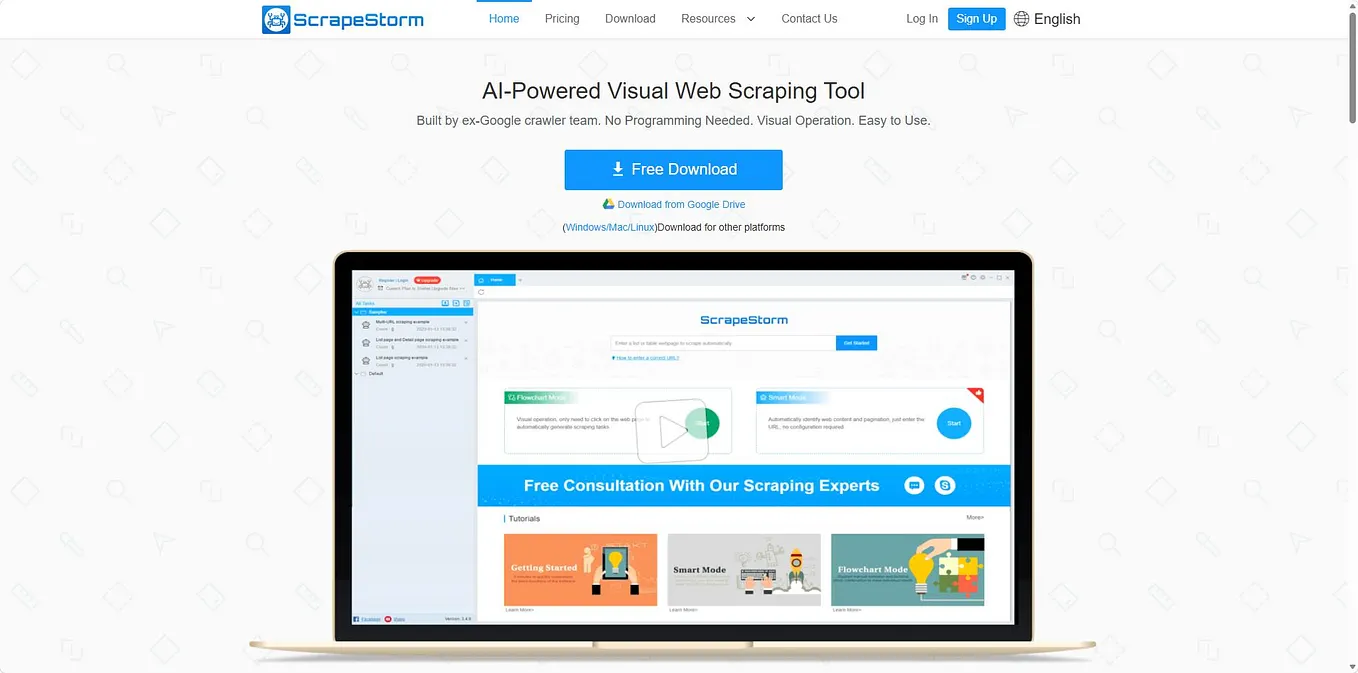
ScrapeStorm is a new generation of Web Scraping Tool based on artificial intelligence technology. It is the first scraper to support both Windows, Mac and Linux operating systems.
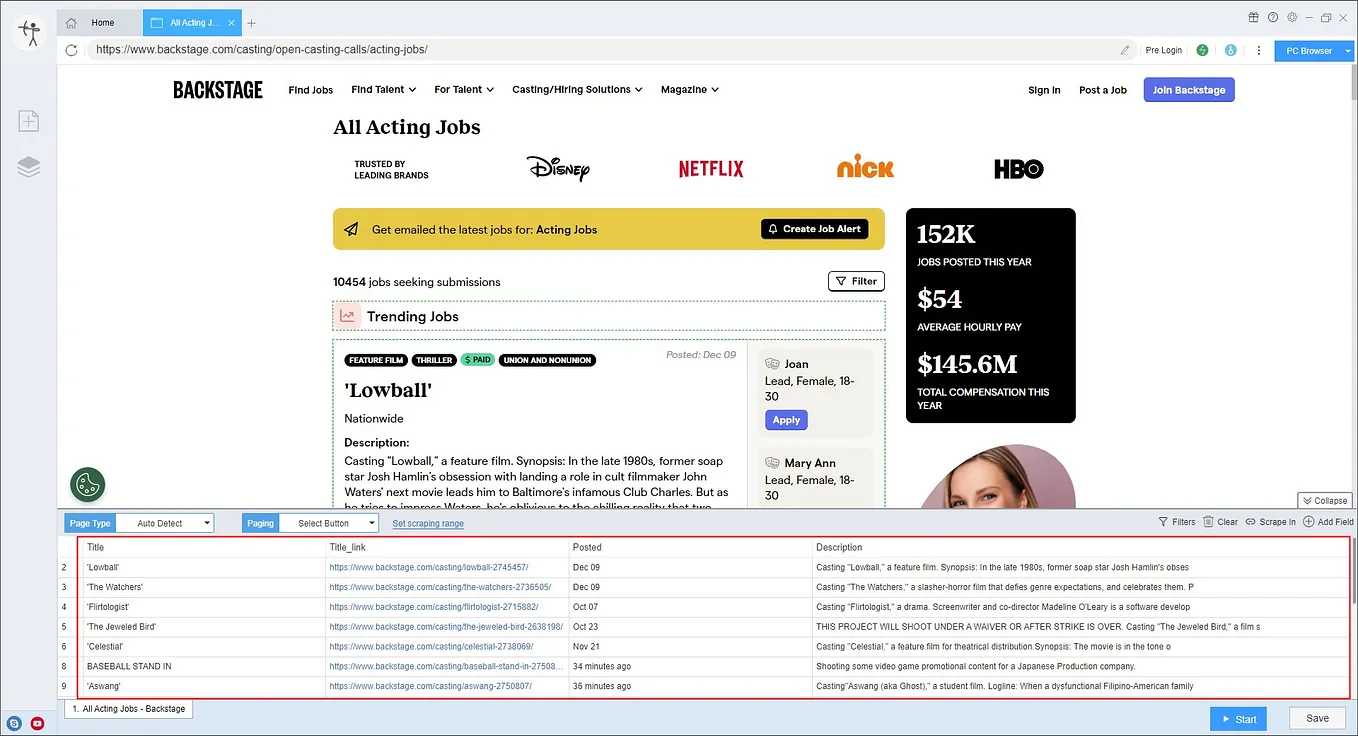
Preview of the scraped result
Export to Excel:

This is the demo task:
https://drive.google.com/file/d/166FCejoiz5_4LA9A9LVxLhOYW5uOoa7E/view?usp=sharing
1. Create a task
(1) Copy the URL

(2) Create a new smart mode task
You can create a new scraping task directly on the software, or you can create a task by importing rules.
How to create a smart mode task
How to import and export scraping task

2. Configure the scraping rules
Get ScrapingCat’s stories in your inbox
Join Medium for free to get updates from this writer.
Smart mode automatically detects the fields on the page. You can right-click the field to rename the name, add or delete fields, modify data, and so on.

3. Set up and start the scraping task
(1) Run settings
Choose your own needs, you can set Schedule, IP Rotation&Delay, Automatic Export, Download Images, Speed Boost, Data Deduplication and Developer.
How to configure the scraping task

(2)Wait a moment, you will see the data being scraped.

4. Export and view data
(1) Click “Export” to download your data.

(2) Choose the format to export according to your needs.
ScrapeStorm provides a variety of export methods to export locally, such as excel, csv, html, txt or database. Professional Plan and above users can also post directly to wordpress.
How to view data and clear data