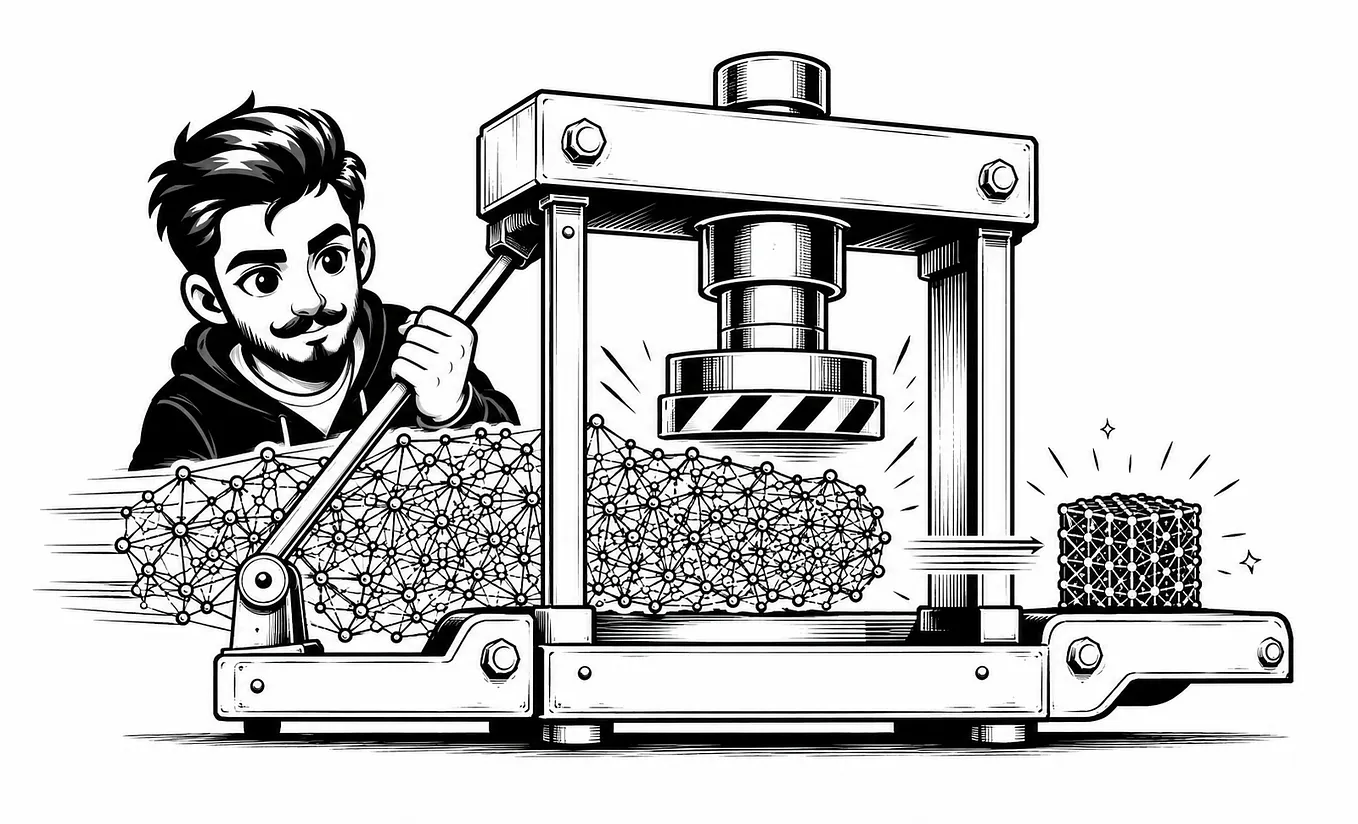
Stuff to know before engineering a harness around a model


1. The Origin
The term was coined by Mitchell Hashimoto (co-founder of HashiCorp, co-creator of Terraform). He described a habit of engineering a permanent fix into an agent’s environment every time it made a mistake, calling this “engineering the harness.” Within weeks OpenAI and Anthropic published their own engineering articles expanding the idea, and the term stuck, gaining mainstream attention when OpenAI published a Codex-related article on the topic in early 2026.
It caught on because it named something engineers were already doing without a word for it and it filled a gap the earlier two disciplines didn’t cover: neither prompt engineering nor context engineering addresses what happens when an agent runs autonomously for hours, making hundreds of decisions without supervision.
1.1 Evolution of Engineering
i) Prompt Engineering: The focus was on the input language — wording, structure and examples in a single exchange.
What you say to the modelii) Context Engineering: manages how much information the model can see at once: which documents to retrieve, how to compress history, what fits in the window.
What the model can seeiii) Harness Engineering: builds the entire world the agent operates in: tools, knowledge sources, validation logic, and architectural constraints that determine whether an agent can run reliably across hundreds of decisions without human supervision.
The world the agent operates inPrompt engineering solved wording, context engineering solved the information bottleneck, and now harness engineering addresses autonomy, accuracy, and control once models are set loose to act on their own.
2. The Core Idea
The whole field distills to one equation: Agent = Model + Harness. Harness engineering treats the core LLM as a frozen utility and shifts responsibility for safety, execution accuracy, multi-step orchestration, and adaptive memory from the model to the host application’s infrastructure.
Put more simply: a raw model is not an agent. It becomes one only when a harness gives it state, tool execution, feedback loops, and enforceable constraints. Harness engineering builds the infrastructure around these models to make them reliable.
Using a CS analogy, the model is the CPU, the context window is RAM, the harness is the OS and the agent is the application. The harness manages context, coordinates tools and handles failures.
Why Harness Outweighs the Model Choice
A study from Stanford and Tsinghua University found that the same underlying model can produce performance gaps of up to 6x depending on how the agent wrapper — the harness, is designed. The model stayed constant. Only the scaffolding changed.
The way an agent behaves under test conditions versus messy production traffic is what the harness is designed to tackle.
The models have become commoditized today. The model is no longer the competitive advantage but the system around the model determines whether an agent succeeds or fails in production.
3. Production-Ready Harness Components

i) Tool interfaces: controls access to external systems. Implemented using MCP servers, bash execution, browser automations, filesystem, APIs etc. The actions the agent can take: Bash, Read, Write, Edit, Web Search, Browser.
- Filesystems- used for durable storage and context management. Agents can interface with real data, offload information off the context and persist work across sessions.
- Git- git gives files versioning, rollback, and a shared surface for multi-agent coordination.
- Bash and code execution- the models can design its own tools on the fly via code instead of being constrained to a fixed set of pre-configured tools.
- MCP- The Model Context Protocol. The standard interface for connecting the harness to external tools, data sources, and services beyond its built-in toolset.
ii) Context pipelines: supply information that the agent reasons over. Implemented using CLAUDE.md, .claude/rules/, schemas, retrieved docs etc.
iii) Guides/Skills: feedforward constraints that steer the agent before action. These are proactive controls that shape what the agent does. Implemented using .claude/skills/, system prompts, session instructions, rules files, tool definations etc.
- CLAUDE.md / AGENTS.md — project-level rules, build commands, forbidden patterns
- System prompts — role definitions, output format constraints
- Skills / reference docs — on-demand knowledge loaded when relevant
- Tool definations — what tools exist, their parameters, when to use them
- Task specs — per-task instructions (goal, requirements, acceptance criteria)
- Architectural constraints — file structure rules, API contracts, schema definitions
iv) Sensors: feedback controls that validate after action. These are reactive controls that catch mistakes. Implemented using Hooks (PreToolUse, PostToolUse), linters, test suits, evals, output parsers etc. Hooks/Middlewares are used for deterministic execution.
- Computational sensors (deterministic) — linters, type checkers, formatters, test suites, syntax validators
- Inferential sensors (LLM-based) — semantic code review, output quality scoring, drift detection
- Hooks — PreToolUse and PostToolUse that block dangerous actions with exit code 2
- Evals — automated grading of agent output against expected behavior
UI automation — browser-based verification that the app actually works
v) Memory: durable state across sessions. Implemented using MEMORY.md, session memory, shared notes, vector stores etc.
Get pranamya’s stories in your inbox
Join Medium for free to get updates from this writer.
vi) Sandboxes: safe execution environments. Implemented using Docker, E2B, Firecracker, permissions allowlist and network isolation etc. They also unlock scale as environments can be created on demand and torn down when the work is done.
vii)Orchestration: multi-agent coordination, subagent spawning, handoffs, model routing. Implemented using session management, task boards, worktrees etc.
- Subagents- The ability to spawn specialised agents for subtasks and merge their results back into the main thread.
viii) Permissions: What the agent can and cannot do. Implemented using settings.json allowlists, tool-risk ratings, YOLO mode, human-in-the-loop triggers etc.
- Guardrails- Safety controls that block irreversible actions like deleting data, sending messages, making purchases without human approval.
ix) Observability: Monitoring and debugging agent behaviour. Implemented using session peak, SSE real-time events, token tracking, traces, error rates etc. Tells you what the agent did, how long it took, and exactly where it failed.
4. Specific failure modes it targets
Anthropic’s own research named several failure modes that live in the model but get fixed at the harness level:
- Victory declaration bias: agents marking a task complete without actually verifying the outcome.
- Context anxiety: as the context window fills, models “panic” and rush to finish, cutting corners to avoid running out of space.
- One-shotting overreach: agents trying to solve an entire problem in one pass, producing an undocumented tangle of changes.
None of these are solved by a better prompt. They’re solved by structural changes: forced checkpoints, sprint-sized task decomposition, external verification before a task can be marked “done.”
5. The Ratchet Principle Coined by Addy Osmani
When an agent produces a bad output, diagnose which harness component failed.
- Agent didn’t know a rule? → Add it to CLAUDE.md (guide)
- Agent knew the rule but violated it? → Add a hook to enforce it (sensor)
- Agent lacked information? → Add a skill or MCP server (context pipeline)
- Agent used a dangerous tool? → Restrict permissions (guardrail)
- Agent’s context was polluted? → Use a subagent for isolation (orchestration)
- Agent crashed and nobody noticed? → Add monitoring (observability)
6. Requirements for Long Horizon Autonomous Execution
A good harness must be able to achieve tasks that span across multiple context windows.
- Filesystems- Filesystems durably capture work to track progress over time. Long tasks require to be offloaded into files to be resumed from. Multi agent systems use filesystems as a shared space for collaboration.
2. Git- Git allows agents to speed on the latest work as well as provides access to the history of the project.
3. Ralph Loops/Ralph Wiggum technique- Normally, long agent sessions suffer from what Huntley calls the “malloc/free problem”-reading files, tool outputs, and conversation history acts like allocating memory, but there’s no way to selectively release it. Ralph loops sidestep this entirely. Progress doesn’t persist in the LLM’s context window. It lives in your files and git history. Each iteration:
- Agent reads a task list / PRD (requirements doc) + a progress file from disk
- Picks one unfinished task
- Implements it, runs tests
- Commits to git
- Exits (or hits context limits)
- A brand-new agent instance spins up, reads the same files, picks the next task — repeat
The PRD defines the end state, the progress file tracks what’s done. Claude reads both on each loop iteration, finds the next unchecked item, implements it, and updates progress.
4. Planning and self-verification- Planning happens when a model decomposes a goal into a series of steps. This can be stored in a plan file whose context can be injected with good prompting and reminders. After completing each step, the work is validated against self-verification.