Building a Student’s Second Brain: The AFFiNE Capture–Annotate–Review Method


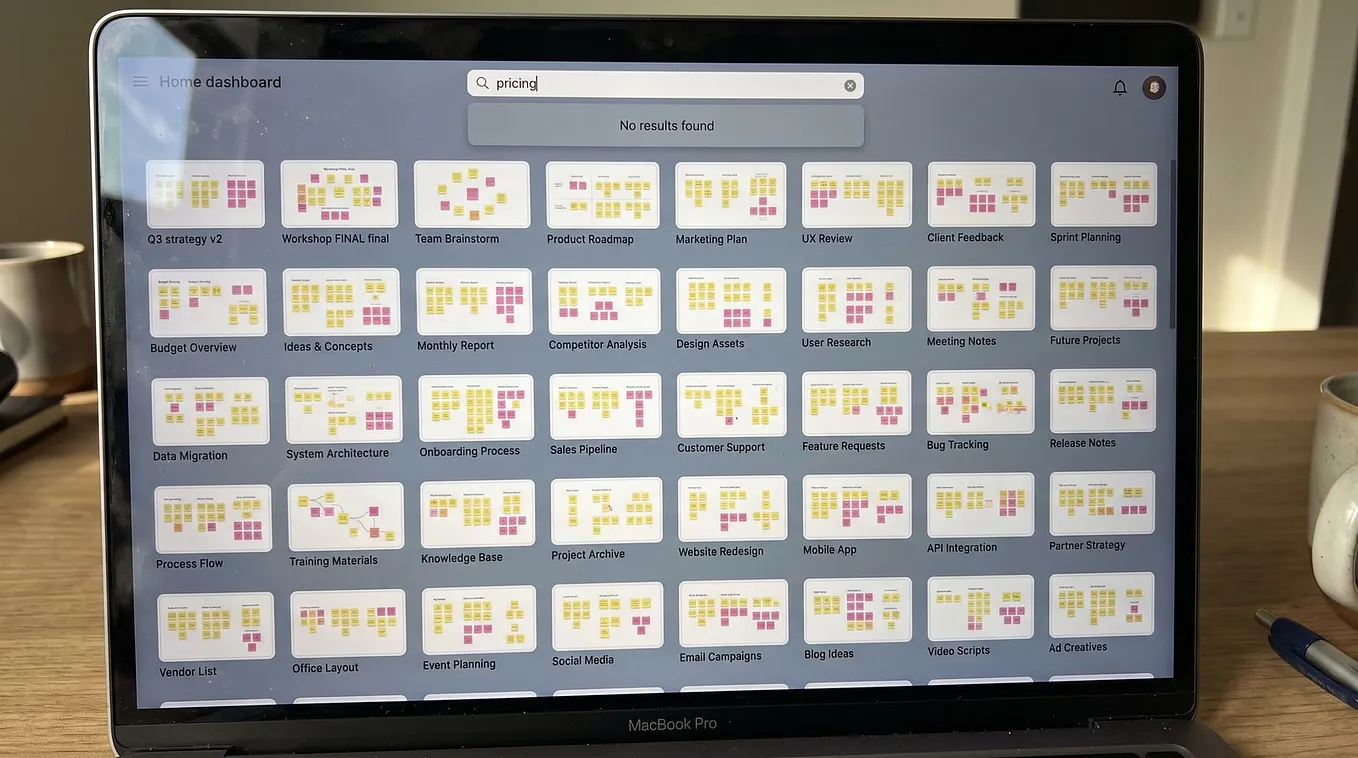
Many students struggle with an endless stream of lectures, PDFs, readings, and constant notifications. Information floods in from every direction, and trying to memorize it all with sticky notes, unfinished documents, and scattered screenshots quickly leads to chaos — and lost productivity.
The “second brain” concept isn’t just a buzzword — it’s becoming essential. Think of it as a digital extension of your mind: a trusted system to capture ideas before they vanish. This is personal knowledge management (PKM) at its best. With the right workflow, you can reduce mental clutter, organize your thoughts, and improve focus.
One approach built on proven learning techniques is the AFFiNE Capture–Annotate–Review Method. It helps you cut through information overload by systematically capturing insights from lectures, organizing them through annotation, and reinforcing them through review. The result? A reliable system that supports you from first idea to final exam.
AFFiNE Capture–Annotate–Review Method

The AFFiNE method offers a modern approach to note-taking. Rather than focusing on speed or superficial highlighting, this personal knowledge management (PKM) workflow emphasizes structure — a process that brings order to scattered thoughts.
Here’s how it works:
- Capture: Every idea, question, or reference — no matter how brief — gets recorded immediately. This minimizes the chance of losing valuable insights to sticky notes or scattered apps.
- Annotate: Each captured piece is analyzed, highlighted, and paired with your own voice. Margins hold not just quotes but personal reactions, critiques, and connections.
- Review: Notes aren’t left forgotten in digital clutter. They’re revisited and refined, transforming short-term jottings into long-term understanding.
This student-focused workflow doesn’t just collect information — it builds a connected archive shaped by your habits and need for clarity. Scattered notes become organized knowledge, always ready for essays, exams, or creative projects. With consistency, academic organization shifts from a chore to a source of confidence — one you control on your own terms.
Step 1: Capture — Collecting Academic Inputs Efficiently
Every semester, information comes at us from all sides — professors sending lecture notes, classmates sharing research articles, late-night “lightbulb” moments written on napkins. It’s chaotic. Students who rely solely on their memories to store knowledge will eventually forget things. The smart ones? They use a digital inbox — a place where every passing thought, every textbook quote, and every intense class discussion can be stored immediately.
How to Capture Academic Inputs Efficiently
Here are some effective ways to capture academic inputs:
- Lectures: No more piles of paper. Record concepts digitally as soon as you hear them.
- Readings: Take photos of key points from textbooks or PDFs directly into your capture notes.
- Discussions: Write down insights from your peers before they fade away into yesterday’s noise.
- Research articles: Save abstracts and diagrams while browsing — don’t rely on memory; rely on your inbox.
Consolidation isn’t optional; it’s survival. By pouring raw inputs into one digital bucket, I killed the monster of fragmentation. Nothing slips through cracks. Later, when my mind’s foggy and deadlines glare at me, that organized trove becomes my secret weapon — no hunting, no panic. This method isn’t just smart; it’s ruthless in its efficiency. Every academic gem lands where it belongs — from brainwave to byte in seconds.
Step 2: Annotate — Engaging Deeply with Content
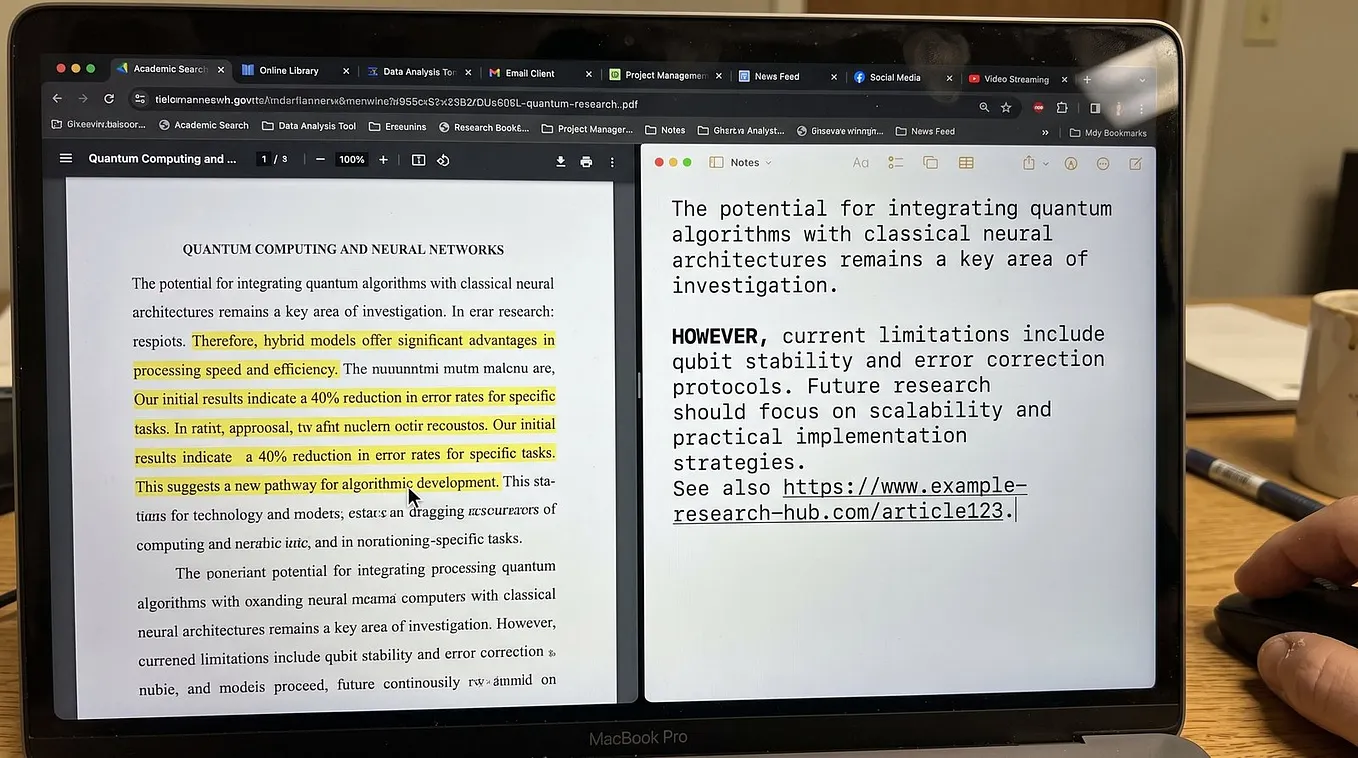
Annotation techniques are a cornerstone of effective learning. When I began improving academically, I discovered the impact of active reading — using annotation not as decoration, but as a way to extract meaning and engage with the text.
Here’s how I approach annotation:
- Highlighting: I don’t highlight everything. I mark key arguments, essential formulas, and pivotal phrases. This turns a plain page into a structured map, guiding me through what truly matters.
- Summarization: After highlighting, I add concise margin notes — sometimes reflections, sometimes critiques. My thoughts come alive on the page: “Why is this important?” “This explains X!” “Author overlooks Y.”
- Personal reactions: Annotation is interaction, not observation. Questions, ideas, or insights appear the moment they come to me, ensuring I stay connected to the material.
AFFiNE’s annotation feature mirrors this approach. It’s built to do more than store notes — it filters out distractions and captures what’s essential. Each annotation transforms fleeting information into something meaningful — a lasting mental framework, not just ink on a page.
The result? My notes stop being static and start becoming tools I return to with purpose. That’s the value of annotation — it turns scattered ideas into organized knowledge, always ready to be revisited.
The outcome? My notes evolve from lifeless records into sources of inspiration when I revisit them. That’s the power of annotation — it turns knowledge from disorganized noise into a vibrant melody ready to be revisited.
Step 3: Process — Organizing and Rephrasing for Long-Term Retention

Clarity is crucial for managing class notes effectively. Without proper organization, information becomes a collection of forgotten facts. I remember my first semester — I stacked pages and digital files like a squirrel hoarding nuts, but when midterms hit, my knowledge was scattered across ten folders and three apps. Thematic grouping is the only solution to this problem.
1. Thematic Grouping
Every idea has its place. Instead of randomly storing your notes, cluster them based on specific criteria:
- Topic
- Question
- Assignment
Use formatting techniques such as bold headers, indents, or color-coding to create a clear structure in your workflow. For example, when studying for biology finals, I grouped everything related to “Cellular Respiration” into one comprehensive folder: diagrams, professor jokes, even stray YouTube video tips.
2. Paraphrasing Notes
Simply copying information is not enough to truly understand it. Instead, take the time to rewrite the material in your own words. This process of paraphrasing will help you internalize the concepts better.
When rewriting, aim for simplicity and clarity. Replace complex terminology with everyday language that you would use when explaining it to a friend. For instance, I transformed quantum mechanics into “bizarre probability games played by particles that dislike being pinned down,” which made it much more comprehensible for me.
Don’t let your notes sit idle on your devices. Bring them to life by organizing them according to themes and expressing the content in your unique voice. This active engagement with the material will enhance your retention and understanding.
Now that you have organized and rephrased your notes, it’s time to move on to the next step: tagging your intellectual treasures for quick access.
Step 4: Tag — Creating an Accessible Knowledge Network
Tags are more than digital sticky notes — they’re power tools that slice through chaos. I’ve seen students bury their best ideas under endless folders, never to be unearthed again. With a robust tagging system, your knowledge transforms from a pile of hay into a laser-sharp compass.
Imagine lightning-fast recall — type “biology,” “midterm,” or “project” and watch your entire semester snap into focus. Consistent labels and categories aren’t bureaucracy; they’re the secret sauce for academic agility.
Here’s how to tag effectively:
- Subjects: Tag by course code (“HIST101,” “MATH202”), not vague names.
- Assignments: Use action-driven tags (“essay-draft,” “quiz-review”).
- Themes: Create cross-cutting categories (“climate-change,” “data-analysis”).
A well-forged tagging system links every note, annotation, and highlight into a living web. No more hunting across apps or thumbing through notebooks. Labels stitch together weeks of scattered thoughts — one unified map, ready for any pop quiz or essay brainstorm.
Get Theo James’s stories in your inbox
Join Medium for free to get updates from this writer.
When my own notes hummed with precise categories, I could jump between units like a spider racing on silk. No wasted time. Just pure, focused retrieval — the ultimate student superpower.
Let’s see how active application ignites this network into action.
Step 5: Use — Applying Knowledge Actively in Studies and Assignments
The magic happens when notes leap off the screen and start fueling real academic work. I’ve transformed bland bullet points into engines that power essays, projects, and debate arguments. This is active recall — the relentless act of pulling information from memory, not re-reading passively. Every time I weave my annotated notes into a new essay paragraph or reference them during a heated seminar, I’m soldering neural connections with the strength of a blacksmith at the forge.
How to put this into action:
- Pull directly from your AFFiNE vault: As you begin a writing assignment, yank relevant insights right into your outline. The application of notes isn’t optional — it’s oxygen for deep learning.
- Mix creative work integration: Transform dry facts by merging them with personal observations and bold questions. I scribble links between lecture highlights and my wildest ideas — suddenly, bland concepts spark like fireworks.
- Test yourself ruthlessly: Challenge your brain with flashcards or spontaneous mini-quizzes using your own words. This stretches knowledge until it sticks.
When AFFiNE’s workflow becomes habit, every study session turns into an arena for growth — not just memorization. The notes evolve. So do you.
Step 6: Review — Reinforcing Memory Through Regular Revisits

Memory is not a vault. It’s a garden, and every idea needs watering — regular, intentional, relentless. Scheduling periodic review sessions isn’t optional for mastery; it’s the backbone of academic integrity and the secret handshake of top performers.
Here’s how spaced repetition transforms raw notes into mental bedrock:
- Set review triggers: Lock in specific days for each topic. I use color-coded digital reminders that glare at me until I face them.
- Use the “forgetting curve” to your advantage: Each revisit interrupts forgetting. This isn’t busywork — it’s the antidote to cramming’s short-lived high.
- Mix formats: Quiz yourself in one session, explain concepts aloud in another, sketch diagrams next time. Each angle carves new neural paths.
- Anchor knowledge with real-world connections: During reviews, I ask myself, “Where did this show up unexpectedly — in a conversation or a headline?” That connection cements recall far better than rote.
The best students aren’t blessed with photographic memory — they’re relentless gardeners, returning to nurture their ideas just as they start to wilt.
Spaced repetition shatters the illusion that studying is a one-way sprint. Regular review sessions transform scattered ideas into lifelong companions.
Disclaimer: This post was also made possible thanks to OnHorizon.AI.
A Modern Tool That Helps You In This Practice: OnHorizon.AI
OnHorizon.AI has broken the boring cycle of digital learning. This isn’t just another app among many — this is a productivity overlay app that seamlessly integrates into your workflow, eliminating the hassle of switching between tabs and losing context. I’ve experienced the excitement: my concentration uninterrupted, my notes expanding wherever my cursor lands.
Here’s what makes OnHorizon.AI stand out:
- Zero friction: OnHorizon.AI lives on top of every window, always ready. When you need annotation, summary, or memory — just look up and it’s there.
- AI-generated note summaries: Live meetings become treasure troves as AI distills core insights on-the-fly, sculpting chaos into clarity while you absorb ideas instead of scrambling to type.
- Real-time meeting support: Ask questions mid-discussion without ever leaving your screen. The AI listens, interprets, and delivers context-sensitive suggestions straight into your flow.
- Seamless integration: Company systems, calendars, chats — OnHorizon.AI threads them all together. No more hunting for that “one sentence” from last week’s call; intelligent chat analysis and meeting memory serve answers on demand.
- Automated email magic: The app reads what’s in front of you and crafts emails in your voice. I’ve watched hours melt away as the overlay spun out replies while I focused on learning.
This is a game-changer for anyone who values deep work — the feeling of having a digital ally glued to your side, anticipating needs before frustration can creep in. That is what productivity should taste like: sharp, immediate, almost invisible assistance that moves in sync with your mind’s rhythm.
Let’s see which other tools can join forces with this new standard of efficiency…
Conclusion: Fueling Lifelong Learning with the AFFiNE Method
Every successful student I’ve met has one thing in common — they created their own personalized learning system. The AFFiNE Capture–Annotate–Review Method isn’t just another academic productivity system. It’s a guide for building your mind’s second brain, an evolving archive that grows as you do.
- Personalize or perish — generic note-taking methods are ineffective. Your Personal Knowledge Management (PKM) system must adapt to fit your changing academic environment. I’ve seen students gain clarity the moment they took control of their workflows.
- Exams are not endpoints. They’re temporary stops in a continuous journey of intellectual growth. The real magic happens when your notes become inspiration for new ideas, research projects, or passionate discussions long after the grades fade away.
- Student success strategies require constant improvement. What worked last semester? Discard it if it no longer serves you today. Your knowledge base, influenced by AFFiNE principles, should be driven by your curiosity.
True mastery occurs when your knowledge surpasses your syllabus, when learning is self-driven rather than imposed on you.
Embrace the AFFiNE method and let your academic productivity system support a mind that never stops growing, questioning, and conquering. This is not just about passing exams — it’s about developing an intellect that refuses to settle for mediocrity.
FAQs (Frequently Asked Questions)
What is the AFFiNE Capture–Annotate–Review Method and how does it enhance student productivity?
The AFFiNE Capture–Annotate–Review Method is a structured personal knowledge management (PKM) workflow designed specifically for students. It involves capturing academic inputs, annotating key information, processing notes for clarity, tagging content for easy retrieval, actively using knowledge in studies, and regularly reviewing material to reinforce memory. This method transforms scattered notes into an organized knowledge base, thereby enhancing learning efficiency and overall student productivity.
How can students effectively capture academic information using the AFFiNE method?
Students can efficiently capture academic information by consolidating data from lectures, readings, discussions, and insights into a single digital inbox or note-taking app. Early consolidation prevents fragmentation and loss of valuable information, ensuring all academic inputs are gathered systematically for further annotation and review.
What annotation techniques are recommended to engage deeply with academic content?
Effective annotation techniques include highlighting key points, summarizing concepts in one’s own words, and active reading strategies that involve questioning and reflecting on the material. These methods help filter useful content and build deeper understanding, which are integral parts of the AFFiNE method’s annotate step.
Why is organizing and rephrasing notes important for long-term retention?
Organizing notes by thematic groups or topics provides clarity and structure to academic materials. Rephrasing or paraphrasing notes in one’s own words converts short-term memory into meaningful knowledge. This process enhances comprehension and supports long-term retention critical for academic success.
How does tagging facilitate quick access to knowledge within the AFFiNE workflow?
Using a consistent tagging system with labels or categories based on subjects or assignments allows students to create an accessible knowledge network. Tags enable quick searching and retrieval of relevant notes, making study sessions more efficient and organized within the AFFiNE PKM framework.
What modern tools support the AFFiNE method to boost student productivity?
Several tools complement the AFFiNE workflow effectively: Obsidian offers powerful linking capabilities for building interconnected notes; Notion allows customizable workspaces tailored to individual study needs; Zotero manages references seamlessly; OnHorizon.AI provides AI-assisted overlays that speed up workflows by generating note summaries in real-time during meetings or lectures. Using these tools helps implement the AFFiNE method practically and boosts overall academic productivity.