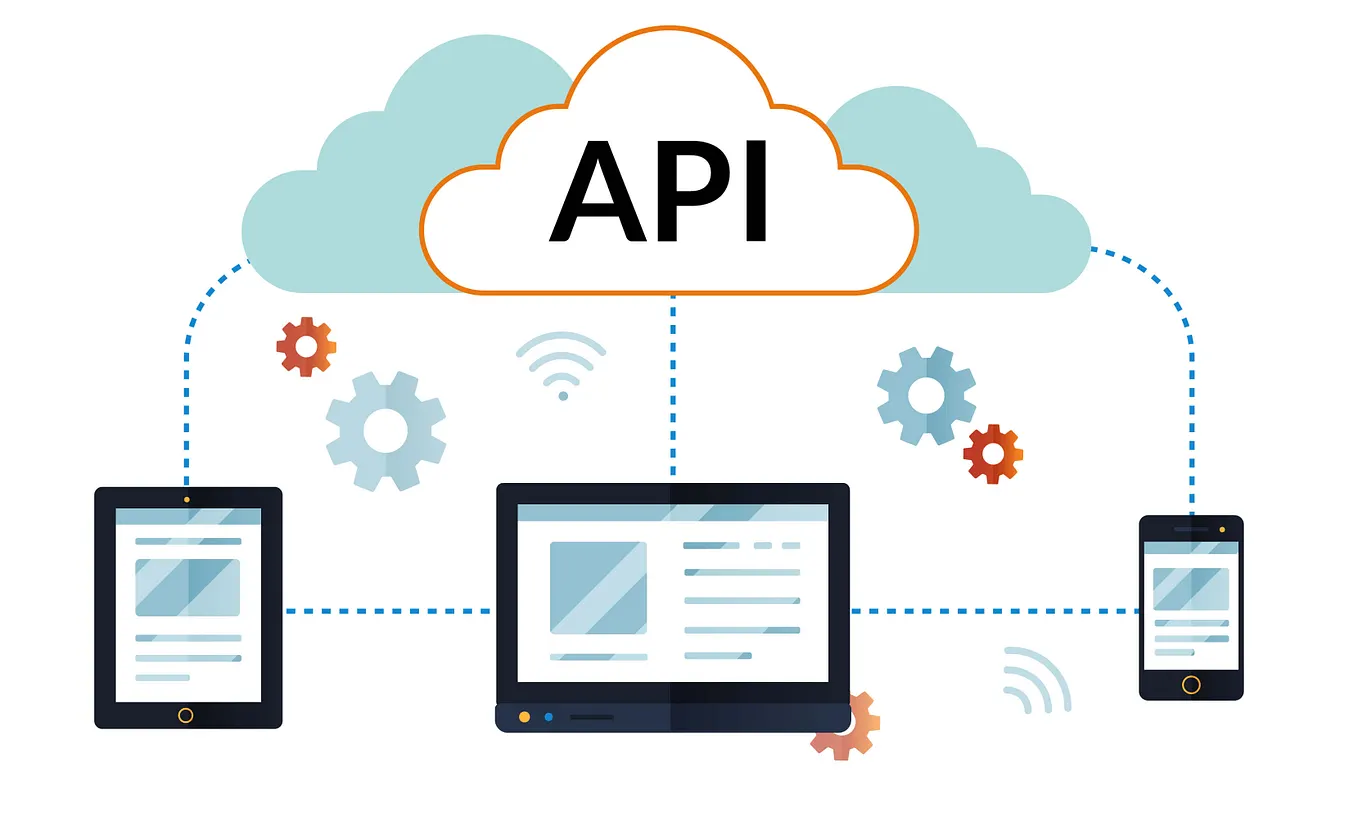
How I Built a Lightweight RESTful API for Managing Electricity Bill Payment.
Bills and Utilities payment applications have been around for quite a while now. The availability of these applications/services has helped reduced the time, energy and some resources that was previously put in other to pay these fees to our various services’ providers. However, in other to make these services work, software applications have to be developed with the logic to handle the functionality of these services. This article explains how I developed a light weight electricity bill payment API in Laravel, a PHP framework. If you are new to backend development or are interested in developing APIs, then this article is for you. A good feature of this article is that it integrates laravel sanctum for authentication tokens that would be used in other parts of the program.

What is an API?
Application programming Interface (API) is a set of rules and tools that allows one software application to communicate with another. It acts like a messenger or bridge between two systems, enabling them to share data or functionality. Think of an API as a waiter in a restaurant who takes your order to the kitchen (the backend system) and returns with your ordered meal (the response). Hence, the major purpose of an API is to enable communication between different systems or applications.
The Electricity Bill Payment API has the following features:
- Manages users and authenticates them.
- Manages electricity providers’ data.
- Simulates electricity bill payments.
Managing Users and their Authentication
Laravel Sanctum was used to manage user authentication tokens to access authorized routes. From the official documentation, “Sanctum allows each user of your application to generate multiple API tokens for their account. These tokens may be granted abilities / scopes which specify which actions the tokens are allowed to perform.” Put simply, sanctum generates tokens for authenticated users which allows them access some endpoints/resources on the site, resources that are otherwise restricted to unauthenticated users.
Additionally, endpoints to register, login, make payments and register providers were registered. A typical login method is given in figure 3.


As shown in figure 3, the login method uses a request form to collect and provide the required login details. These details are then validated and checked against the database. If the credentials do not match, an “Invalid credentials” response is returned. If the credentials match, a success message is returned along with the generated access token.Managing Electricity Providers’ Data
Get Uwakmfon Udoh’s stories in your inbox
Join Medium for free to get updates from this writer.
With several electricity providers, I decided to seed the database with 3 sample electricity providers as a test case that are operational in Nigeria. They included EKEDC (Eko Electricity Distribution company), PHED (Port Harcourt Electricity Distribution Company) and KEDC (Kano Electricity Distribution Company Plc.). Thereafter, I proceeded to create a function in the ProviderController to fetch a list of all the providers. This function is displayed in figure 4.

Simulating Electricity Bill Payments
The makePayments function of the Transaction Controller handles the payments logic. As observed in figure 5, the request includes the electricity provider id, meter number of the customer and the amount to be paid. After validating the input, the data is stored in the Transaction table of the database, indicating that the payment has been successfully made.


Note that in each case of the above-mentioned features, a JSON API response is returned. Returning it this way allows frontend developers to easily consume your API in their applications.
Testing the Application on Postman
To test the application locally on Postman, the following steps were taken
- The Apache server and MySQL were started by clicking on their respective ‘start’ buttons in XAMPP.
- The command
php artisan servewas run to start the server on localhost. - In Postman, the URL
https://localhost:8000/api/registerwas entered to create a new user and generate tokens. - A new tab was opened, and the same URL was input, but with the
/loginendpoint. The previously registered email and password were entered in the form-data. The Authorization tab was accessed, Bearer Tokens were selected, and the generated access token was entered in the field. The send button was clicked. - The new access token generated was copied, a new tab was created in Postman, and the same URL was entered, replacing the
/loginendpoint with a request to thepostendpoint. - The request was sent, and the following result in figure 7 was returned.

After logging in, we can proceed to simulate the payments. The following steps were taken:
- Changed to
/paymentsendpoint and set the request to a POST request. - Supplied the provider’s I.D , a meter number and the amount to be paid in the body.
- Copied and pasted the generated access token into the authorization field with bearer token selected.
- The request was submitted, and a successful response was observed, as shown in figure 8.

Finally, to get the payments records that were made. The following step was taken:
- A request type of
GETwas made to the same/paymentsendpoint and the result in figure 9 was returned.

Summary and Conclusion
In conclusion, the Electricity Bill Payment API system successfully facilitates the management and payment of electricity bills. By integrating essential features such as logins, payment processing, and transaction history, the system ensures a seamless experience for users if integrated in an actual application.
The codes of the project and a detailed README could be found at https://github.com/Uwakmfon1/electricity_bill_payment_api