FlutterMap Insights

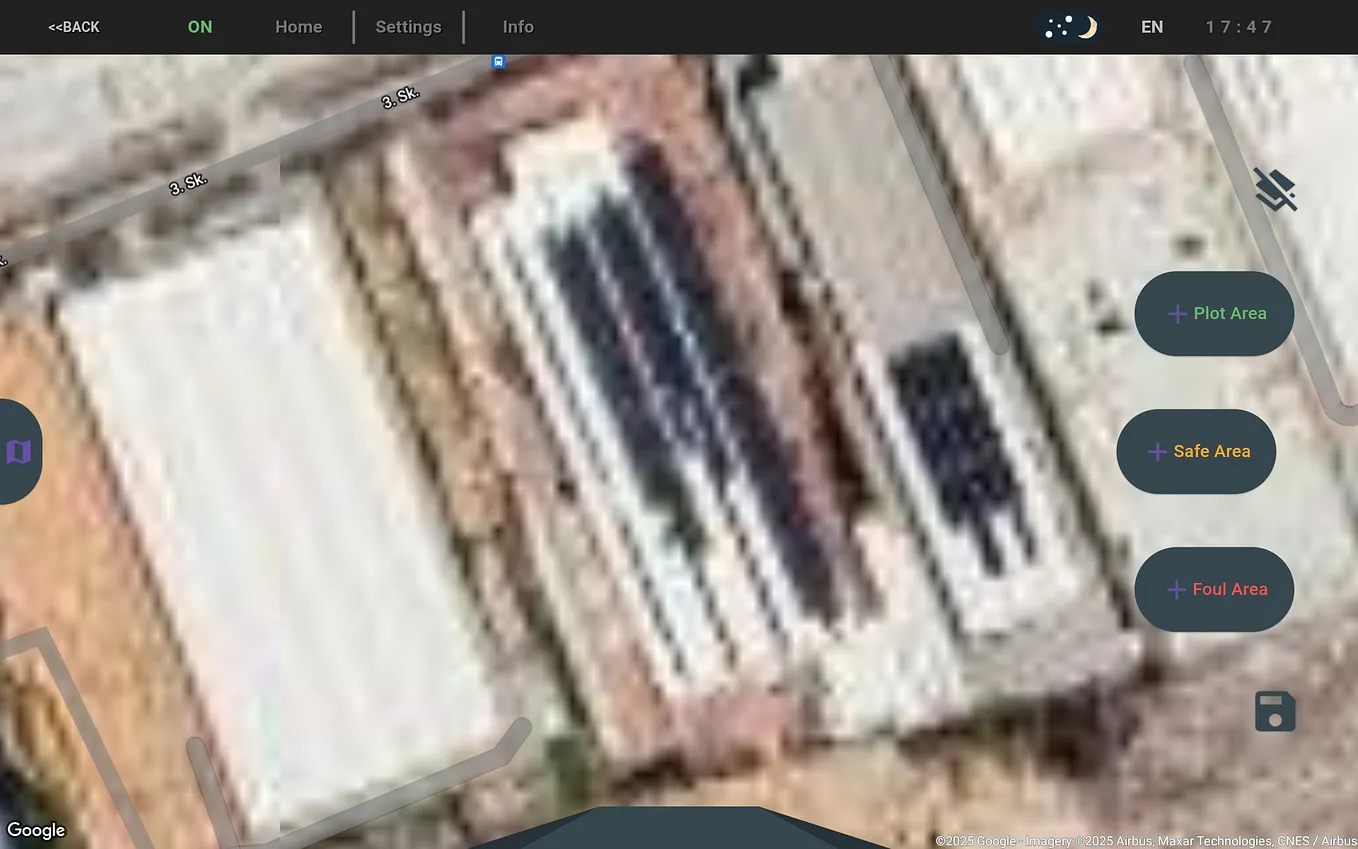
Let’s start by examining a basic FlutterMap implementation. In its simplest form, defining a FlutterMap (capable of pointing a desired coordinate) requires specifying both the options and the TileLayer.
FlutterMap(
  options: MapOptions(
    initialZoom: 18,
    initialCenter: LatLng(latitude_, longitude_),
  ),
  children: [
    TileLayer(
      // URL template from a satellite imagery provider
      urlTemplate: 'https://server.arcgisonline.com/ArcGIS/rest/services/World_Imagery/MapServer/tile/{z}/{y}/{x}',
      subdomains: const ['server', 'services', 'tiles'],
      userAgentPackageName: 'com.example.app', // recommended
    ),
  ],
)
This setup will provide a satellite image at the desired coordinate and zoom level. However, if the device used for Flutter development does not have sufficient performance capabilities, you may notice occasional slowdowns in FlutterMap. This occurs because the current implementation does not temporarily store any map tile, causing it to reload the map with each minor update.
This issue can be easily resolved by utilizing caching.
FlutterMap Cache Activation
To enable caching, we can use the flutter_map_tile_caching library. The simplest method to integrate caching into our map is as follows:
void main() async {
  WidgetsFlutterBinding.ensureInitialized();
  await FMTCObjectBoxBackend().initialise();   // Here we are initiating FMTC
  await FMTCStore('mapStore').manage.create(); // Create a store for cache here
  runApp(createApp());
}
class MonitorMapWidget extends StatefulWidget {
const MonitorMapWidget({
super.key,
});
@override
State<MonitorMapWidget> createState() => _MonitorMapWidgetState();
}
class _MonitorMapWidgetState extends State<MonitorMapWidget> {
final _tileProvider = FMTCTileProvider(
stores: const {'mapStore': BrowseStoreStrategy.readUpdateCreate},
);
...
...
FlutterMap(
options: MapOptions(
initialZoom: 18,
initialCenter: LatLng(latitude_, longitude_),
minZoom: 2,
maxZoom: 22,
),
children: [
TileLayer(
'https://server.arcgisonline.com/ArcGIS/rest/services/World_Imagery/MapServer/tile/{z}/{y}/{x}',
tileProvider: _tileProvider, // Add tile provider here!
userAgentPackageName: 'com.example.app',
),
],
),By using caching, previously visited areas will be temporarily stored in memory, thereby enhancing the performance of FlutterMap.
Get Uğur Can HOŞSÖZ’s stories in your inbox
Join Medium for free to get updates from this writer.
FlutterMap Multi-Tile Cache Management
If you intend to add both satellite and street view options to FlutterMap, you will need to maintain separate caches for each type of imagery.
void main() async {
  WidgetsFlutterBinding.ensureInitialized();
  await FMTCObjectBoxBackend().initialise();
  await FMTCStore('mapStore').manage.create();    // For Satellite Images
  await FMTCStore('streetStore').manage.create(); // For Streetview Images
  runApp(createApp());
}
class MonitorMapWidget extends StatefulWidget {
const MonitorMapWidget({
super.key,
});
@override
State<MonitorMapWidget> createState() => _MonitorMapWidgetState();
}
class _MonitorMapWidgetState extends State<MonitorMapWidget> {
final _tileProvider = FMTCTileProvider(
stores: const {'mapStore': BrowseStoreStrategy.readUpdateCreate},
);
final _streetProvider = FMTCTileProvider(
stores: const {'streetStore': BrowseStoreStrategy.readUpdateCreate},
);
bool _isSatellite = true;
...
...
FlutterMap(
options: MapOptions(
initialZoom: 18,
initialCenter: LatLng(latitude_, longitude_),
minZoom: 2,
maxZoom: 22,
),
children: [
TileLayer(
_isSatellite
? 'https://server.arcgisonline.com/ArcGIS/rest/services/World_Imagery/MapServer/tile/{z}/{y}/{x}'
: 'https://server.basemaps.cartocdn.com/light_all/{z}/{x}/{y}.png',
tileProvider:
_isSatellite ? _tileProvider : _streetProvider,
userAgentPackageName: 'com.example.app',
),
],
),
Add a Drawing (.png file) as Marker
Uploading a PNG file as Marker involves several steps:
class MonitorMapWidget extends StatefulWidget {
  const MonitorMapWidget({
    super.key,
  });

  @override
  State<MonitorMapWidget> createState() => _MonitorMapWidgetState();
}

class _MonitorMapWidgetState extends State<MonitorMapWidget> {
  ...
  ...
  // 1) Define a variable to hold Image data as Uint8List
  Future<Uint8List>? _markerImage;
  double _markerSize = ...;
  LatLng _markerPosition = ...;
  ...
  ...

  @override
  void initState() {
    super.initState();
    // 2) Start loading image upon initiation
    loadMarkerImage();
    ...
    ...
  }

  // 3) Run converter
  Future<Uint8List> loadMarkerImage(String assetPath, {int width = 500}) async {
    Uint8List imageData;
    ByteData data = await rootBundle.load(assetPath);
    ui.Codec codec = await ui.instantiateImageCodec(
      data.buffer.asUint8List(),
      targetWidth: width,
    );
    ui.FrameInfo fi = await codec.getNextFrame();
    ByteData? byteData =
        await fi.image.toByteData(format: ui.ImageByteFormat.png);
    imageData = byteData!.buffer.asUint8List();
    return imageData
  }

...
...
FlutterMap(
  ...
  ...
  children: [
    ...,
    ...,
    // 4) Add a FutureBuilder (so we won't receive a Null error!)
    FutureBuilder<Uint8List>(
      future: _markerImage,
      builder: (context, snapshot) {
        // If it is not loaded yet return empty (in this case a Container)
        if (!snapshot.hasData) {
          return Container();
        }
        return MarkerLayer(
          // 5) Design and place your marker
          markers: [
            Marker(
              width: _markerSize,            // Depends on your application
              height: _markerSize * (5 / 3), // Depends on your application
              point: _markerPosition,
              child: Image.memory(
                snapshot.data![0],
                fit: BoxFit.cover,
              ),
            ),
          ],
         ),
      }
    ),
    ...,
    ...,
 ],
),
...

Library Versions:
flutter_map: ^7.0.2
flutter_map_tile_caching: ^10.0.0
http: ^1.2.1
To be continued..