Why Cube.js? The Ultimate Tool for Analytics & Data Exploration


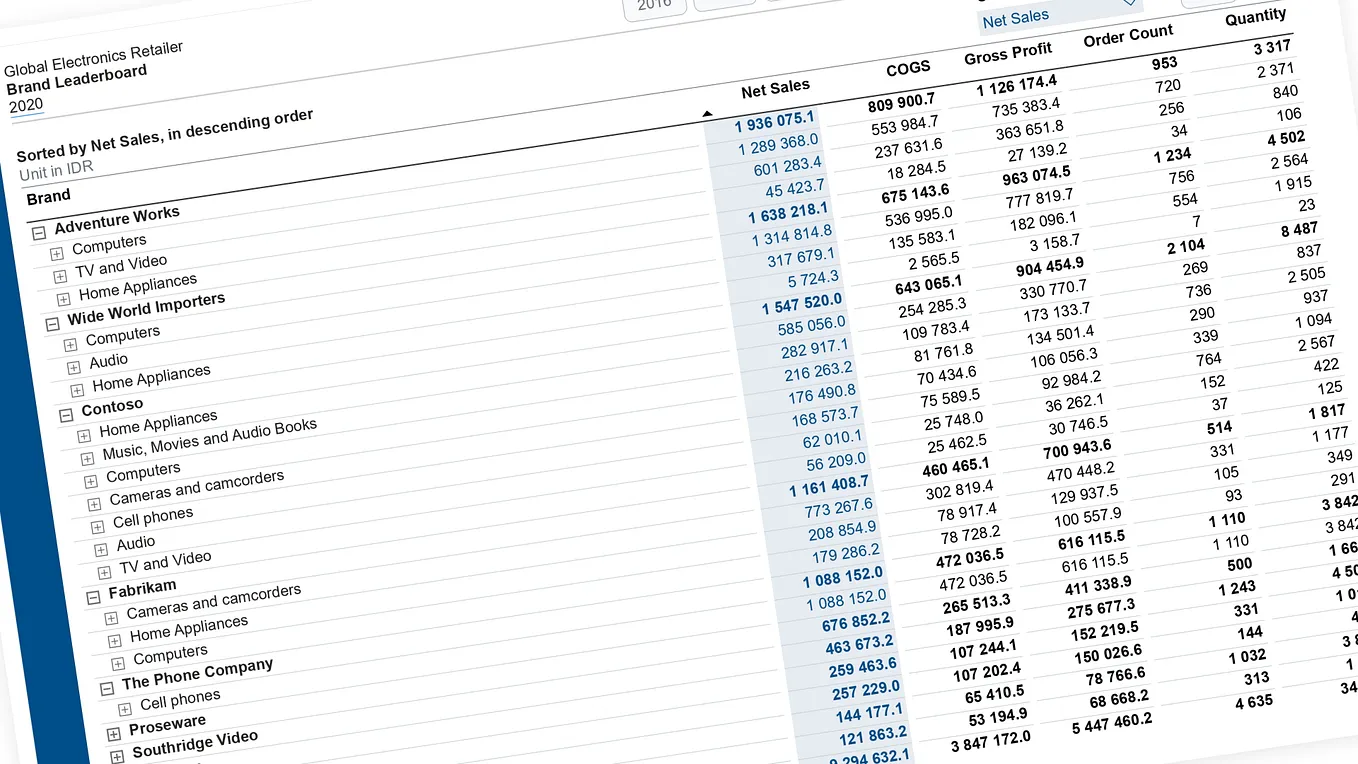
In today’s data-driven world, having insights is what makes businesses thrive. But gaining valuable insights from raw data isn’t always as easy as it sounds. That is where Cube.js comes in — a robust analytics framework built to make data querying, aggregation, and visualization easier.
I originally began using Cube.js while developing a dynamic report builder tool and dashboard. How flexible it was was amazing, enabling me to query data with ease and arrange analytics in such a manner that made absolute sense to end users. So, let’s look at why Cube.js is revolutionary and how it stacks up to other methods.
What is Cube.js?
Cube.js is an open-source analytics API that allows developers to build data applications easily. It’s a headless BI tool, between your frontend and data sources, with high-performance querying, caching, and security. It’s not a visualization library in itself, but it provides the backend smarts needed to make charts, dashboards, and reports just work.
Why Cube.js Rather Than Traditional Approaches?
Most analytics tools come in two flavors:
1. Legacy BI tools (Tableau, Power BI) — Strong, but usually with rigid interfaces and expensive licensing.
2. Raw Database Queries — Not scalable or efficient to write raw SQL queries every time analytics are required.
Cube.js offers a developer-friendly and scalable alternative:
- Pre-Aggregations & Caching: Unlike direct queries, Cube.js pre-aggregates the data, which greatly improves performance.
- Multi-Tenancy & Security: Supports fine-grained access control for different datasets.
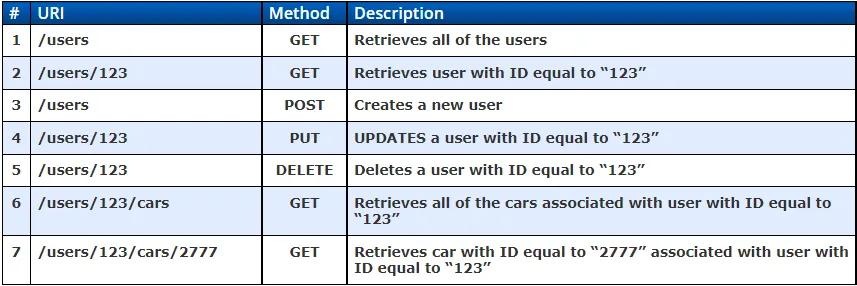
- API-Based Approach: Cube.js has REST and GraphQL APIs, which are easy to integrate with frontend frameworks like React, Angular, and Vue.
- Multiple Data Sources: It’s a lifesaver! Cube.js supports connecting multiple databases, which is perfect when data is scattered across different platforms.
Get Vithursan Magenthirarajah’s stories in your inbox
Join Medium for free to get updates from this writer.
Use Cases of Cube.js
- Embedded Analytics: Give your app an in-built layer of analytics.
- Real-Time Dashboards: Optimize and cache queries to achieve real-time insights.
- Multi-Source Data Analysis: Unite multiple databases and run complex analytics seamlessly.
- Self-Serve BI: Enable non-technical users to query and visualize without SQL coding.
One of the most impressive features of Cube.js is how it can handle multiple data sources and enable cross-database queries. This proved particularly useful when I needed to merge databases. With Cube.js, I was able to define data models that linked the two sources, run efficient queries, and present the results in a uniform format — something traditional BI tools struggle to achieve.
What’s Next? More Cube.js Articles Coming Soon!
This article is just the beginning. In the coming days, I’ll be publishing in-depth guides on:
- Getting Started with Cube.js
- How to Connect Cube.js with a Data Source
- Merging Two Data Sources in Cube.js
- Building Dynamic Cube Models
- How to handle the Authentication
- Integrating Cube.js with Frontend Applications
If you’re looking for a flexible, scalable, and developer-friendly analytics tool, Cube.js is worth exploring. Stay tuned for more technical deep dives!