Featured
Cheap, Beautiful Rain in Three.js


I’m working on a new project, the full scope of which is still taking shape, but I’d like to share the way I’ve implemented rain.
A little background: I made a site called A Number From the Ghost that won a Webby in 2025 and showed at SXSW, and built an experience for Viverse called to the Limbs that’s featured on the Meta Quest browser. I love working in Three.js for its speed and native browser support. No downloading, no software, no installers, just send someone a link and they can play.
In my new work, I’m again targeting a wide range of devices — desktop computers, mobile phones, VR headsets — so I need to keep performance in mind.
I also want to create stylized, immersive atmospheres.
Doing both of those things is a balancing act and almost always involves compromise, especially when running on WebGL. (I thought about starting this project in WebGPU, but it just doesn’t seem quite ready yet.)
Anyway — I wanted to create a large outdoor environment where the player felt like they were caught in a summer downpour. The obvious choice to start with is something I’ve done in the past — spawn a bunch of short lines that move down in a given area, so when the player moves through, it looks like rain is falling.
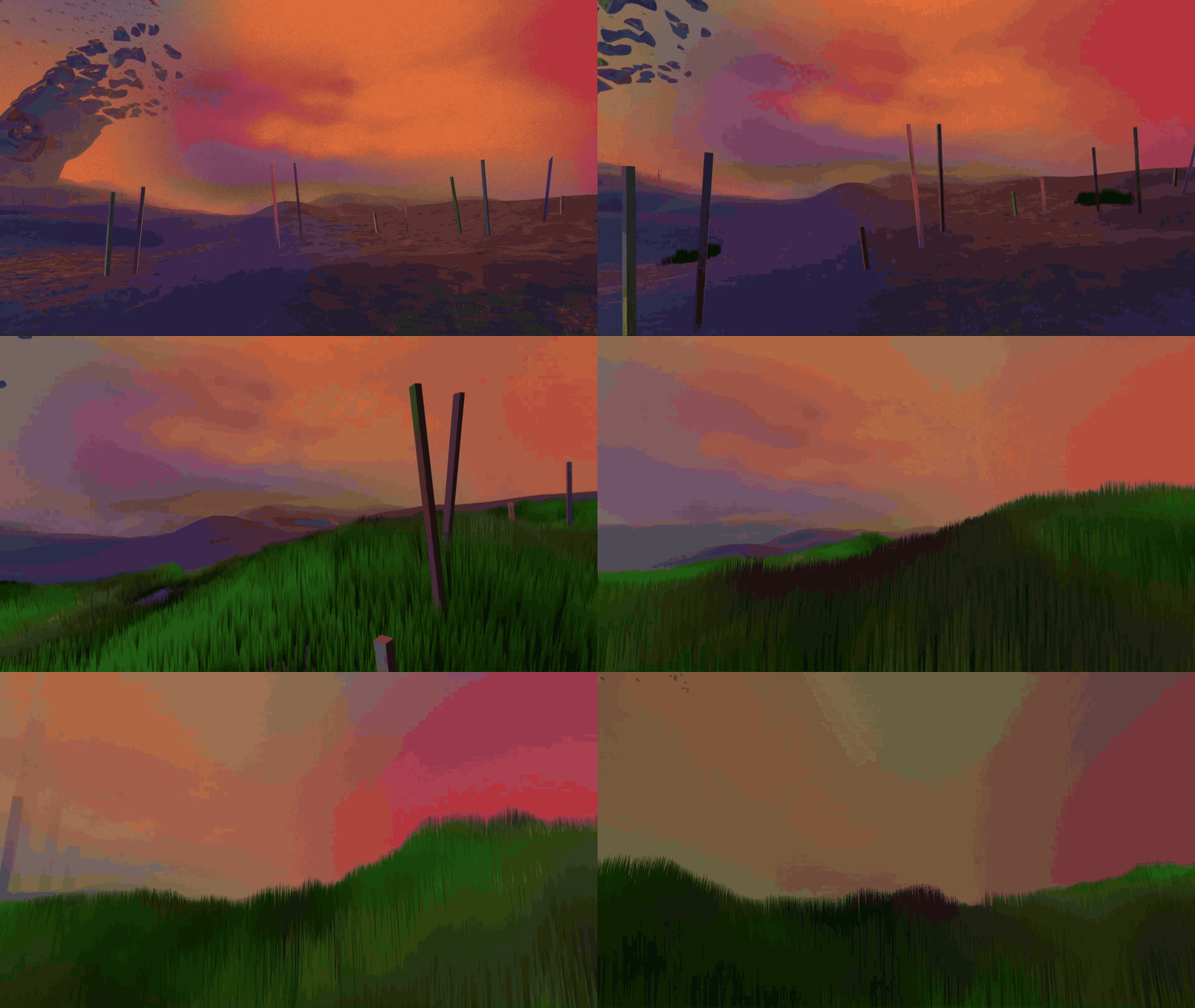
That’s what I did a few years back for A Number From the Ghost:

This worked pretty well, and I was happy with how the rain looked. But I could only afford to have it fall in a small area around the portals. To cover a larger area would cause the processing to go way up and hurt performance.
I came up with a better idea for In a Plaza Darkly — here when the rain starts, it is attached to the player. When the player moves, the rain moves also. That allowed me to keep the number of line segments low while also letting the player move anywhere.
Here’s a gist showing the full code for this kind of rain.
I wanted to change the style for my new project. The line segment approach has a unique look, but I had seen some other examples of people using Three.js to make rain that had a nice motion blur effect on each drop.
This one by Faraz Shaikh was particularly cool: https://7ffjx5-3000.csb.app/
Unfortunately, as beautiful as that rain looks, the performance wasn’t good enough in my game for a smooth first-person environment that can run on weaker devices.
Get Peter Adams’s stories in your inbox
Join Medium for free to get updates from this writer.
The solution was this:

I switched from using line segments to using a particle system — or in the case of Three.js, a THREE.Points() object.
Otherwise, the logic isn’t too different than before. It keeps a cylindrical rain volume centered on the player rather than filling the whole world. Each drop gets a random XZ position inside a disk and a random starting height and fall speed during setup. On each update, it uses shader math to recycle drops vertically so they appear to fall forever without respawning on the CPU.
It uses the rainDrop.png texture in the fragment shader to determine opacity — so the head and tail of each drop gets the blurring effect. That’s much easier than blurring it in the shader itself, and gives a result that’s almost as good.
Just one problem — the rain looks great using this technique when looking forward. But if the player looks up, the rain drops keep their elongated shape! Because we’re working with points and not actual geometry, there’s no foreshortening based on the camera view.

I was annoyed at this point — I’d spent a while figuring out how to make the rain work with points and a texture, yet forgotten how they would basically act like sprites and not change shape based on the camera.
Then I decided to try something. What if I could “squash” the texture based on the camera angle? So if the camera was looking straight ahead, the UVs would be normal. But approaching 100% up or down, the camera would trigger a compression of the UVs so the rain would get smaller.
In our fragment shader, it would look like this:
// Vertically squash UVs around center to avoid long line look when looking up/down
 uv.x = 0.5 + (uv.x - 0.5) * uUvSquash;
Now to calculate the uUvSquash uniform — this was one of those times when I knew it would require some actual mathematical skills. So of course I used AI to help:
  camera.getWorldDirection(this._camDir);
  const verticalFacing = Math.abs(this._camDir.y);
  if (Math.abs(verticalFacing - this._lastVerticalFacing) > 0.001) {
   this._lastVerticalFacing = verticalFacing;
   const sizeScale = THREE.MathUtils.lerp(
    1,
    this.minAngleSizeScale,
    verticalFacing,
   );
   const uvSquash = THREE.MathUtils.lerp(
    1,
    this.minAngleUvSquash,
    verticalFacing,
   );
And with that, the rain gets compressed when looking up or down!

Next on my list is figuring out an efficient way for the rain to cease when you go inside, but still remain visible when looking out. Harder than you might think! If you have ideas let me know.
You can check out a simple, working demo here: https://rain-demo.vercel.app/
And code here: https://github.com/fromtheghost/rain-demo