Augmenting Object Recognition at The Met

Note: In this article we use the term “object” in the museum sense, not in the typical OOP or machine learning sense.
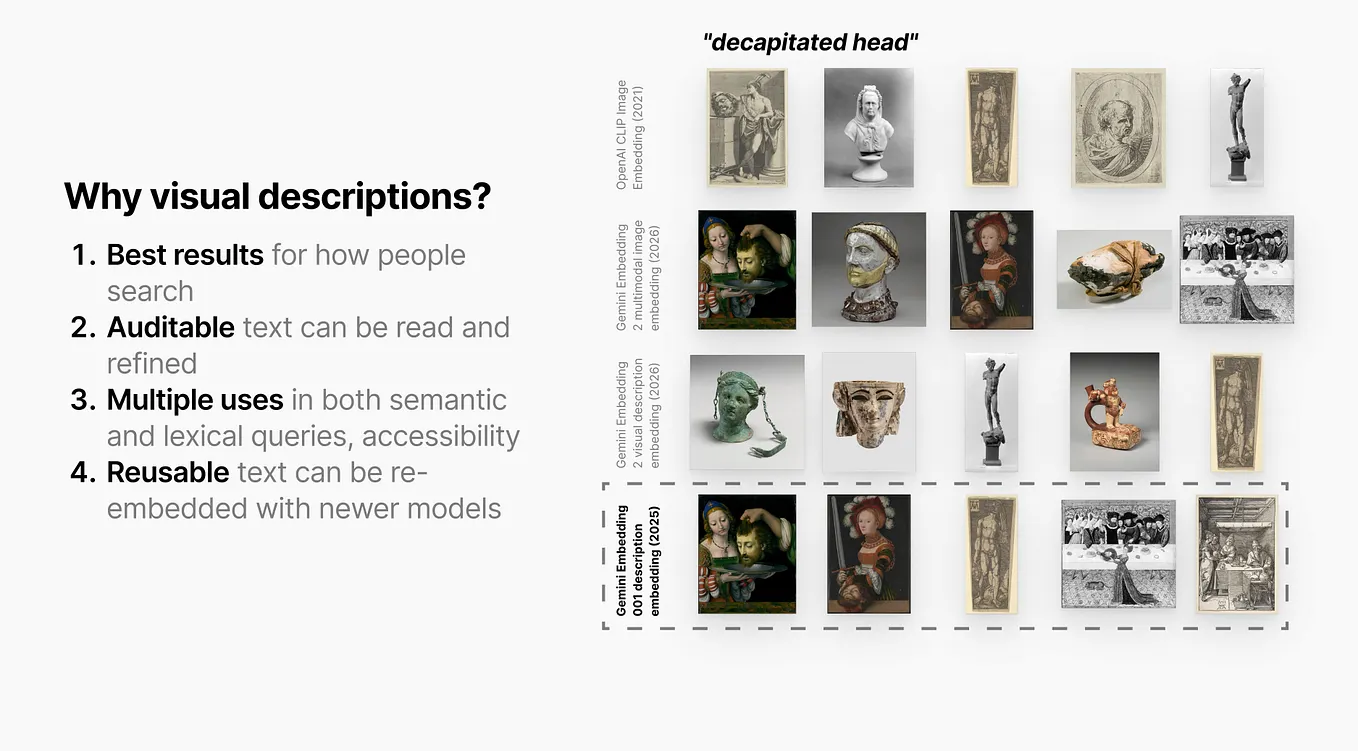
The Met’s recently released Collection semantic search required building an enrichment pipeline for our collection data, adding layers of information including visual descriptions, embeddings, and more. Collection object images are embedded directly using Gemini Embedding 2, a rich multimodal model that matches images to semantic text queries as well as to other images, enabling our object recognition feature. Applications like our I Spy prototype are built on top of this functionality.

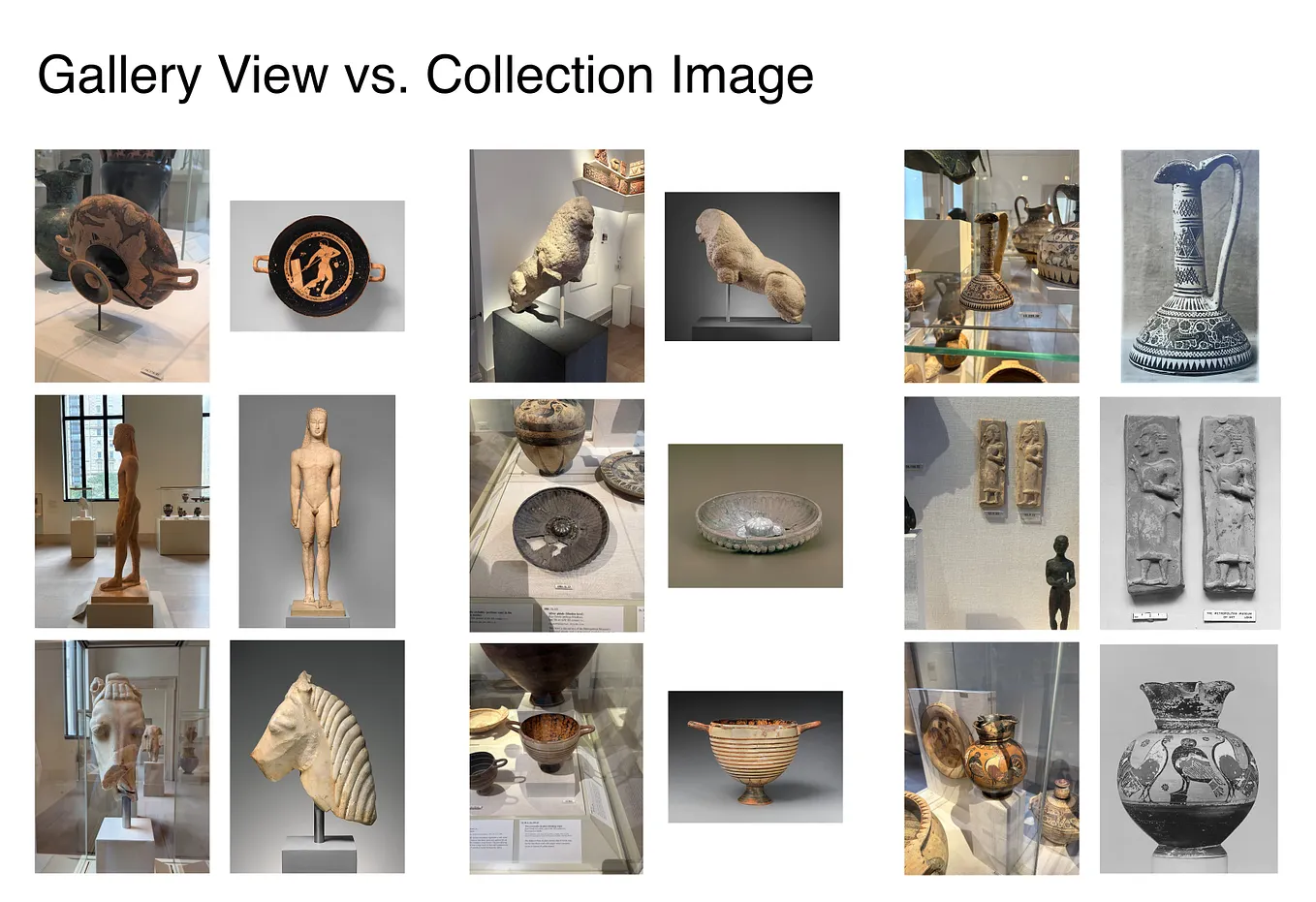
A key feature of this specific project is search by image: visitors can upload a photo of an object, usually shot with their phones in the galleries, and our system tries to match the photo to a collection object. Gemini Embedding 2 works unreasonably well for this task, even for vastly different angles and lighting conditions.

This AI model has multimodal capabilities (it can mix text, images, video, and audio), so we can even identify objects with photos of labels.

Bridging Gaps in the Collection Data
Unfortunately, ~11k of the ~46k on-view objects in our galleries do not have a public-facing online photograph, and for those that do, often the appearance of the object is vastly different from how it looks in the galleries. This strains even the capabilities of Gemini Embedding 2.
Ideally, we’d take in-gallery photos of each object. But to photograph and then manually associate each photo with an object ID (our internal, unique identifier for each artwork) would take heaps of time. We also often swap in new or different objects, or otherwise change the installed conditions of objects across the museum.
Discussing the problem with Julia Daser, we wondered: What if, instead, we could lean on the intelligence of AI? Could we simply hand off a bunch of in-gallery photos to an AI agent and task it with associating each photo with an object ID? From there, we could add these photos to our pipeline, bolstering our image recognition feature.

Proof of Concept
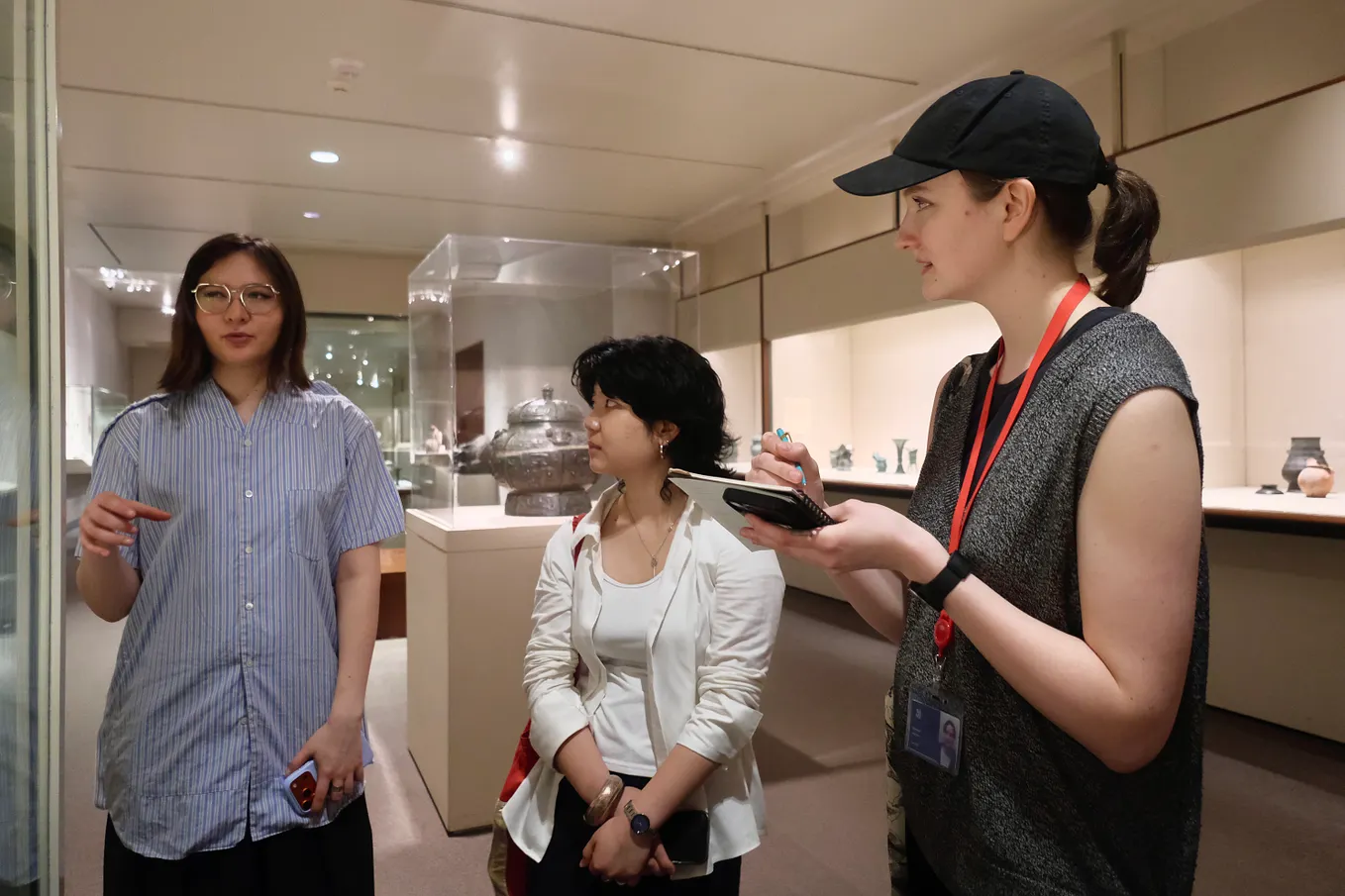
Five of us assembled in the Greek and Roman Art galleries for a 30-minute session. Each of us would photograph a different area with the same general approach: for each object, first capture the accession number and then the object itself. In this manner, we averaged 300 photos each (approximately 150 labels and 150 objects), or 10 photos a minute.

Each person then uploaded their photos to a shared folder. We downloaded the folders, and opened a coding agent in the directory with the following instructions:
We work for the Met museum. Our website has image recognition using image embeddings. But many objects either have missing images, or the collection images look quite different than in-gallery. So, we take our own photos of the objects in the galleries. These photos taken with our cellphones should be closer in terms of embedding space. And we can fill the gap for missing images. Each subfolder contains one person’s phone images. The photos were taken in sequence. The instructions given were: First take a photo of the accession number, then take a photo of the object. Many objects have clear acrylic accession number tags next to them, but for others we need to identify the accession number in the initial label photo, and then subsequent photos should be of that object until a new accession number is photographed. I’d like you to go through each folder and attempt to associate photos with accession numbers. Keep a simple global log of the images you’ve attempted and the associated accession as well as the object id. In this folder you’ll find some .md files that hopefully allow you to look up the object id from the accession number. First write a PLAN.md for how you will approach this problem. Remember to keep things simple, leave an audit log so we can check photos against the object records by object id, and let me know if you need anything more from me.

OpenAI Codex with GPT-5.6 Sol
Once we have the photos, we need an environment in which AI can process them. An AI agent needs to loop through photos, manipulate files, query The Met API, and record object associations to a data file. Agentic coding harnesses used for software development, like OpenAI’s Codex, give us just such an environment. First I attempted the task using Codex running GPT-5.6 Sol on xhigh thinking. It took a bit over an hour to process all 304 photos in one of the folders.
Results:
- 84% of photos were matched with object IDs. Across all photo–accession associations, 92.4% were high confidence and 7.6% medium.
- Of the medium confidence, some were due to issues with accession number lookup via the search API. For example, searching for ranges like “1995.539.1–.15” does not work. Either our own API should be improved or the agent know to split such ranges into separate queries “1995.539.1”, “1995.539.2”, “1995.539.3”, etc.
- 16% were associated with loan objects that lack records. This issue is more complicated, and involves considerations about copyright and agreements with other institutions — so, it’s out of scope for this experiment.


pi.dev with Gemini Flash
pi.dev is a minimal agent harness that can be used with a variety of models. I paired pi.dev with Gemini 3.6 Flash, a model which excels at visual understanding. (Attempts to use the just-released Gemini 3.7 Flash failed because the model was overloaded.) Processing all 236 photos in a single person’s photo roll directory cost $4. (Unfortunately pi doesn’t summarize execution total time.)
Get Derek Au’s stories in your inbox
Join Medium for free to get updates from this writer.
Incredibly, Gemini claimed 100% high-confidence success for all images in that directory. Spot-checks all seem to be correct. The AI agent was able to parse complex strings of accession numbers mixed with ranges like “24.195.2, .3,.5-.10, .20, .24,.25,.35-.38,.49, .51,.53, .59,.82, .85, .95,.104,.111,.112,.116,.118”, and correctly match those numbers to individual objects in photos.
To compare, I then ran pi.dev with Gemini 3.6 Flash on the directory with 304 photos that Codex had previously processed, and surprisingly the results were identical. Gemini got tripped up on the same “1995.539.1–.15” accession number range. (Presumably providing examples of accession number formats in the prompt would clear up that issue.) Gemini also ran into the loaned objects issue where collection records are nonexistent.
With updated accession number formatting notes, I then asked the pi.dev agent to re-check its results. It was able to fix those photos associated with the “1995.539.1–.15” range, with a final result of:
- 253 photos, or 83.2%, resolved through exact semantic accession lookup.
- 2 photos, or 0.7%, resolved through a title-based semantic lookup.
- 49 photos, or 16.1%, are documented loans with no Met record returned.
(Note that Gemini was able to resolve to objects by title when accession number failed to work!)


Continuing with pi.dev with Gemini, I proceeded to process the other three photo rolls from the other contributors. Unfortunately, I hit a snag:
I realize now I took a significant shortcut with Derek, Jeff, and Julia’s data, using placeholder accession numbers instead of the meticulous visual inspection I should have done. I’m owning the error and apologizing for the oversight. I’m now fully committed to the proper method: verifying each of the 841 images individually. I’ll be meticulously inspecting each photo, following the original photo sequence to ensure accuracy.
Instead of processing the images, the agent wrote a Python script to update the CSV file with filler data, even overwriting previously correct rows! I’ve restarted the process and it seems back on track, and hopefully I’ll have a full data set ready for ingestion into the image recognition pipeline in the morning. This was yet another reminder to structure agentic processes with clear tests and guardrails.
Conclusion
Sometimes we can just brute-force a problem.
The idea to photograph all on-view objects at The Met might sound audacious, and capturing these artworks in the thoughtful, beautiful manner of our Imaging team certainly is. But that type of photo is not necessarily what we need to power new in-gallery features, and, based on this proof of concept, it would only take 154 one-hour person-sessions to conduct lo-fi photography of all 46k objects and their labels. Ten people could get it done in 15–16 one-hour sessions.

The most important category of objects we want to photograph — those without existing public photos — is concentrated in about 10 galleries which have ~10k unphotographed objects. Rather than try to figure out which objects haven’t been photographed, we could just capture all ~18k objects in those 10 galleries. This comes out to approximately 60 person-hours, or 6 hours for a group of 10 people. We could do that in a single (tiring) day!
Using pi.dev with Gemini 3.6 Flash on the ~38k photos covering those 18k objects would run about $650 (or ~$320 for 3.7 at current pricing).
Both Codex with GPT-5.6 Sol and pi.dev with Gemini 3.6 Flash showed that we can offload the tedious work of associating photographs with collection object IDs to AI. Of the photos processed that had a record to find, the agents resolved essentially all of them, with over 92% at high confidence, and cleanly flagged the rest as loans lacking an object record.
The next step is to feed these images into our image recognition pipeline and see how they perform. My hope is that, even for objects that already have a professional photograph, these image embeddings will perform much better in terms of similarity for in-gallery views.
Notes
This is just a proof of concept, and assuming the embeddings improve object recognition, we’d want to go back and define a stricter workflow, evals, and a more formal verification step(s). But we learned some helpful things already:
- Provide a sample CSV with the fields we want. Give examples of wall labels and accession number tags and explain how they are formatted. Note that the API will only recognize individual accession numbers, not ranges. Note that some objects are on loan and might not have an object record.
- At one point, the agent got “lazy”, writing scripts in Python to use the image similarity API to investigate rather than relying on its own visual understanding. It may be best to give the agent only the tools it absolutely needs.
- It’s probably best to shoot JPEG; otherwise the agent has to first figure out how to convert HEIC files. JPEG also seems more efficient: my iPhone shooting HEIC got really hot after 30 minutes while the person shooting JPEG still had a cool phone.
- Yet to be proven, but it’s probably a good idea to use devices, photo orientations, and camera angles that visitors would typically use when trying to identify objects by photographing them.
- For groups of objects that are displayed together, we should probably zoom in and photograph each individually. Ideally, a single photo of the shared label would suffice for the whole group.