Deploying a Python Script Using Ansible

No, we’re not talking with faster-than-light communication sci-fi systems here.
Introduction
So in my last post I added motion detection to my Raspberry Pi webcam script. Today, we’re ready to send it to my other Pis and cameras to monitor ALL THE CAT BEDS. To do that, we’ll use one of my favorite tools: Ansible! If you’re unfamiliar, Ansible is a versatile automation tool for software provisioning, configuration management, and application deployment. Ansible can manage multiple systems or just one.
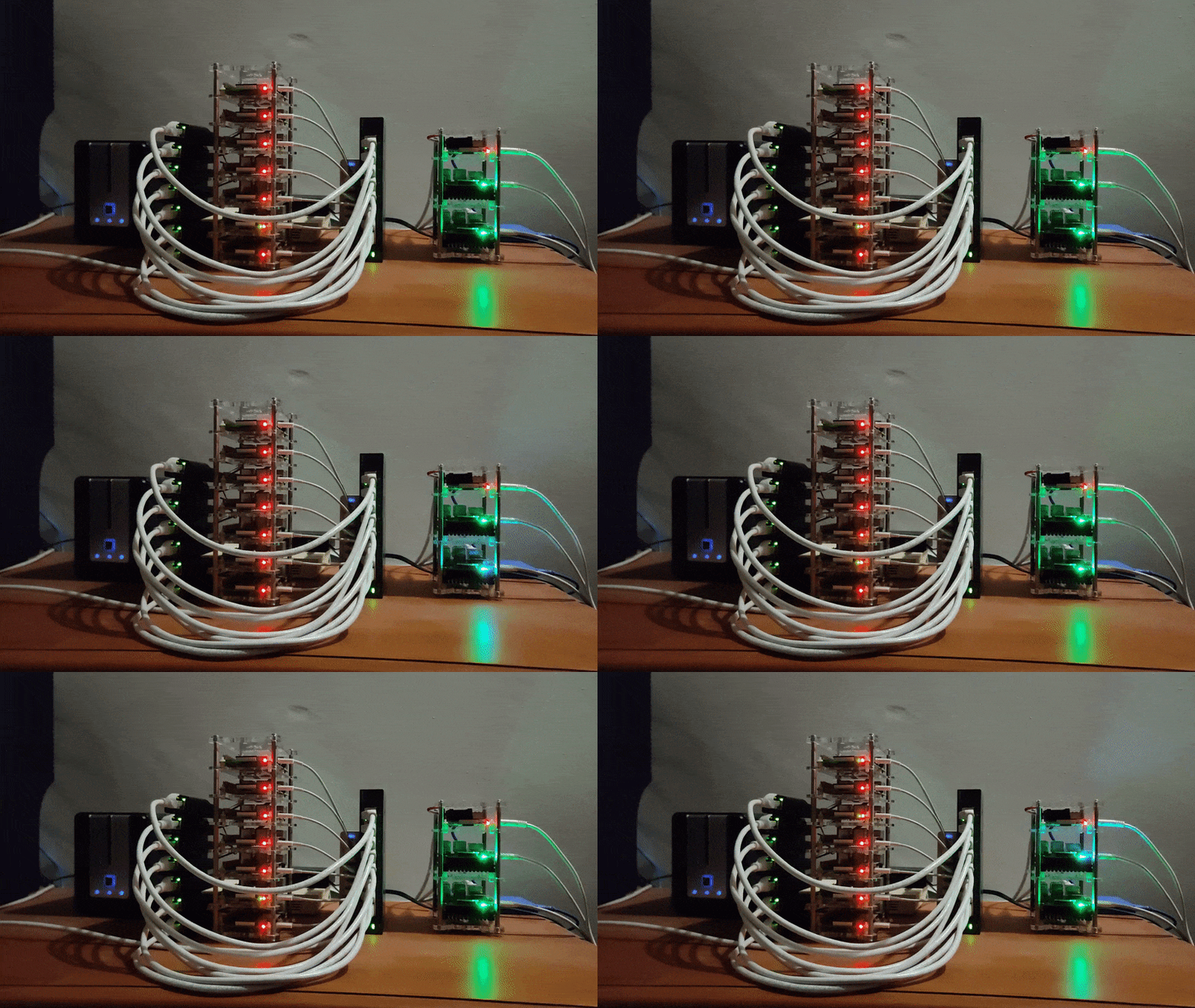
I started using Ansible when I had to rebuild my Pi Bramble for the 800th time. And I thought to myself “There has to be a better way!” That better way is using Ansible. So let’s learn a bit about it and deploy our Python script from the last post and its dependencies using Ansible, making the process repeatable and scalable.
Getting Started with Ansible
Make sure you have Ansible installed on your control machine. Here we go with the every howto apt install!
sudo apt install AnsibleNext, create an Ansible Playbook
An Ansible playbook is a blueprint of automation tasks that Ansible executes.
From the Ansible docs:
Ansible Playbooks offers a repeatable, reusable, simple configuration management and multi-machine deployment system, one that is well suited to deploying complex applications.
A playbook consists of one or more “plays,” and each play can affect different hosts as defined in the Ansible inventory. Plays are composed of tasks, which are actions performed on the target hosts, such as installing packages, copying files, or executing commands.
Playbook Structure
An Ansible playbook consists of the following key elements:
- Playbook Name: The name field at the top provides a brief description of the playbook’s purpose.
- Hosts: The hosts field specifies the target systems. In ours, we will use ‘all,’ which refers to all hosts listed in the inventory file.
- Tasks: A series of actions performed on the target hosts. Each task has a name for description and uses a specific module (e.g., copy, apt, command, pip, cron).
- Modules: Each task uses a module to perform a specific action. For example, the copy module copies files while the apt module installs packages.
- Variables: In our script the {{ ansible_user }} allow us to use variables like any scripting.
- Handlers: We didn’t use them here, but you can use handlers to run special tasks that run only when triggered by other tasks.
Writing the Ansible Playbook
This Ansible scrpt will copy the necessary files, set up a Python virtual environment, install dependencies, and run the script. Let’s break down our Ansible playbook step by step.
Get Kayla Graves’s stories in your inbox
Join Medium for free to get updates from this writer.
For the TLDR crowd, the full script is provided at the bottom.
Take Inventory
We need to make an inventory file to tell Ansible where to deploy the playbook. So, we need to create an inventory file named inventory.yml to define the target systems.
all:
 hosts:
 target:
 ansible_host: your target system name
 target2:
 ansible_host: your target system2
 vars:
 ansible_user: your-user
Playbook start.
Here, we give our script a name and point out the target systems (all).
---
- name: Deploy Python Script
  hosts: all
  tasks:
The ‘ — -’ at the start of the script lets us know that’s the start of an Ansible script
Copying Files to the Remote System
First, we need to copy our Python script, configuration file, and requirements file to the remote system.
    - name: Copy the Python script to the remote system
      copy:
        src: script.py
        dest: /home/{{ ansible_user }}/script.py
        mode: '0755'
    - name: Copy the config.json to the remote system
      copy:
        src: config.json
        dest: /home/{{ ansible_user }}/config.json
    - name: Copy the requirements.txt to the remote system
      copy:
        src: requirements.txt
        dest: /home/{{ ansible_user }}/requirements.txt
The ‘name’ lets us give a readable name that will be displayed when running the script, or when we put it into a log.

Installing Python and Pip
Ensure that Python3 and pip are installed on the target system. This step uses the apt module since we’re working with raspbian.
    - name: Ensure Python3 and pip are installed
      apt:
        name:
          - python3
          - python3-pip
          - python3-venv
        state: present
      become: yes
Setting Up the Virtual Environment
Create a Python virtual environment to isolate the script’s dependencies.
    - name: Create a virtual environment
      command: python3 -m venv /home/{{ ansible_user }}/.venv

    - name: Install dependencies in the virtual environment
      pip:
        requirements: /home/{{ ansible_user }}/requirements.txt
        virtualenv: /home/{{ ansible_user }}/.venv
Running the Python Script
Execute the script within the virtual environment so we can check it’s working (I’m not paranoid!)
    - name: Run the Python script
      command: /home/{{ ansible_user }}/.venv/bin/python /home/{{ ansible_user }}/script.py
      register: script_output
Scheduling the Script with Cron
Add a cron job to run the script every 5 minutes, ensuring continuous monitoring.
    - name: Add a cron job to run the Python script every 5 minutes
      cron:
        name: "Run Python script every 5 minutes"
        minute: "*/5"
        job: "/home/{{ ansible_user }}/.venv/bin/python /home/{{ ansible_user }}/script.py > /home/{{ ansible_user }}/script.log 2>&1"
Run the playbook!
ansible-playbook -i inventory.yml playbook.yml Wrapping up
With Ansible, deploying and managing our Python script becomes effortless and repeatable. This setup ensures our cat bed monitoring script is always running, with dependencies handled cleanly through venv.
Recap of Key Points:
- We introduced Ansible for automation.
- Explained what an Ansible playbook is.
- Made a cool Ansible script to monitor ALL THE CAT BEDS
Here is the full script for copy pasta:
---
- name: Deploy Python Script
  hosts: all
  tasks:
    - name: Copy the Python script to the remote system
      copy:
        src: DiscordCam.py
        dest: /home/{{ ansible_user }}/script.py
        mode: '0755'

    - name: Copy the config.json to the remote system
      copy:
        src: config.json
        dest: /home/{{ ansible_user }}/config.json

    - name: Copy the requirements.txt to the remote system
      copy:
        src: requirements.txt
        dest: /home/{{ ansible_user }}/requirements.txt

    - name: Ensure Python3 and pip are installed
      apt:
        name:
          - python3
          - python3-pip
          - python3-venv
        state: present
      become: yes

    - name: Create a virtual environment
      command: python3 -m venv /home/{{ ansible_user }}/.venv

    - name: Install dependencies in the virtual environment
      pip:
        requirements: /home/{{ ansible_user }}/requirements.txt
        virtualenv: /home/{{ ansible_user }}/.venv

    - name: Run the Python script
      command: /home/{{ ansible_user }}/.venv/bin/python /home/{{ ansible_user }}/script.py
      register: script_output

    - name: Add a cron job to run the Python script every 5 minutes
      cron:
        name: "Run Python script every 5 minutes"
        minute: "*/5"
        job: "/home/{{ ansible_user }}/.venv/bin/python /home/{{ ansible_user }}/script.py > /home/{{ ansible_user }}/script.log 2>&1"