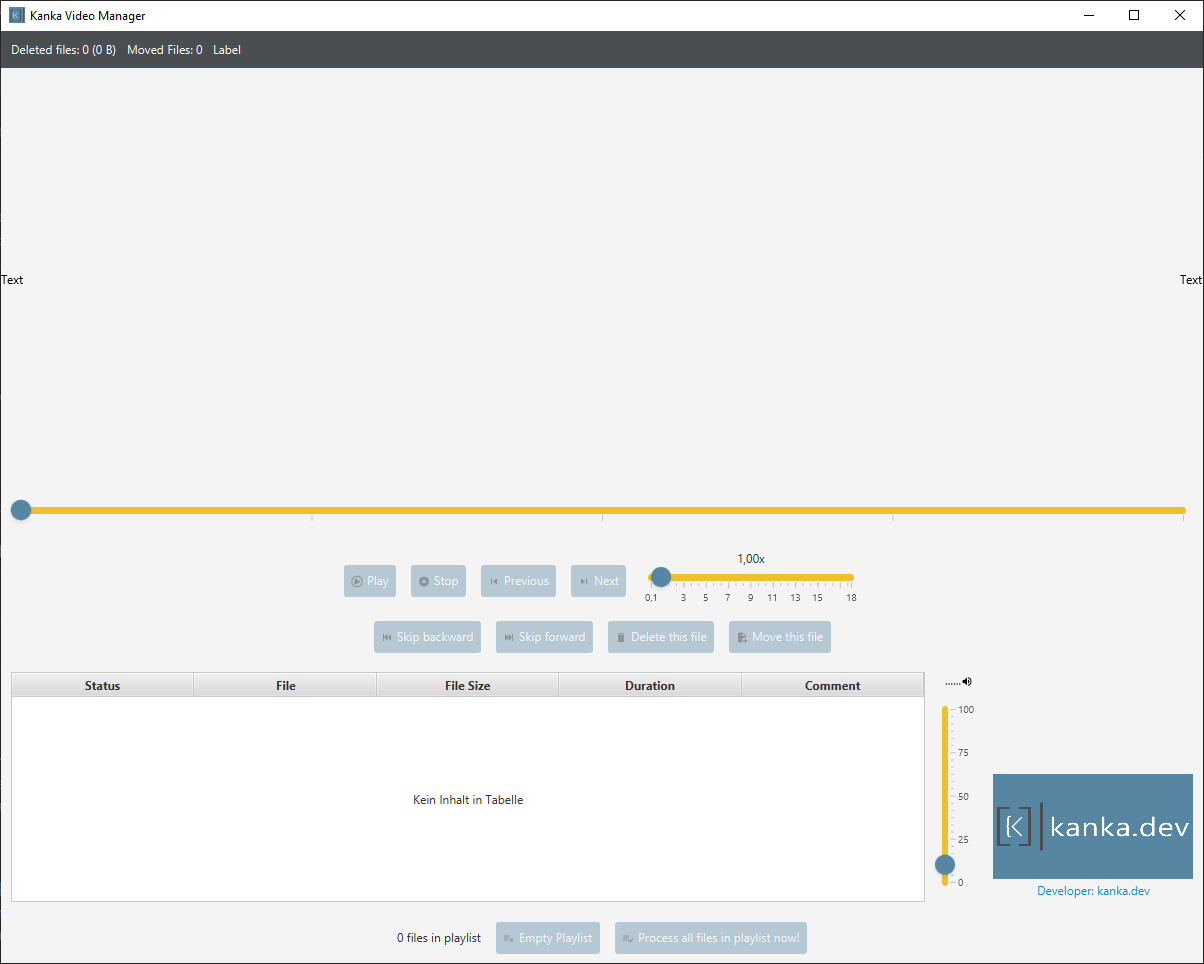
Kanka Video Manager allows you to easily sort or sort out media files. We use this program to quickly view, move and delete surveillance videos - even in Windows.
When reviewing large collections of surveillance videos, using a standard media player like VLC is inefficient:
The Problem:
- You have to manually close the player, find the file in Explorer, delete it, and reopen the player for each video
- Windows prevents deleting files that are in use by the media player
- You lose track of which videos you've already reviewed
- The process is slow and error-prone
The Solution: Kanka Video Manager solves these problems by:
- Mark for Deletion: Click "Delete" to mark a video for deletion - the next video starts playing immediately
- Batch Processing: Videos are only actually deleted when you click "Process all files in playlist now!"
- No File Lock Issues: Since videos are stopped before deletion, Windows doesn't block the operation
- Progress Tracking: You can see exactly which videos you've reviewed and marked
- Efficient Workflow: Review dozens of videos in the time it used to take to review a few
This makes it ideal for quickly sifting through surveillance footage to decide what to keep and what to delete.
As a base Kanka Video Manager uses vlc / vlcj and is developed using Java/JavaFX.
- Video Playback: Play media files with VLCJ
- Playlist Management: Drag and drop files to create playlists
- Video Metadata: Display duration and file size for all videos
- File Operations: Move or delete videos directly from the playlist
- Keyboard Shortcuts: Global shortcuts for quick control
- Video Border: Dynamic border color based on playback status (green=playing, red=paused/stopped)
- Speed Control: Adjust playback speed
- Skip Functions: Skip forward/backward in videos
- D - Delete selected video
- M - Move selected video
- N - Next video
- Space - Play / Pause
- P - Previous video
- S - Stop playback
- Java 17 or higher (required for running the application)
- VLC Media Player (required for VLCJ - must be installed separately)
- Maven 3.6 or higher (only for building from source)
Option 1: Using the Pre-built JAR (Recommended)
- Download the latest JAR from the Releases page
- Install Java 17 or higher from https://adoptium.net/
- Install VLC Media Player (required for video playback)
- Run the JAR:
java -jar kanka-video-manager-1.0-SNAPSHOT-all.jar
Option 2: Building from Source
- Clone this repository:
git clone https://github.com/kankadev/Kanka-Video-Manager.git-
Install VLC Media Player (required for VLCJ)
-
Import the project into your IDE (IntelliJ IDEA, Eclipse, etc.)
-
Run the application:
mvn javafx:runTo create an executable JAR file:
mvn packageRun the JAR:
java -jar target/kanka-video-manager-1.0-SNAPSHOT.jarThe project uses Maven for dependency management and JavaFX for the UI. The main controller is MainController.java and the FXML layout is in main_window.fxml.
This project is licensed under the GNU General Public License v3.0 - see the LICENSE file for details.
This license was chosen because the project depends on VLCJ, which is licensed under GPL v3. The GPL v3 license ensures that:
- The software remains free for all users
- Any modifications must also be shared under the same license
- Users have the freedom to study, modify, and distribute the software