 Meet Maggie, PCMag's
Some desktop peripherals push the expectations of ergonomics and performance with a hoard of fancy features encased in a slick exterior. And then you've got utilitarian peripherals like HP's 725 Multi-Device Wireless Keyboard and Mouse Combo ($104). This sensible two-pack pairs the HP 725 Multi-Device Keyboard and HP 515 Wireless Mouse, saving you roughly $9 on the combined price. However, only the mouse half of this package is worthy of your attention. If you're in the market for a pair of budget peripherals, the excellent Dell Wired Collaboration Keyboard (KB525C) and the Logitech Signature AI Edition M750 Wireless Mouse are more deserving of your dollars.
Both the keyboard and mouse in the HP 725 Combo have black plastic chassis and aluminum highlights, and they look great as a matching pair. Aesthetically speaking, they're ideal candidates for nearly any workstation or cubicle.
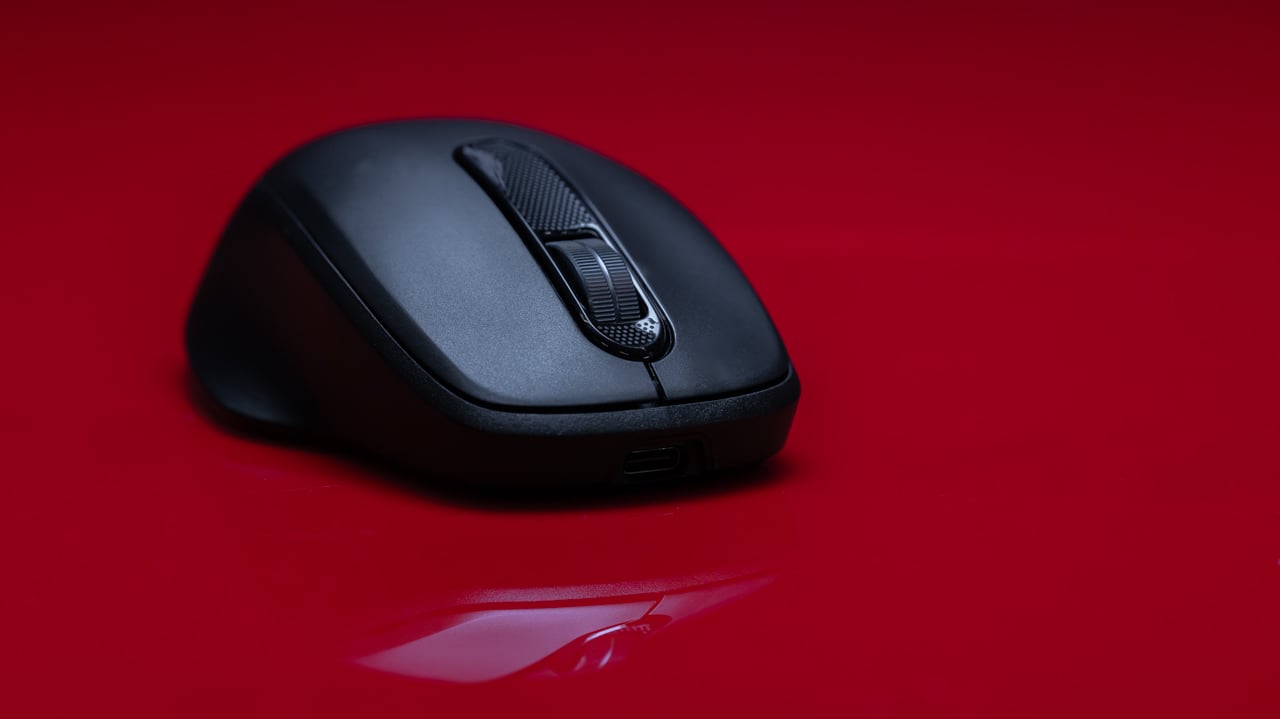
The HP 725 Keyboard is a slim, full-size keyboard that measures 0.7 by 16.6 by 4.8 inches (HWD), while the dimensions of the HP 515 mouse are 1.6 by 2.9 by 4.5 inches. Neither of these peripherals is particularly hefty, with a combined weight of just 1.3 pounds (1.1 pounds for the keyboard and 3.2 ounces for the mouse).
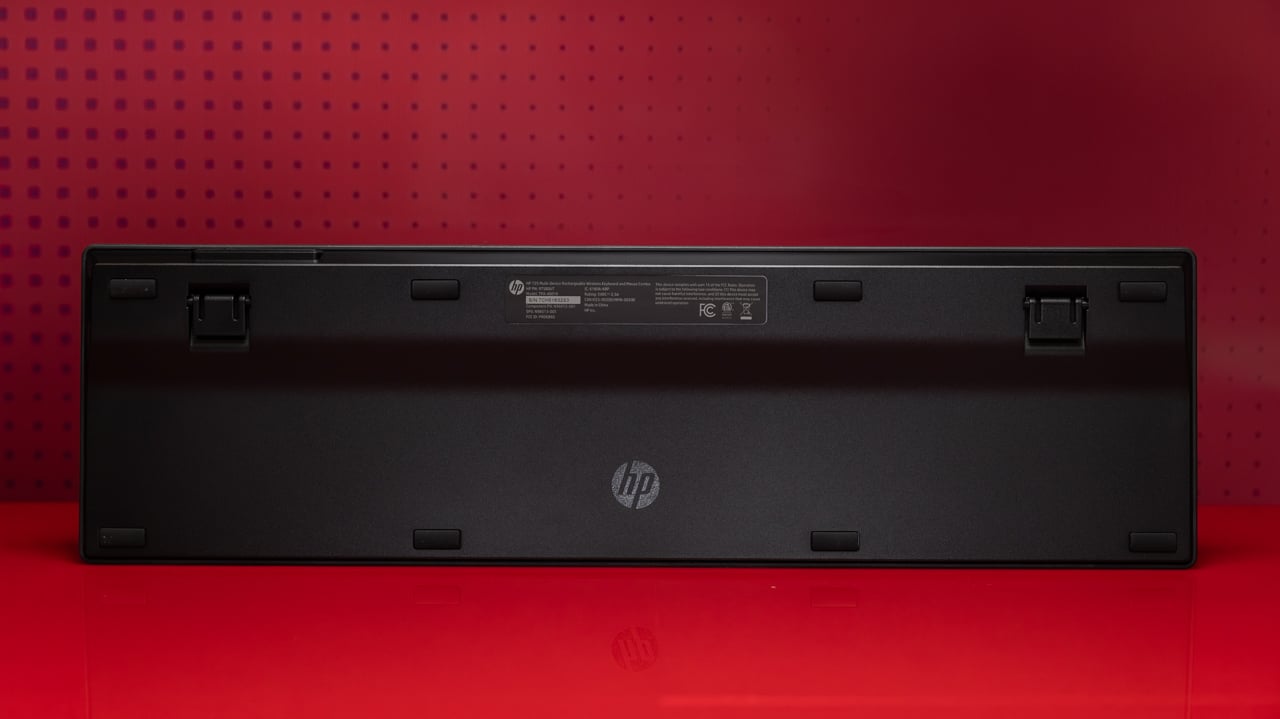
The full-size HP 725 keyboard includes a number pad in addition to a handful of dedicated buttons for switching among paired devices and opening desktop applications. However, its slim profile isn’t very ergonomic. If you’re someone who has trouble typing on a desk without a wrist rest, your experience with the keyboard is going to be uncomfortable. The HP 725 board is equipped with fold-out feet that help elevate it slightly, but not enough to provide a comfortable posture.
Similar Products


HP has also made the questionable decision to equip the keyboard portion of the HP 725 with a dedicated button to summon Copilot, Windows’ AI assistant. This button can’t be remapped or disabled, making its inclusion feel performative at best, and obtrusive at worst. New keyboards with dedicated AI buttons have quickly become one of my biggest hardware pet peeves. If this is going to be a mandatory addition to keyboards, at least do me the favor of relegating the button next to the number pad or function row, where it's easier to ignore.
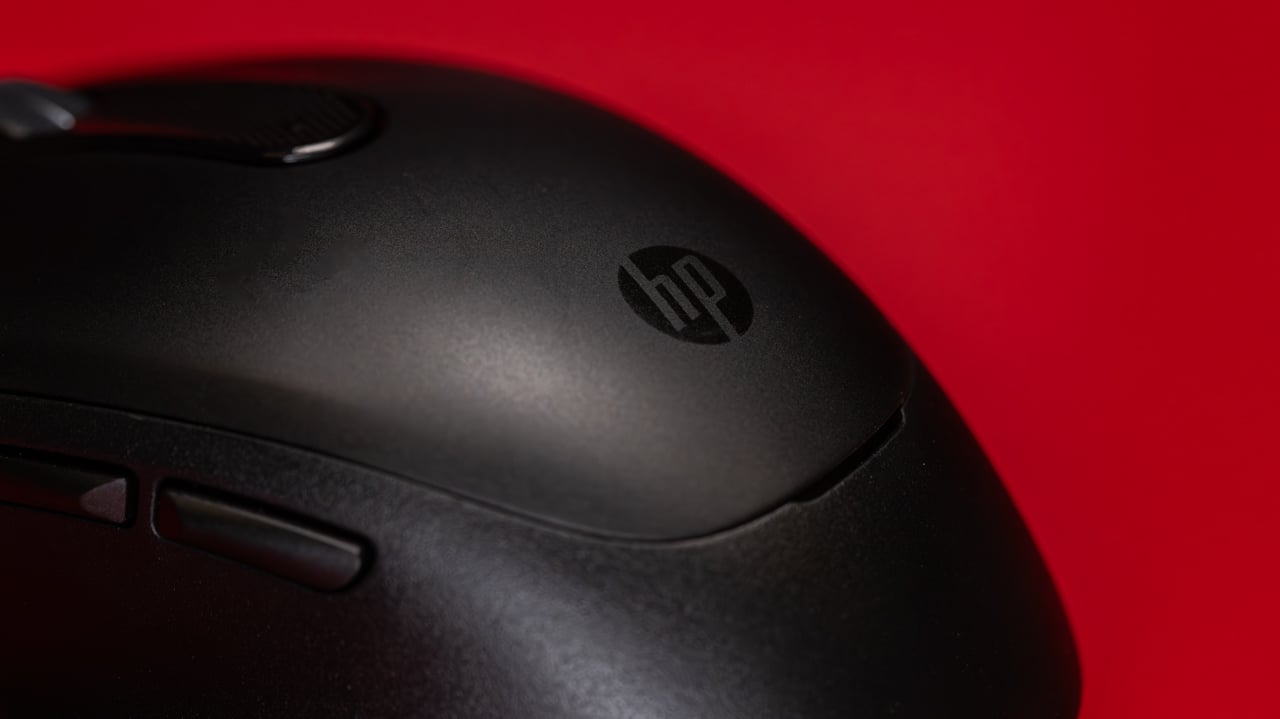
The HP 515 mouse features an ambidextrous design with soft, sloping curves on either side to support your thumb and pinkie, while the left side includes a pair of extra buttons. Removing the top of the mouse reveals a small compartment to stow the 2.4GHz dongle. The mouse itself is fairly standard all around, except for its buttons, which are all virtually silent, including the scroll wheel. Silent switches can have a tendency to feel a bit mushy, but as I tested the mouse, I was pleased with the satisfying action that accompanied each input.
The mouse might be dead silent, but the same can’t be said for the keyboard. The scissor-style switches are similar to what you’ll find on the Apple Magic Keyboard, but they are significantly louder while typing. While the membrane underneath each key is less noisy than a mechanical or Hall effect (magnetic) switch, the hollow aluminum chassis gives off a noticeable rattle while typing. It isn’t audible enough to inconvenience your office neighbor, but if you’re a snob for keyboard acoustics (like me), you may find it irritating.
Despite its subpar acoustics, the HP 725 keyboard is capable of crushing spreadsheets, emails, and all manner of workday tasks without issue.
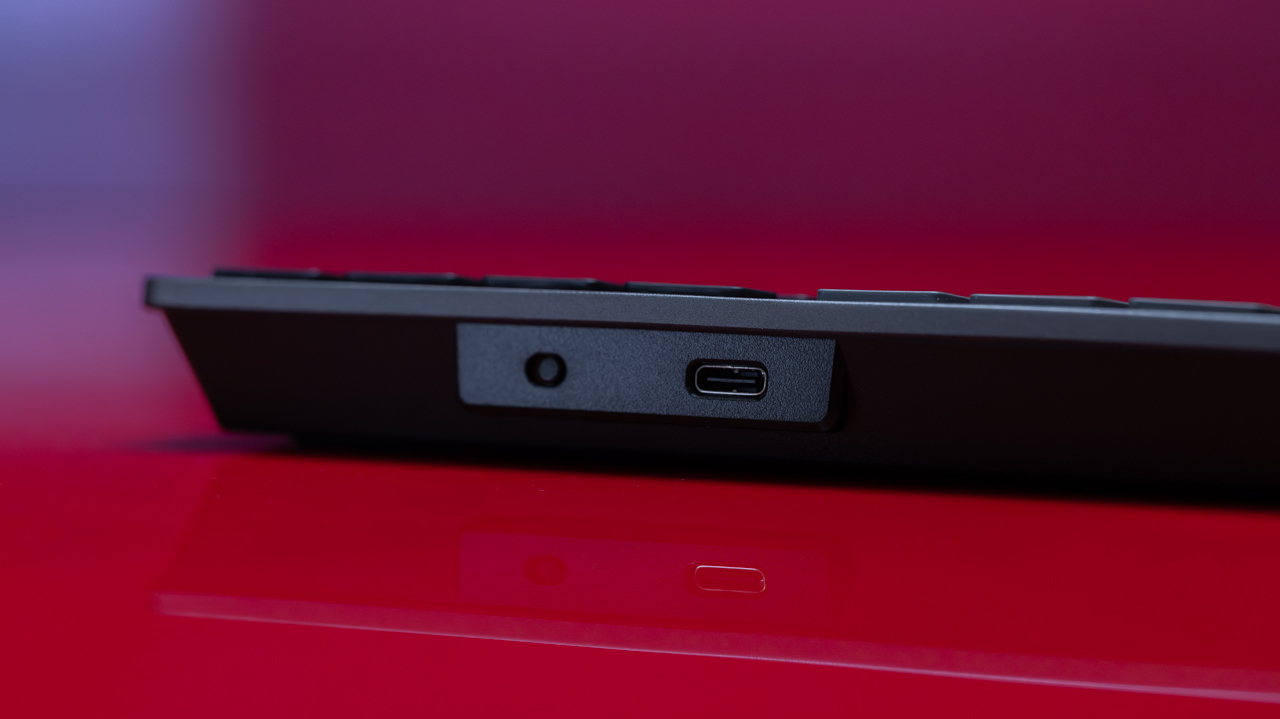
Although the mouse's 6,000 dpi sensor pales in comparison to those of most gaming mice, it is more than enough for tackling anything your 9-to-5 has to throw at you. HP cautions that glass surfaces may affect the mouse's tracking functionality, but this only applies to clear glass, not opaque glass mousepads like the Razer Atlas.
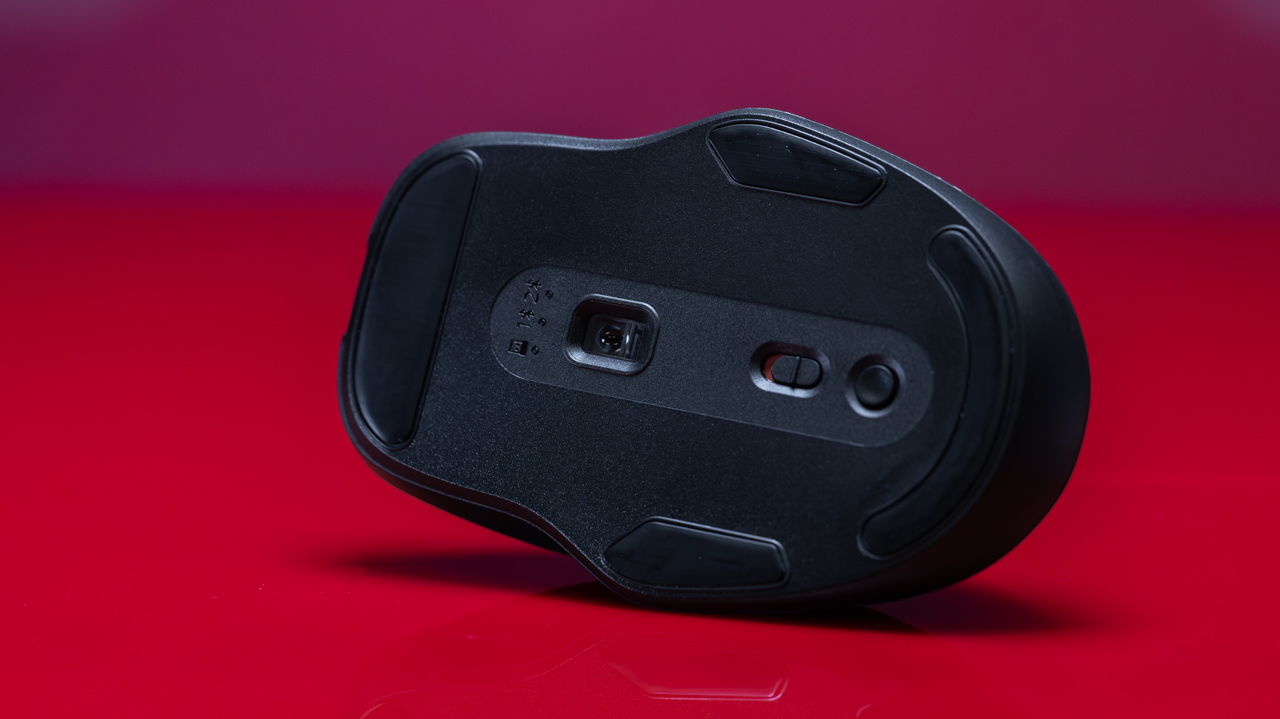
Both devices are capable of pairing with two different Bluetooth devices, or sharing the single wireless dongle mentioned above for a 2.4GHz connection. HP claims that the mouse can last up to a month on a single charge, while the keyboard can go twice as long. After checking their respective battery levels after 15 days of testing, I have no reason to doubt HP's numbers.
I was pleasantly surprised to find that HP offers customization software for its work-centric peripherals. Much like the rest of the HP 725 Combo, the HP Accessories Center (HPAC) utility stresses function over form. The installation won’t take up more than 50MB of space on your drive, and the tax on your PC’s resources is virtually nonexistent.
HPAC allows you to set up individual profiles for all of your devices, which can be activated automatically based on your focused application. You can also adjust battery settings and remap various inputs.
With the exception of a single primary input button, every input on the HP 515 mouse can be remapped with the HPAC software. The remappable inputs on the keyboard, however, are limited to the function row, the navigation keys, and the four application controls in the upper-right corner. Macro recording isn’t an option with the HP 725, but keys can be reassigned to perform simple combo inputs like Copy/Paste, to mimic mouse inputs, or to launch specific applications.
Final Thoughts
 (Credit: Joseph Maldonado)
HP 725 Multi-Device Wireless Keyboard and Mouse Combo
- 5.0 - Exemplary: Near perfection, ground-breaking
- 4.5 - Outstanding: Best in class, acts as a benchmark for measuring competitors
- 4.0 - Excellent: A performance, feature, or value leader in its class, with few shortfalls
- 3.5 - Good: Does what the product should do, and does so better than many competitors
- 3.0 - Average: Does what the product should do, and sits in the middle of the pack
- 2.5 - Fair: We have some reservations, buy with caution
- 2.0 - Subpar: We do not recommend, buy with extreme caution
- 1.5 - Poor: Do not buy this product
- 1.0 - Dismal: Don't even think about buying this product
Read Our Editorial Mission Statement and Testing Methodologies.
In a crowded market full of arguably over-engineered mice and keyboards that might spend their weekends skydiving if they were the weekend-warrior type, the HP 725 Combo simply clocks into work, never leaves early, and never wears anything too loud. It may be a little boring, but no one can say it doesn't work.
So, since the functionality is there, we might be willing to look past some of the flaws of the HP 725 if it were a little cheaper. As it stands, the HP 725 Combo costs $104, and while the keyboard is available as a standalone purchase for around $69 and the mouse is $44 on its own, HP offers a number of more affordable workstation peripheral packages with similar features. The HP 655 Wireless Keyboard and Mouse Combo, for instance, lacks Bluetooth connectivity, but it otherwise mirrors many of the features of the 725 for a fraction of the price. (It was marked down to $34 at this writing, half off its $69 MSRP.)
Ultimately, if you're in the market for a pair of solid budget peripherals, you'll be happier with the Dell Wired Collaboration Keyboard (KB525C) and the Logitech Signature AI Edition M750 Wireless Mouse, which would cost you around $85 combined.
About Our Expert

Whether building my own keyboards from scratch or benchmarking new PC components, I've dedicated my career to making gaming more approachable to a wider audience. Since 2016, I have contributed to a variety of publications, including PCMag, PC Gamer, The Verge, and Polygon, writing roundups, reviews, and wider commentaries on the gaming industry. I graduated from CUNY Brooklyn College with a degree in Television/Radio Broadcasting. A lifetime gamer, I also dabble in bicycle maintenance, creative writing, playing board games, and emulating old PC titles for modern machines.
- Corsair Sabre V2 Pro Ultralight Review: Meet the Flick-Shot Specialist
- SteelSeries Apex Pro TKL Gen 3 Review: These Hall-Effect Keys Hit Hard, Cost Big
- Logitech Ergo M575S Review: With This Trackball, Comfort Comes Cheaper
- Logitech MX Ergo S Review: A Big Thumbs-Up for This Superior Trackball
- Corsair K70 Pro TKL Review: A Magnetic Gaming Keyboard That Doesn't Fully Attract
- More from Alice Jovanee


