A public, read-only Discord bot that lets you forward messages, reactions, and thread events from your Discord server to your own n8n, Zapier, Make.com, or custom webhook for powerful automations.
GREAT NEWS : the n8n trigger bot on discord has officially been verified by discord and you can find it on the discord discovery marketplace for FREE. Just go to Discord > Discover > Apps > Search for n8n


Watch our complete tutorial on how to set up and use the n8n Discord trigger bot
- Terms of Service
- Privacy Policy
- Register for n8n
- Bot Official Website
- Developed and mainted by: Emp0 Team
https://discord.com/discovery/applications/1389933424331980993
- The bot only requests minimal, read-only permissions:
- Read Messages/View Channels
- Read Message History
- Use Slash Commands
- The bot cannot send messages, moderate, or manage your server.
Incase the above link doesn't work, try the Alternate Invite Link
- Go to the channel you want to forward messages from.

- Create a
POSTwebhook on n8n to receive the requests

- Type the following slash command:
/setup <webhook_url>- Example:
/setup https://your-n8n-server.com/webhook/discord-channel-A
- Example:
The bot will test your webhook and confirm setup if successful.

- Send a test message, and you should receive the data in your n8n flow

To connect a discord channel to a webhook:
/setup https://your-n8n-server.com/webhook/discord-channel-A
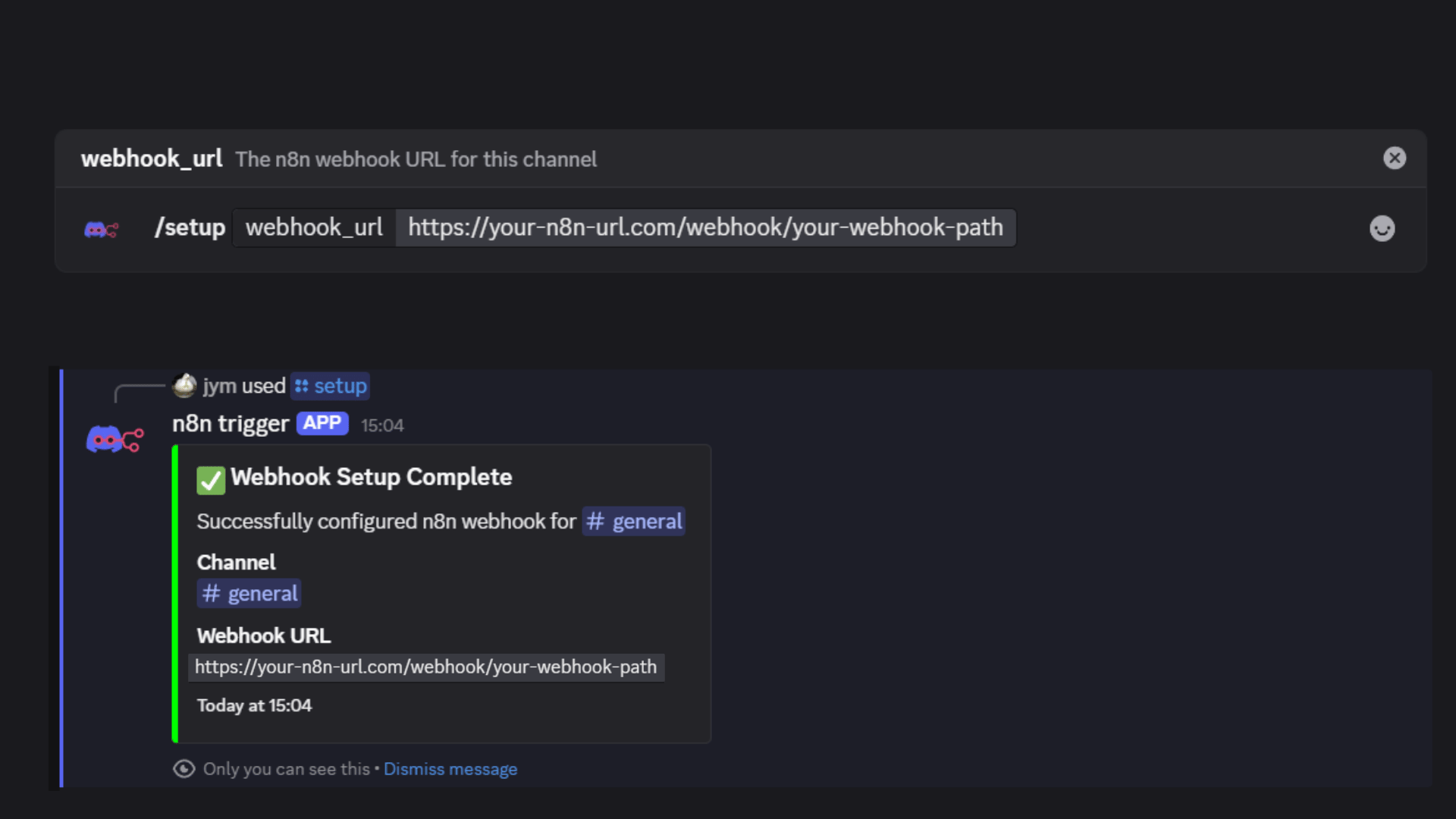
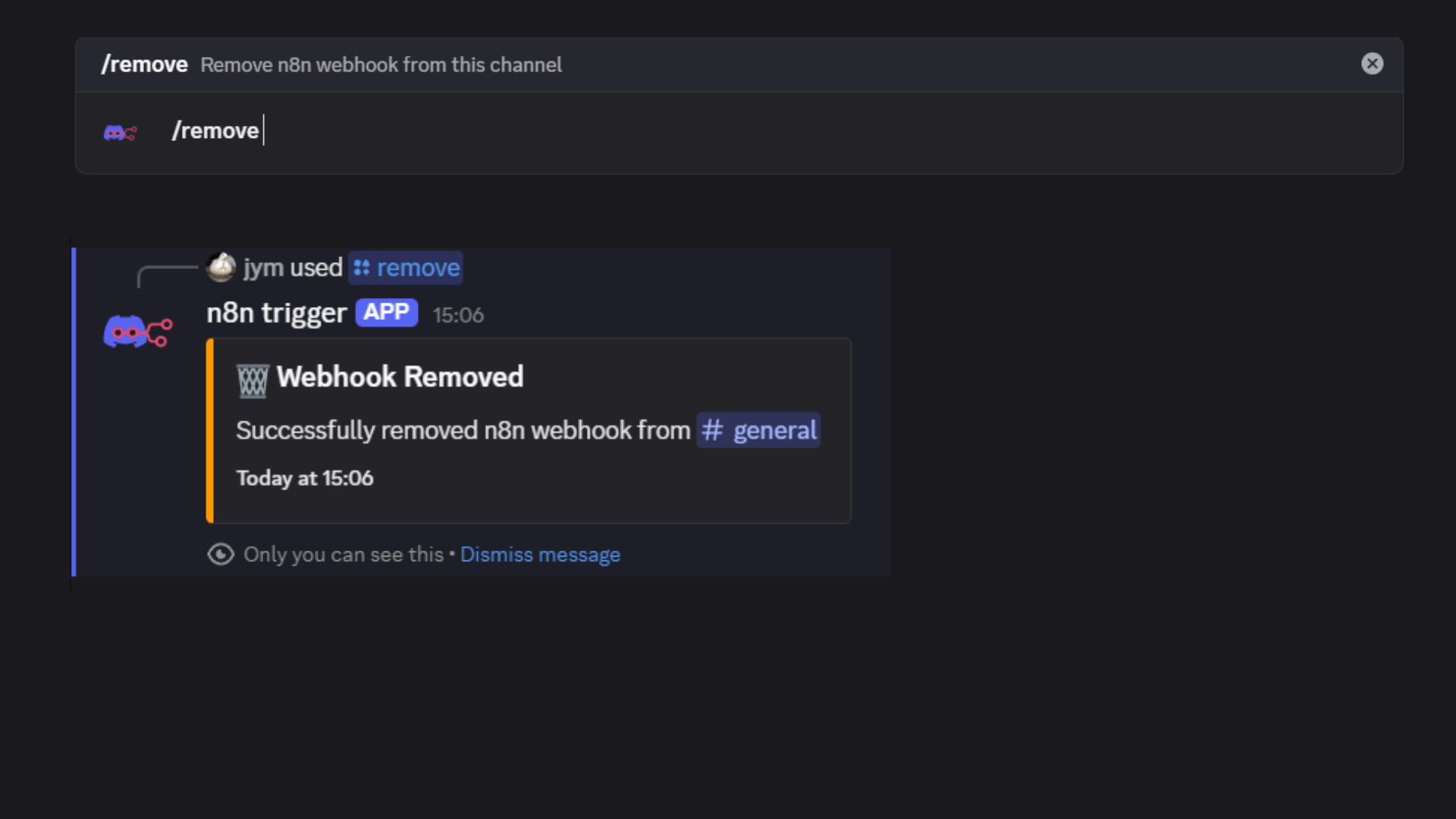
To remove a webhook from a channel:
/remove
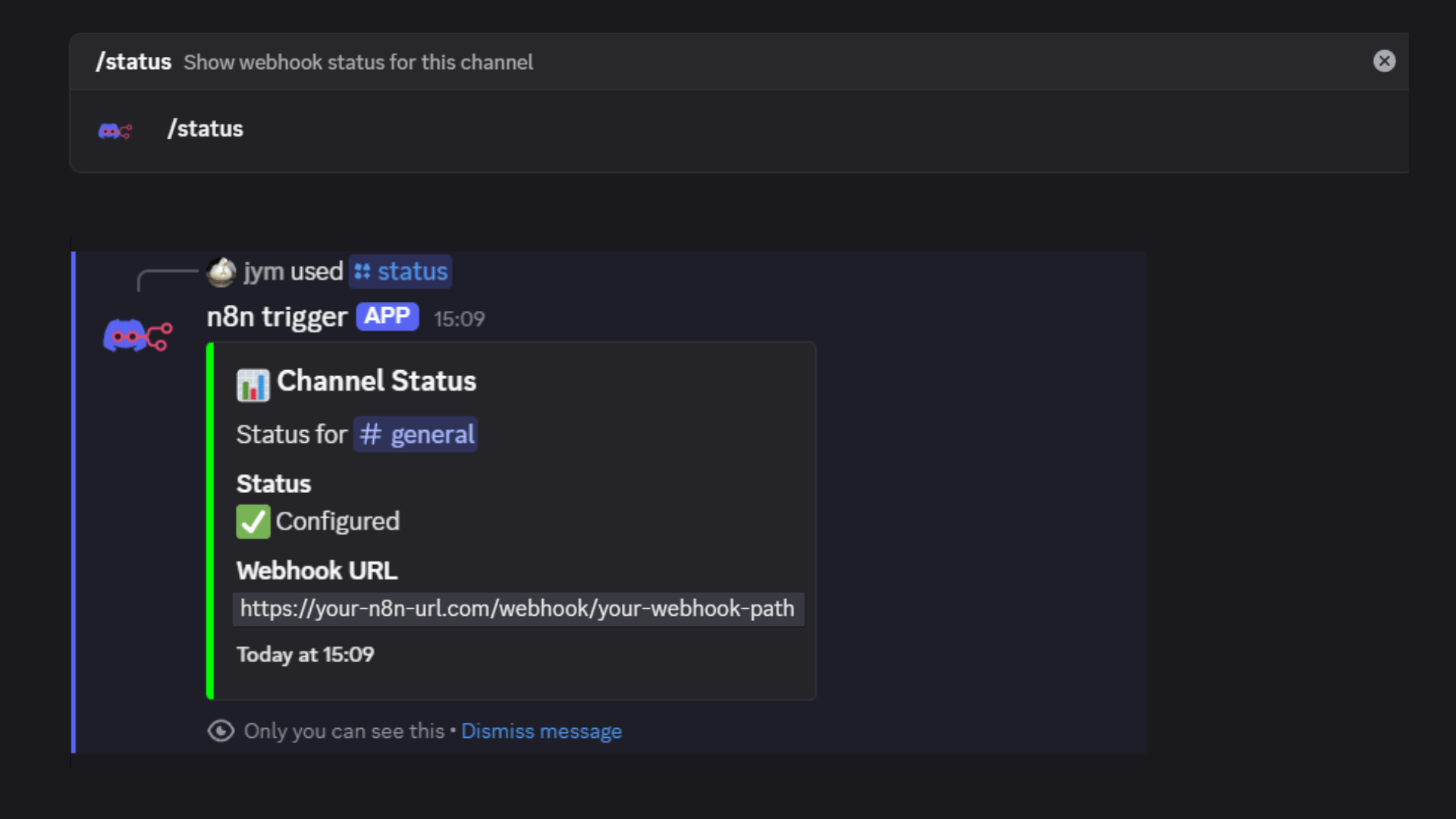
To check the status:
/status
To list all webhooks in your server:
/list

- Create a new Webhook node in n8n.
- Set the webhook URL to match what you used in
/setup. - The bot will POST a JSON payload to this URL for every event.
- You can now process the data in your n8n workflow (e.g., filter, store, send notifications, etc).
- Use the Webhooks by Zapier trigger.
- Set the trigger to "Catch Hook" and copy the custom webhook URL.
- Use this URL in
/setup. - Zapier will receive the JSON payload and you can build your automation.
- Use the Webhooks module to create a custom webhook.
- Copy the webhook URL and use it in
/setup. - Make.com will receive the JSON payload and you can build your scenario.
- Set up an HTTP endpoint that accepts POST requests with JSON.
- Use the endpoint URL in
/setup. - Parse the JSON payload and process as needed.
{
  "event_type": "message_create",
  "timestamp": 1640995200000,
  "content": {
    "text": "Hello, world!",
    "type": "message_create"
  },
  "author": {
    "id": "123456789012345678",
    "username": "username",
    "discriminator": "0000"
  },
  "channel": {
    "id": "123456789012345678",
    "name": "general",
    "type": 0
  },
  "guild": {
    "id": "123456789012345678",
    "name": "My Server"
  },
  "message_id": "123456789012345678",
  "timestamp": 1640995200000
}
For self-hosting, deployment, and advanced configuration, see the deployment folder in this repository.
The bot uses a CSV-based backup system that automatically exports database data to CSV files and stores them in version control:
- Automatic backups: Every hour via scheduled task
- CSV format: Human-readable and easy to process
- Version controlled: All backups are committed to Git
- Small size: Efficient storage and transfer
- Easy recovery: Simple restore process
To enable automatic backups to GitHub, you need to set up a GitHub Personal Access Token:
-
Create GitHub Token:
- Go to GitHub.com → Settings → Developer settings → Personal access tokens → Tokens (classic)
- Click "Generate new token (classic)"
- Give it a name like "n8n Discord Bot Backup"
- Select the
reposcope (full control of private repositories) - Copy the generated token
-
Set Environment Variables:
GITHUB_USERNAME=your_github_username
GITHUB_REPO=your_username/n8n_discord_bot
GITHUB_TOKEN=your_github_personal_access_token
-
Test GitHub Authentication:
node test-github-auth.js
# List all backups
node data-utils.js list

# Create a manual backup
node data-utils.js backup

# Restore from a specific backup
node data-utils.js restore backup-2025-01-11T03-00-00-964Z

# Show latest backup details
node data-utils.js latest# Test the backup system
node test-backup.js
# Test GitHub authentication
node test-github-auth.jsFor more details, see the data/README.md file.
If you have questions, need support, or want to get in touch with the developers:
- Email: tools@emp0.com
- Discord: @jym.god
Disclaimer: This project is not affiliated with, endorsed by, or sponsored by Discord or n8n. We are independent developers who created this tool to solve our own integration needs.