Animating Sprites in Unity
By using multiple similar looking static images that vary slightly and Unity’s animation software it is very easy to create seamless animations.
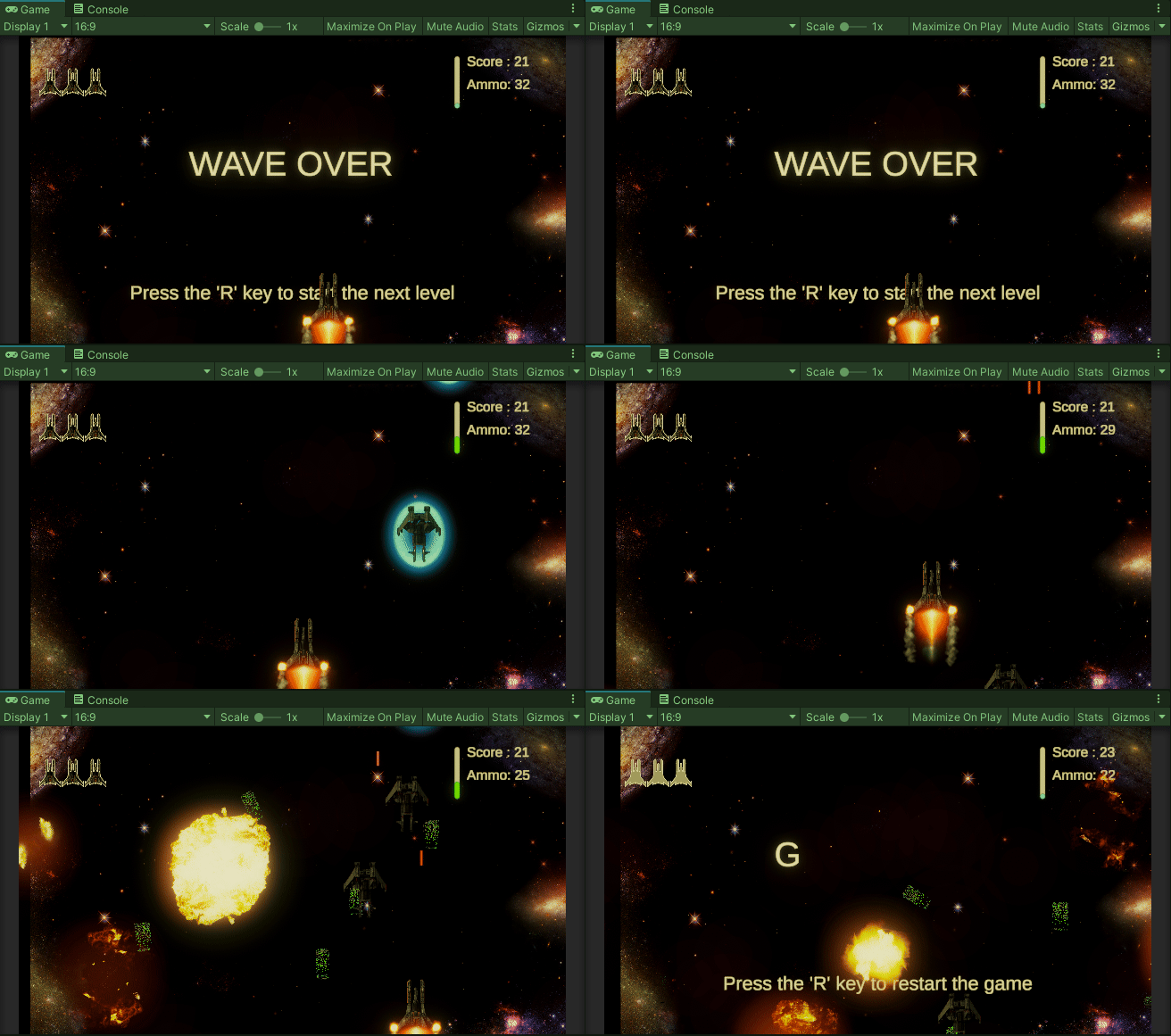
In Space Shooter Pro I animated a powerup to make it glow and change colors.
Get Devan Morgan’s stories in your inbox
Join Medium for free to get updates from this writer.
I started with just a window of different sprites in my assets folder

To actually make the animation I needed to open the animator tab. To do this just select the game object you want to animate in the inspector and then click window and scroll down to animation and click animation.

Now select all the sprites in the animation and drag them into the animation tab after hitting the red record button. You can press play on the animator and see the animation in the scene. Unity will also now automatically apply the animation to the object.