Testing AR without a Device
When making AR apps for mobile using Unity, it can be a hassle to build the app and upload it to a phone every time you want to test something. There is an alternative now though.
Using XR Environments anyone can test the AR functions of their mobile apps virtually without having to build anything.
Get Devan Morgan’s stories in your inbox
Join Medium for free to get updates from this writer.
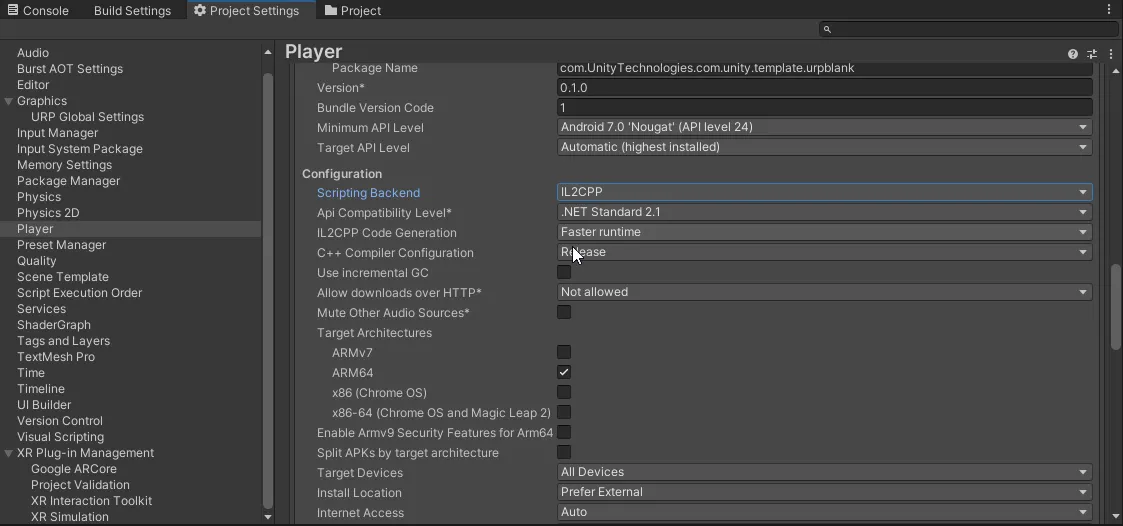
This has to first be enabled in the XR Plug-in Management tab however. Check the box next to “XR Simulation”.

Now with that done, select window -> XR -> AR Foundation -> XR Environment. Once here on the top left of the screen there is a tab called XR Environment. In the drop down of the tab select “import sample environments”. Now you will be able to choose any environment imported and test your AR app.