Git cheat sheet
Initializing git
Initialize git by using the “git init” command. If you want to check the standing of your files in the repository use the “git status” command
Adding and committing
To be able to stage changes in your repository use the command “git add” After you stage a change use the command “git commit -m” to commit your changes and in parentheses put an explanation for your commit
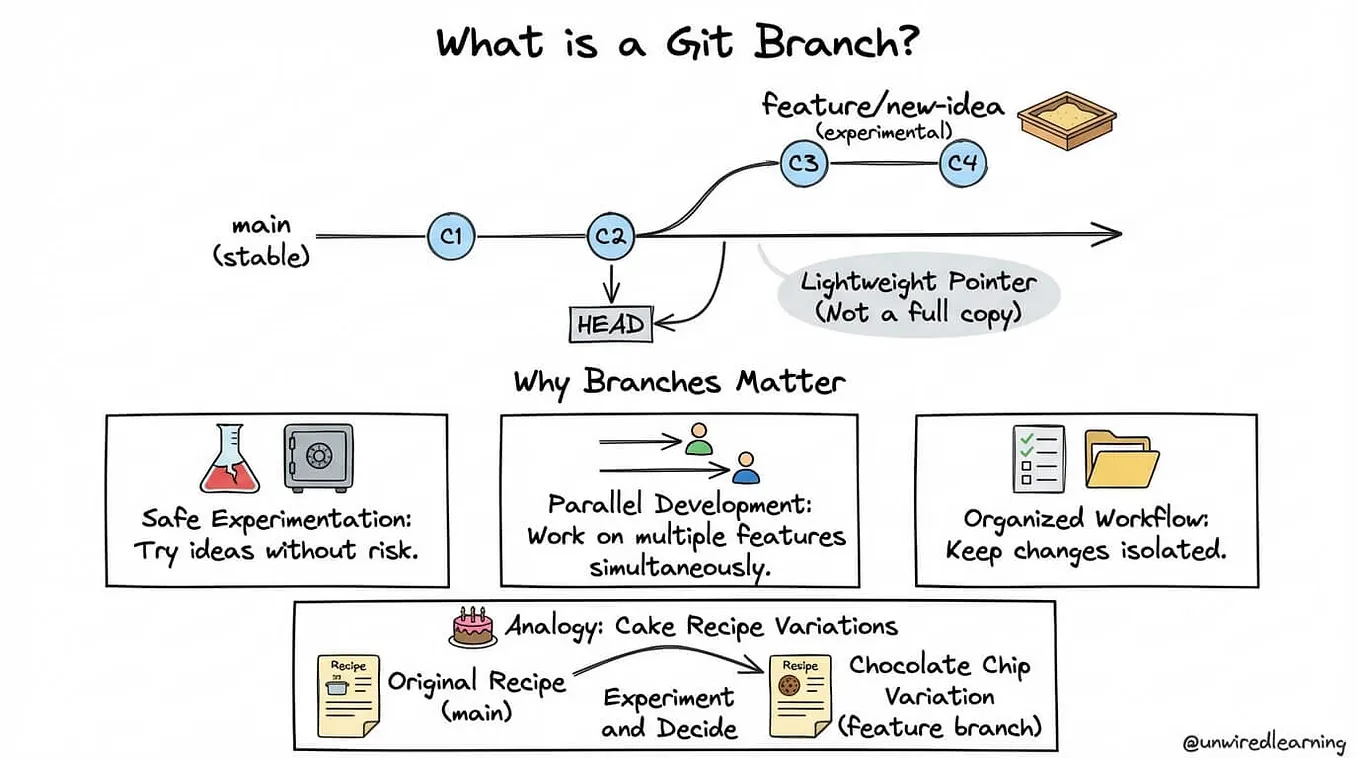
Create a branch
You can create a separate timeline to be able to work on your project by using the command “git branch [branch name]” To switch branches use the command “git checkout [branch name ]” You can use branches as a separate timeline and once you’re finished adding a feature or fixing a bug you can merge the timelines together
Get Jahleel Tucker’s stories in your inbox
Join Medium for free to get updates from this writer.
Git remote add origin [link of repository]: you need this before you push your commits to GitHub
Git push: it is used when you want to push commits to a GitHub repo from your computer
Git clone[link of repository]: is used when you want to make a copy of a repository to your computer to work on
Git diff: shows you the difference between git commits