Nelsar.Axia — open-source web console and REST API for Active Directory and LDAP
Nelsar.Axia is a self-hosted web interface and REST API for managing Active Directory, Samba AD, OpenLDAP and other LDAP directories from the browser: users, groups, organizational units (OUs) and computer accounts, across several directories from one instance — with role-based access, an audit log and bulk user provisioning.
Built on .NET 10 (ASP.NET Core) with a React/TypeScript console. Licensed under Apache 2.0.
Try it in five minutes Read the documentation Blog Source on GitHub
Who it is for
- IT administrators who want to hand routine directory work — creating accounts, resetting attributes, adding people to groups — to helpdesk or HR staff through a browser, without giving them RSAT, a domain-joined Windows machine or a direct LDAP client.
- Teams running OpenLDAP or a mix of AD and LDAP who want one console and one API for all of their directories.
- Developers automating identity lifecycle — onboarding, offboarding, bulk account creation — who would rather call a documented REST API (OpenAPI/Swagger) than script LDAP by hand.
What it does
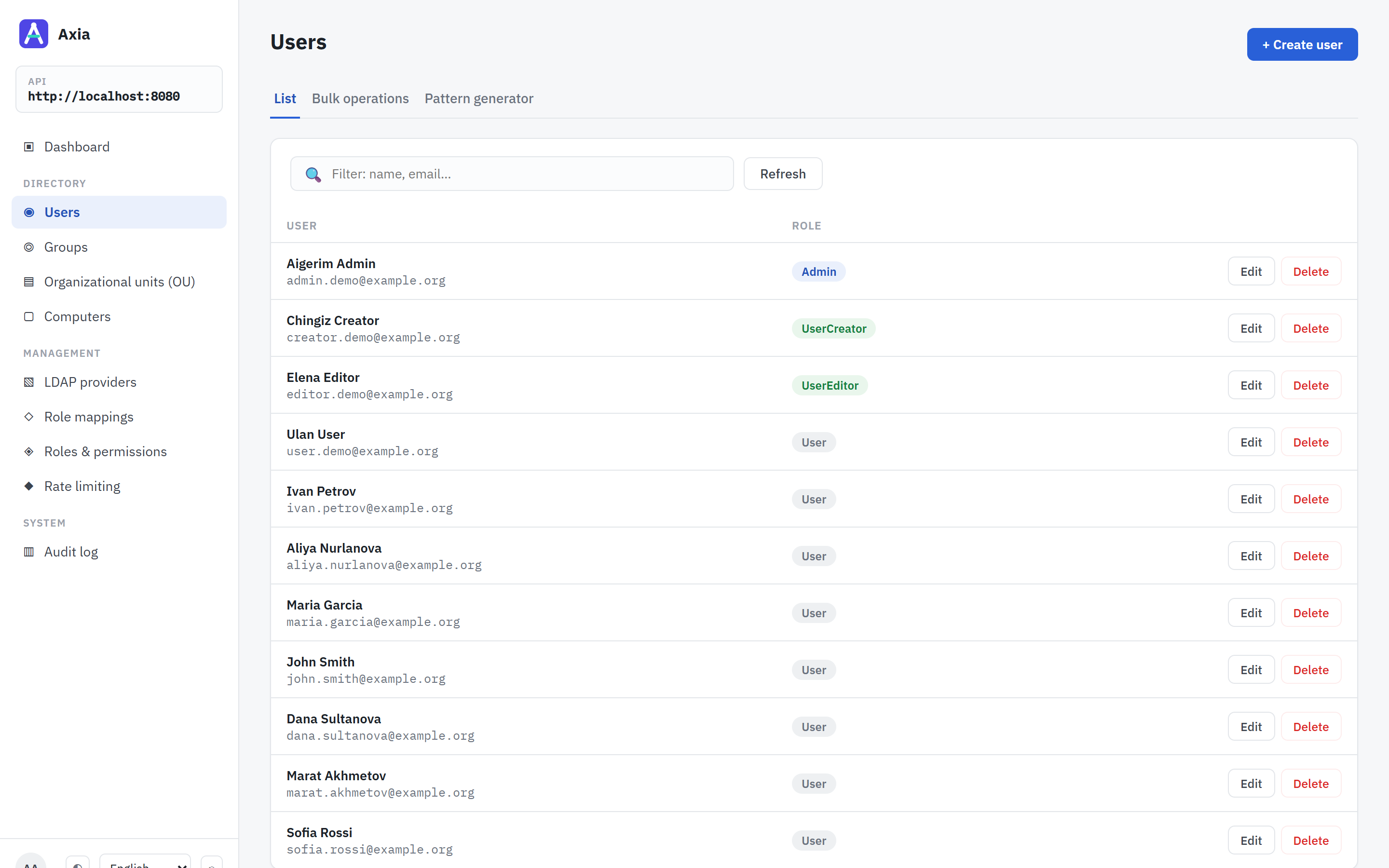
- Users — search, read, create, update, delete; raw directory attributes on demand; bulk operations; a pattern generator for bulk account names with transliteration and LDAP conflict preview. See Features.
- Groups, organizational units, computer accounts — full CRUD against the directory tree.
- Several directories at once — Active Directory and OpenLDAP side by side, over LDAPS or StartTLS, with failover hosts. See Directories.
- Role mappings — directory groups map to application roles, globally or per directory, and nobody may act on an account that can do more than they can. See Access control.
- Audit log — every sign-in, and every attempt to change a directory or the application’s settings, permitted or refused, with who made it.
- REST API — everything the console does, documented and versioned. See REST API.
- Nine interface languages, including Arabic and Hebrew with a mirrored layout.
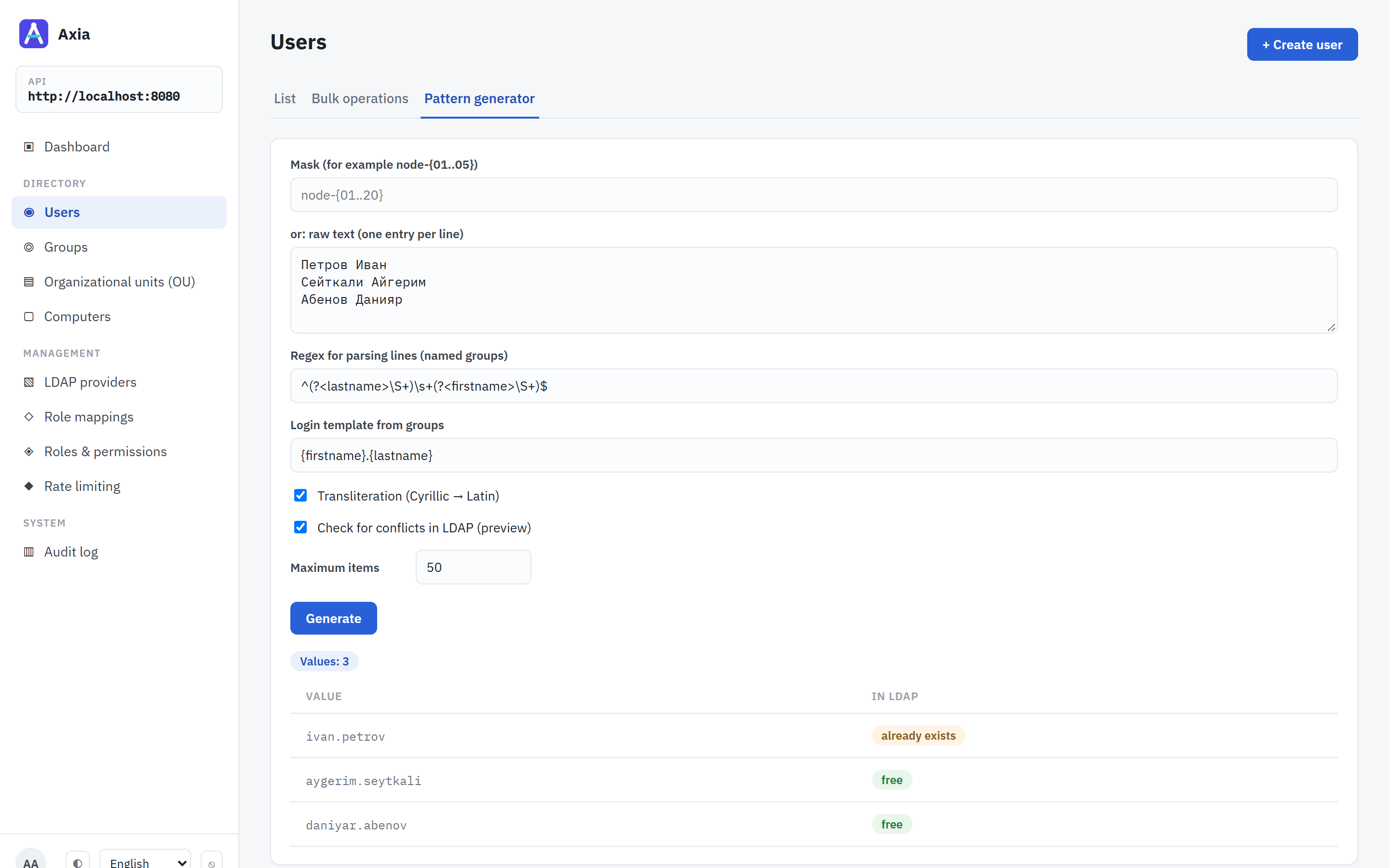 | 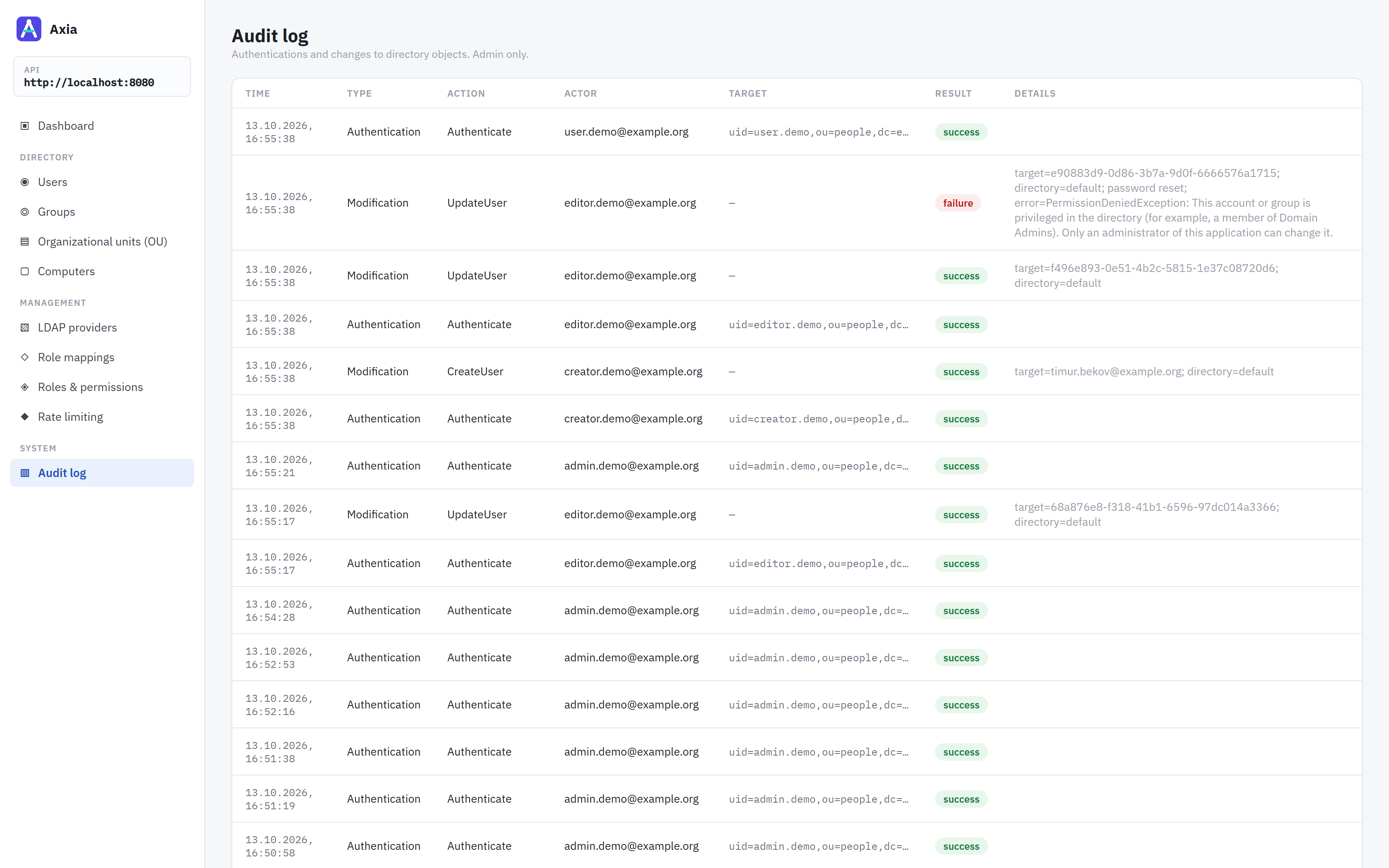 |
| Pattern generator — names transliterated into logins, each checked against the directory. | Audit log — changes and refused attempts, with who made them. |
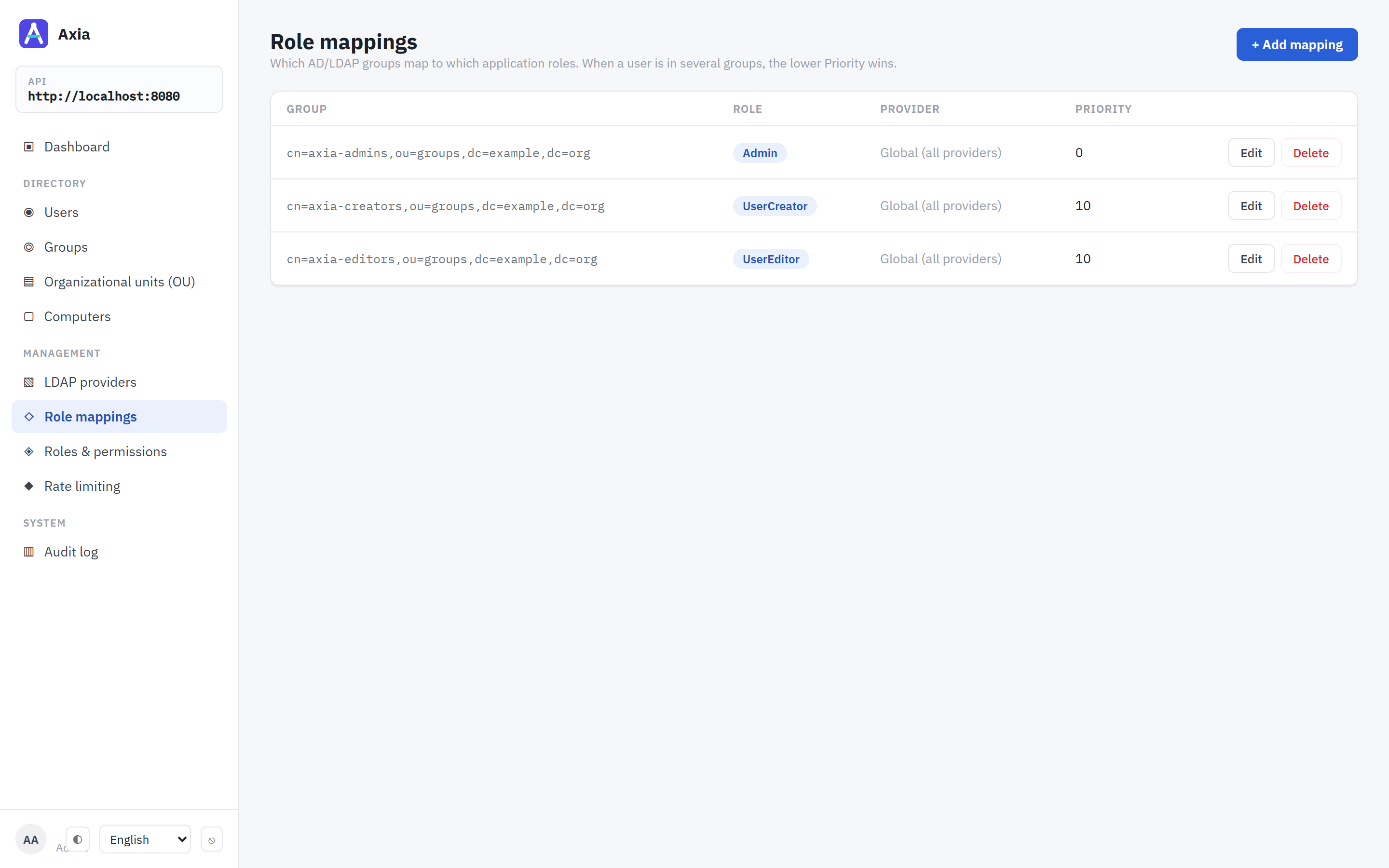 | 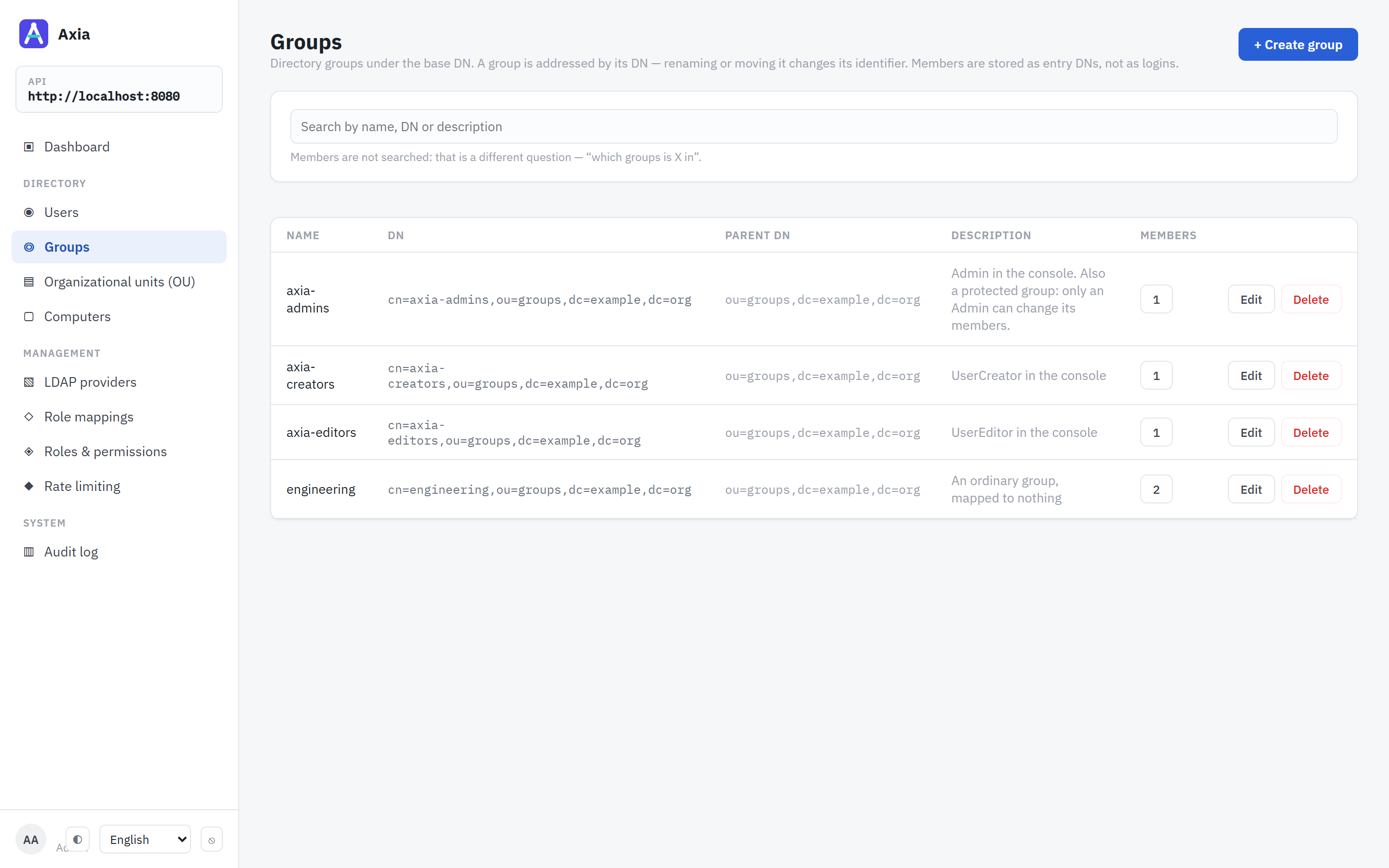 |
| Role mappings — which directory group grants which role. | Groups — the directory’s groups and their members. |
How it compares
| Nelsar.Axia | ADUC / RSAT | phpLDAPadmin | Apache Directory Studio | |
|---|---|---|---|---|
| Runs in a browser | yes | no — Windows desktop | yes | no — desktop |
| REST API for automation | yes | no (PowerShell) | no | no |
| Active Directory and OpenLDAP | both | AD only | both | both |
| Several directories in one instance | yes | one domain at a time | yes | yes |
| Permissions mapped from directory groups | yes | AD delegation | no — the bind account’s rights | no |
| Audit log of changes | yes | Windows event log | no | no |
| Bulk creation with name patterns | yes | no — csvde or PowerShell | LDIF import | LDIF import |
| LDAPS / StartTLS to the directory | yes — LDAPS by default | yes | yes | yes |
Try it in five minutes
The API, the console and an OpenLDAP with demo accounts, in Docker. It needs Docker with Compose v2 and nothing else.
git clone https://github.com/Nelsar/Axia.git
cd Axia
docker compose up
It pulls the released images, for amd64 and arm64. When the API logs Now listening on, open http://localhost:8080 and sign in as admin.demo with the password Axia-Demo-1. The other demo accounts, and the two ways to run it against your own directory, are in Installation. On a Windows server without Docker, the Windows installer attached to each release puts the API and its console in place as a service. Before putting it in front of real users, read Production deployment and the known limitations.