
 Meet Maggie, PCMag's
Taking a screenshot is a basic function that's built into many devices and operating systems I've tested over the years. However, remix culture demands that we not only capture what we see, but also customize it with flair for sharing with friends. NexSnap's free screen-capture utility makes it easy to add cool visual flourishes to your screenshots. Unfortunately, the app still doesn't support video recording, lacks OCR, and many of its features are behind a paywall that has grown more expensive since I last reviewed the utility. If you're open to paying for a robust screen-capture app, I recommend Snagit, our Editors' Choice winner.
NexSnap is free to use and doesn’t require you to create an account. It asks you to authenticate your profile via email, but you can skip this step. The free version is essentially a demo that lets you take screenshots and make light edits to images (though NexSnap slaps its watermark on them).
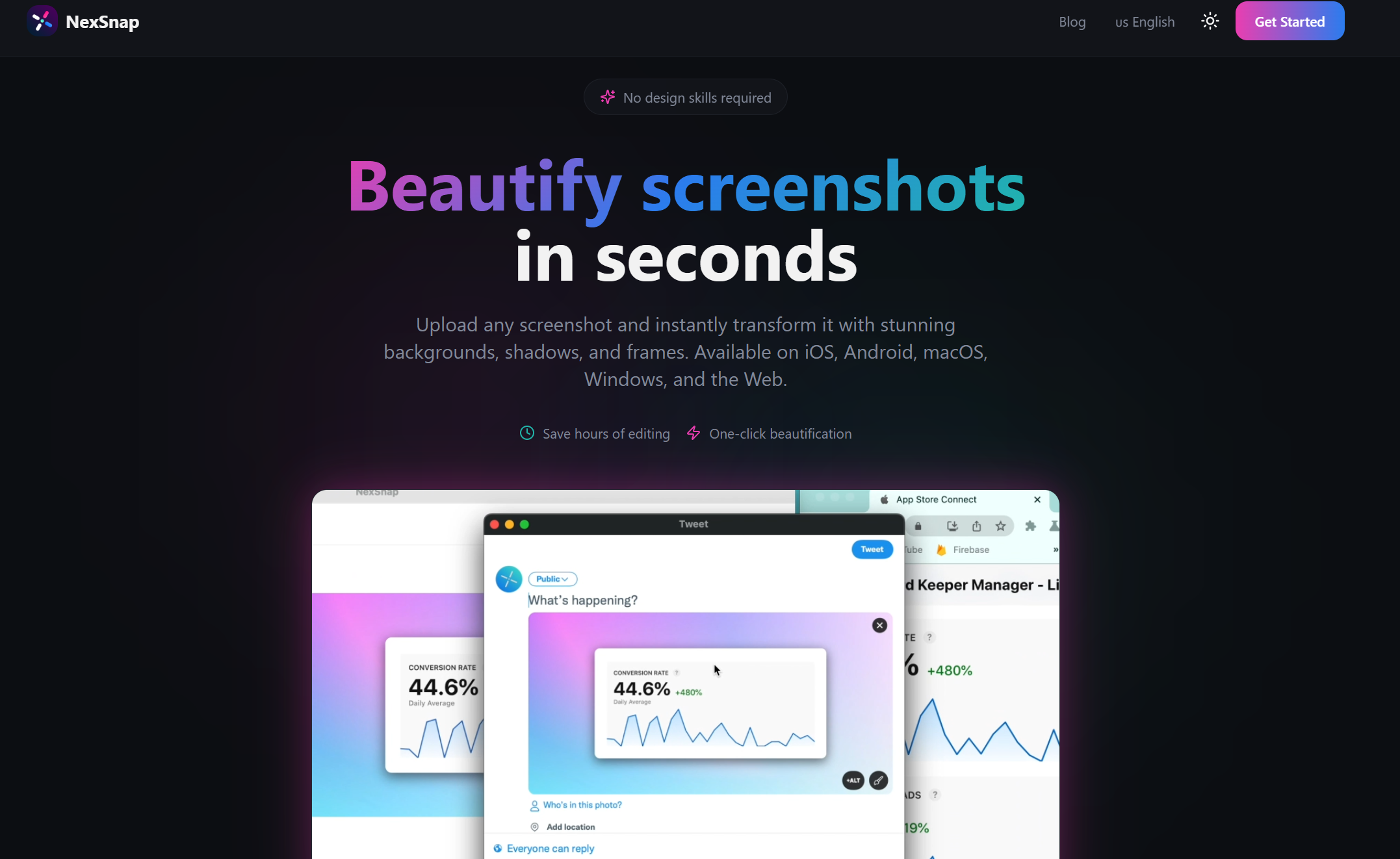
NexSnap has mobile apps for Android and iOS, but to access those, you must subscribe to NexSnap Pro for $9.99 per month or pay a one-time $49.99 for a permanent purchase. The subscription includes most of NexSnap’s coolest editing features, including HD quality exports, 3D tilt effects, AI-based enhancements, and custom image backgrounds and canvas sizes. A subscription or purchase also removes the NexSnap watermark that appears on images captured or edited in the free version.
NexSnap Pro's price increase is disappointing; previously, it was $9.99 for each new version. That said, I like the permanent purchase option and the three-day free trial. If you’re OK with paying for screenshot software, you'll get more advanced premium features, such as OCR support and GIF making, with Ashampoo Snap Pro 26 ($39.99) or Snagit ($39). If you don’t want to pay that much up front, Droplr is another low-cost subscription ($8 per month). Meanwhile, ScreenPal (our top pick for no-cost screen-capture apps) has a robust free tier alongside its paid plans (starting at $4 per month).
Similar Products


NexSnap is extremely easy to use. In fact, it's similar to Windows Snipping Tool, a built-in, free utility for Windows 11.
You can upload and edit images in NexSnap's browser-based version, but you must download the desktop app for macOS or Windows to take screenshots. Previously, the browser version noticeably slowed my laptop's performance while testing the app in Google Chrome. On my current, more powerful machine, I didn't encounter this problem, so your experience may vary. Furthermore, I never suffered this issue with other web browsers or the desktop app.
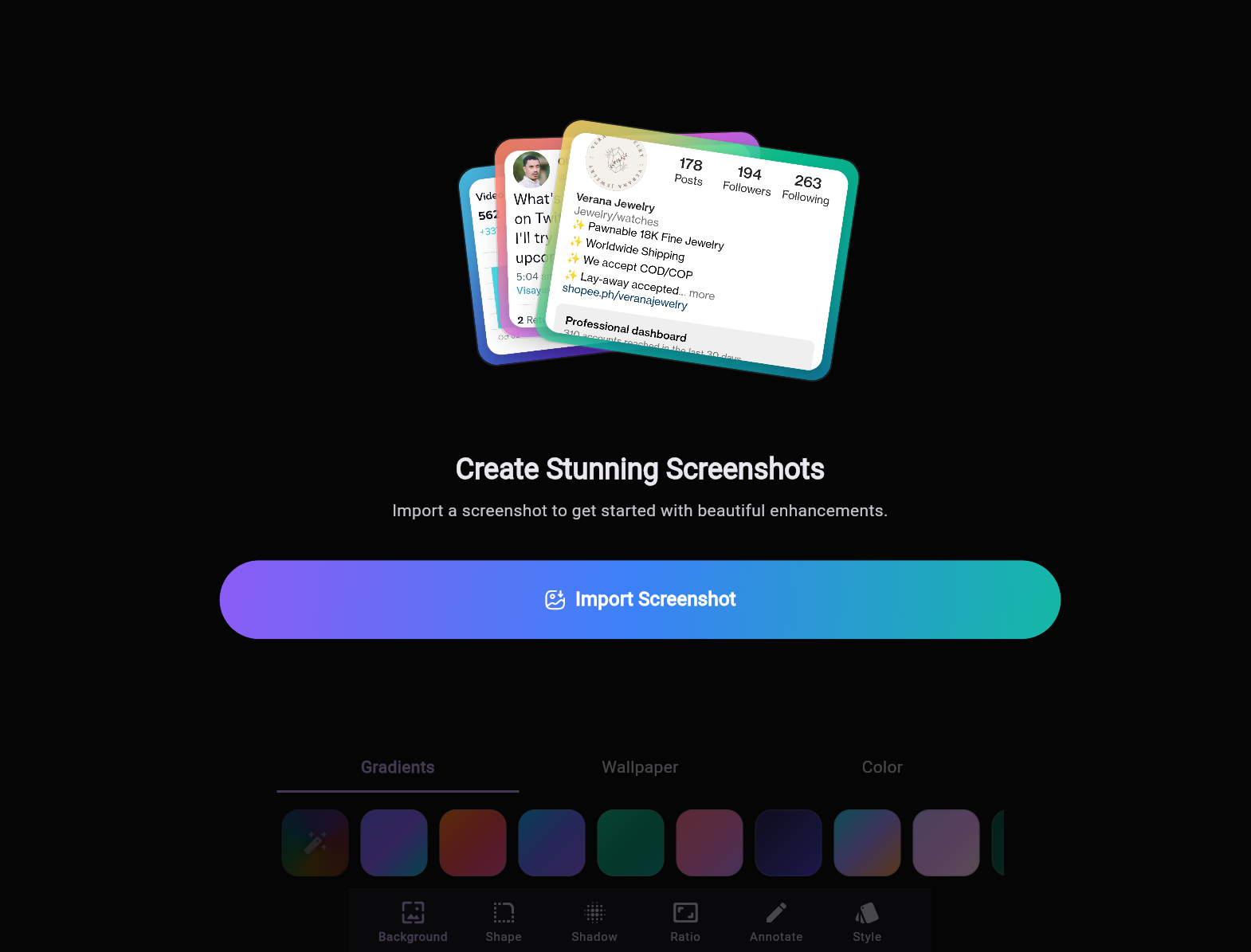
NexSnap's website explains the screencap and editing processes through useful animated GIFs. You can capture a window, an entire screen, a rectangular chunk of the screen, or draw a freeform shape to crop an irregular section. From there, you can export the screenshot as a JPG or PNG file.
Whether you use the free or Pro versions, NexSnap lets you spruce up screenshots by changing the background, importing images, and altering angles. For example, you can apply hip filters like Brooklyn to mellow out your image or Dogpatch to brighten it up. Different frames let you see how your image would look on various devices, such as a MacBook Pro or Samsung Galaxy phone. In a nice touch, NexSnap provides free stock photos from Unsplash. You have a lot of granular control over values like shadow opacity, color gradient, and border size. You can also annotate images with text and drawings.
In terms of artificial intelligence, NexSnap claims its AI enhancements are a faster alternative to manual tweaks and edits. The way it automatically analyzes an image to adjust colors and shadows, or remove blemishes, almost feels like applying a subtle filter. But to me, the fun of image editing is in the manual tweaks and edits, so like most AI tools, these NexSnap features sacrifice creativity for convenience.
I quickly and casually produced pictures that look pretty slick. Just don't think this replaces dedicated, professional photo editing software. Without cloud support, NexSnap isn't very useful for organizations looking to collaborate and sync files among team members. NexSnap caters to individuals, not businesses.
Additionally, NexSnap doesn't let you record video, even with a Pro subscription. Premium screenshot apps, even ones that mostly focus on images, usually let you record at least some video. Even the Windows Snipping Tool now supports video capture. The best tools record not only your screen but also your face using a webcam.
Final Thoughts
 (Credit: NexSnap)
NexSnap
- 5.0 - Exemplary: Near perfection, ground-breaking
- 4.5 - Outstanding: Best in class, acts as a benchmark for measuring competitors
- 4.0 - Excellent: A performance, feature, or value leader in its class, with few shortfalls
- 3.5 - Good: Does what the product should do, and does so better than many competitors
- 3.0 - Average: Does what the product should do, and sits in the middle of the pack
- 2.5 - Fair: We have some reservations, buy with caution
- 2.0 - Subpar: We do not recommend, buy with extreme caution
- 1.5 - Poor: Do not buy this product
- 1.0 - Dismal: Don't even think about buying this product
Read Our Editorial Mission Statement and Testing Methodologies.
NexSnap is a reminder that taking screenshots needn't be complicated, and that a screen-capture utility should offer more than just the ability to tap PrtScn. The free version is more of a sampler than a complete product, but the subscription is relatively affordable. Still, either way you go, the software produces nifty images with its many editing tools. However, if you're willing to pay more money for advanced screenshot features and video recording, our Editors' Choice winner, Snagit, is your best bet.
STILL ON THE FENCE?
About Our Expert
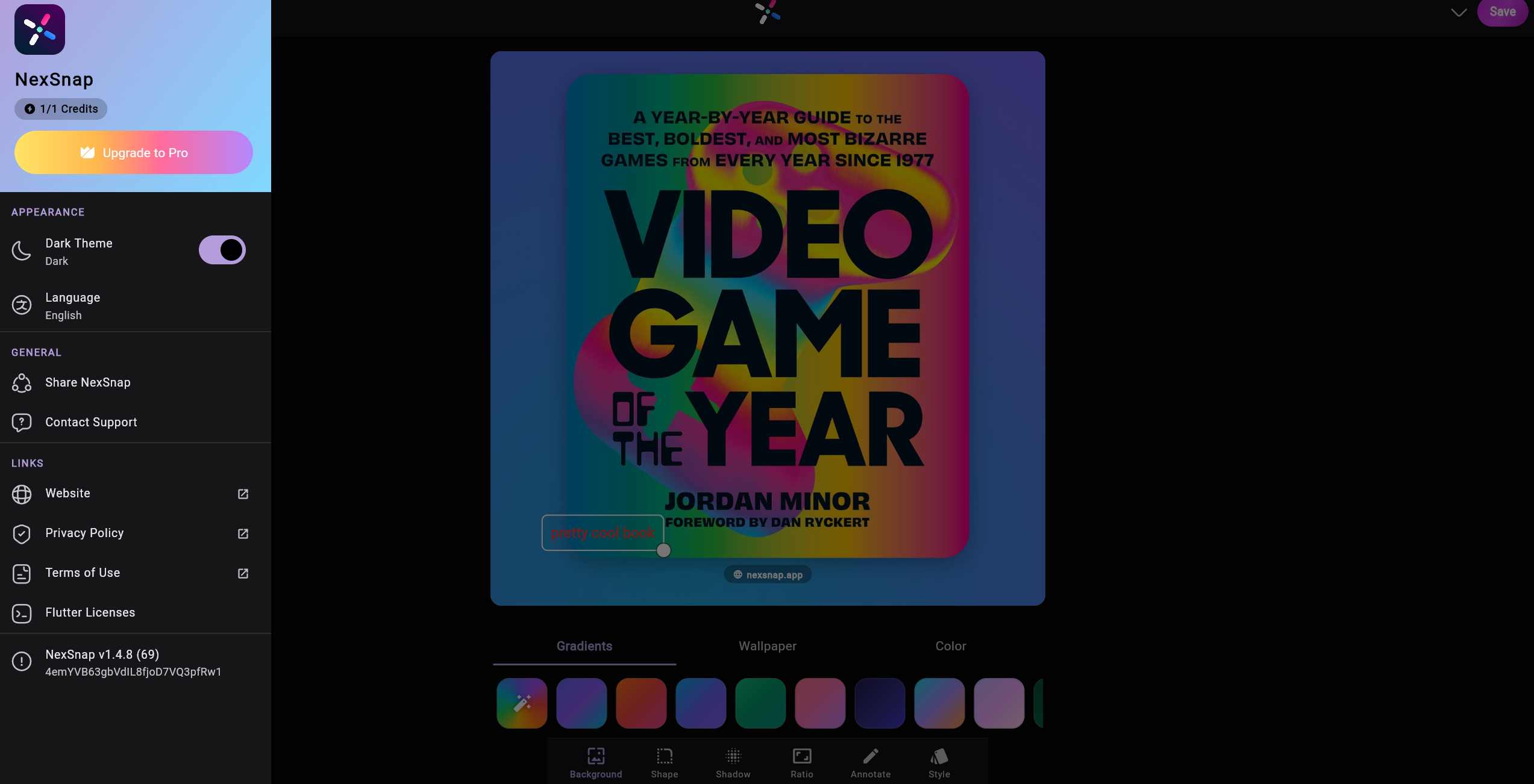
My PCMag career began in 2013 as an intern. Now, I'm a senior writer, using the skills I acquired at Northwestern University to write about dating apps, meal kits, programming software, website builders, video streaming services, and video games. I was previously a senior editor at Geek.com and have written for The A.V. Club, Kotaku, and Paste Magazine. I'm the author of the gaming history book Video Game of the Year: A Year-by-Year Guide to the Best, Boldest, and Most Bizarre Games from Every Year Since 1977, and the reason everything you know about Street Sharks is a lie.
- Webflow Website Builder Review: A High-Quality CMS With Lots of Upselling
- Ucraft Website Builder Review: Excellent Page Design Tools, UI Needs Work
- Returning to Vice City Put Me in the Perfect Mood for GTA 6
- Weebly Website Builder Review: Good Features, Limited Customization
- Strikingly Website Builder Review: Refreshingly Simple Layouts, But Limited Customization
- More from Jordan Minor


