How To Pay Freelancers: 10 Options
Paying your freelancers on time — and in the right currency — is important. These 10 services make it easy to pay invoices in the U.S. and internationally.

Freelancers are located all over the world, which can make paying invoices tricky. Whether your favorite freelancer is in another country or down the street, you need to be able to quickly and securely send their payment in the correct currency.
In this article, we’ll cover the top ways to pay freelancers, including each method’s pros and cons. We’ll also go over some important considerations to keep in mind when hiring and paying freelancers.
10 freelancer payment methods
Some of these payment platforms are better for domestic U.S. payments; others work well for international invoicing. You may want to use more than one method depending on the amount of each transaction and where you and your freelancers live.
1. Upwork
Upwork is a global work marketplace that offers several features to help you find the right freelancer for a project and pay them. These include:
- Talent Marketplace™. Upwork’s Talent Marketplace platform lets you post jobs, find freelancers, set up contracts, and securely pay for work.
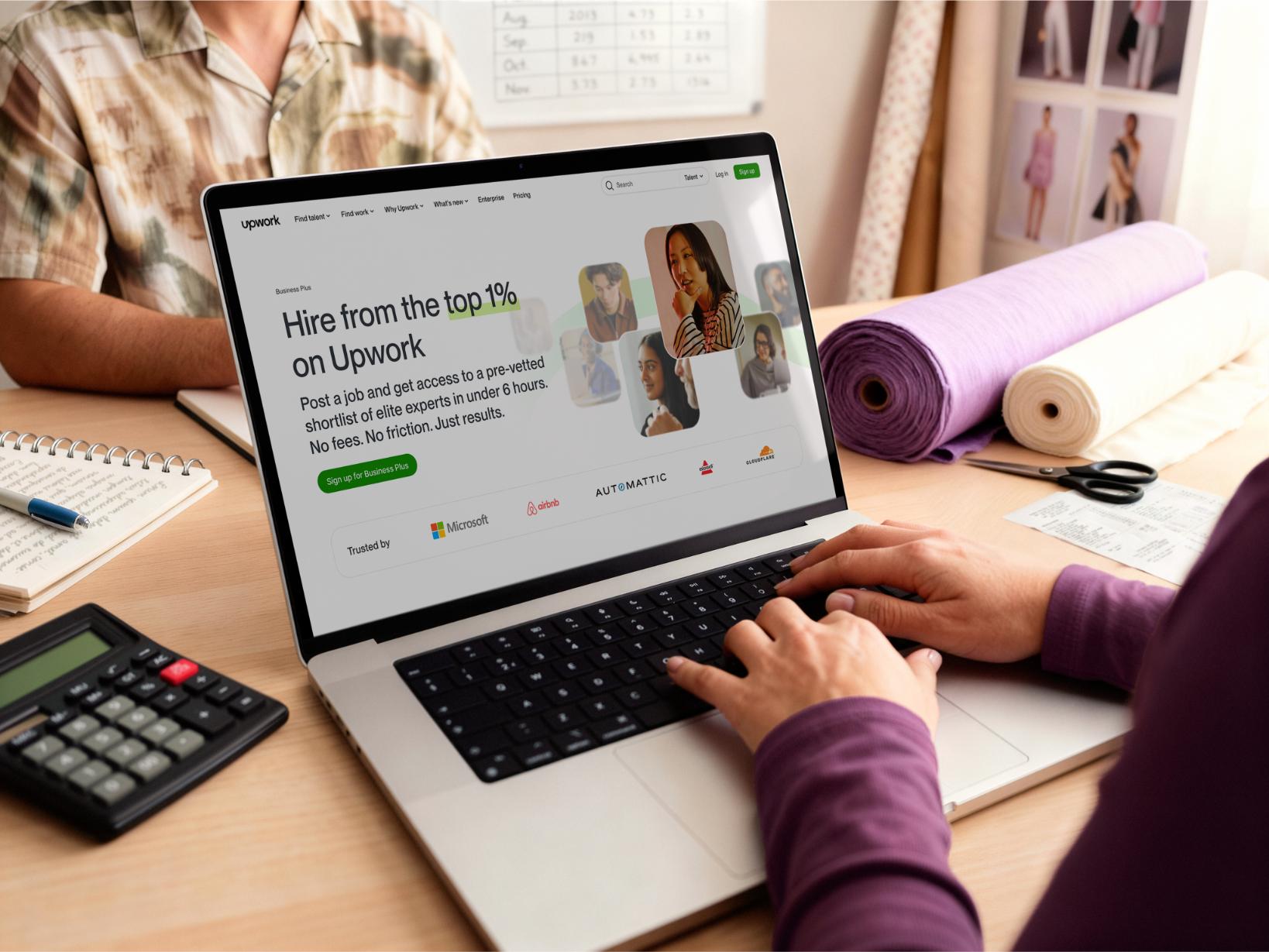
- Business Plus. A Business Plus account gives you additional support for hiring and paying freelancers from our Talent Marketplace, including Pay Later payments (available to approved users in the U.S.).
- AnyHire. The AnyHire solution lets you hire and pay freelancers you met outside of Upwork. This way, you can take full advantage of Upwork’s worker classification and payment tools while still being able to work with freelancers that you already know.
- Direct Contracts. Freelancers can set up a Direct Contract and send it to you. As a result, you both get to take advantage of Upwork’s payment protections and other tools. You don’t need to have an existing client account on Upwork, either.
2. PayPal
PayPal is a popular peer-to-peer network for making quick payments. It offers a secure portal and user-friendly interface. You can pay a contact whether you have their email address, phone number, or even a PayPal QR code. Many people around the world use PayPal for electronic invoice payments as well as in-person purchases.
3. Direct bank deposit and ACH
A direct bank deposit or ACH moves money between two accounts, even if they’re at separate institutions. In these electronic transactions, money goes straight from the client’s bank account to the freelancer’s.
4. Wire transfers
Wire transfers are another way of sending money from your bank to the freelancer’s account. You can create domestic or international money transfers. Wire transfers sometimes have a faster processing time than a direct bank deposit.
5. Credit cards
Credit cards are a convenient and secure option, but typically require the freelancer to have a merchant account with a processing service. Luckily, this is much easier now than it used to be; companies like PayPal, Stripe, and Square all offer online credit card processing systems that are easy to join.
6. Wise
Wise is a digital payment service that’s purpose-built for payments that require currency exchanges. With a Wise account, you can:
- Store money in your account in more than 40 currencies
- Transfer that money into one of the currencies that Wise supports using for payments
- Make domestic and international payments
7. OFX
OFX is another global payment service similar to Wise. OFX uses both live and interbank exchange rates and supports:
- Transferring money in over 50 currencies
- Sending and receiving funds in over 170 countries
Because it supports more transfer currencies than Wise, OFX may be a good option for clients and freelancers who don’t want to have to transfer their home currency to or from a transfer currency.
8. Paper checks
Many businesses still use paper checks to pay freelancers. When you pay using a paper check, the funds are taken out of your checking account and made available to the person you’re paying. Unlike wire transfers, this deduction isn’t immediate; it happens when the payee cashes the check.
9. Zelle
Zelle® is a peer-to-peer payment network that works with U.S. bank accounts. As such, it’s a popular choice for both personal and small business payments. But both the payer and the payee must have a bank account that supports Zelle transactions, so check with your bank before deciding to use Zelle for domestic payments.
10. Venmo
Venmo is a mobile payment solution that’s owned by PayPal. Users can send and receive payments via a mobile app and website, using a bank account or a credit card. But like Zelle, Venmo only works in the U.S.
What to know before choosing a payment method
Choosing a payment method or payment processor based on country and currency support is important, but before you pay a freelancer, it’s also important to understand their worker classification.
Understanding worker classification
Worker classification compliance can be challenging, especially across international borders, as countries vary in how they define worker classification and impose penalties for misclassification. The first step in worker classification is to understand the laws that are local to the worker, and then apply the local tests to the nature of the work.
For example in the U.S., the two main worker classifications are employee and independent contractor (IC). In general, the Internal Revenue Service (IRS) has two worker classifications, which are defined as:
- Employee. A person is an employee if they perform services for you and you can control what work will be done and how it will be done. (Control includes requiring them to work onsite or during specific hours, or providing them with equipment and training.)
- Independent contractor (IC). A person is an independent contractor if they perform services for you and maintain complete control over what will be done and when and how it will be done. You, the person paying, have some say over the deliverables or outcome of the work but not much else. A freelancer is a type of independent contractor.
In the U.S., employers are required to provide employees with a W-2 (Wage and Tax Statement) form by January 31 of the following year, and also must file the form with the Social Security Administration. For each independent contractor you’ve worked with, you may have to file tax forms like the 1099-NEC.
Why is worker classification important?
As an employer, worker classification matters because it determines what taxes and benefits you’re responsible for paying for each person you work with, and what benefits (such as paid time off) the worker is entitled to. If you misclassify a worker, you could end up responsible for unpaid taxes, wage and hour violations, benefit claims, and more.
The crux of the issue is that classifying workers isn’t as straightforward as you may think.
For instance, you could contract a worker for a project and they sign on stating they’re an independent contractor. But depending on the details of the project, they may need to be classified as an employee.
10 questions to ask when deciding if a worker may be classified as an independent contractor or employee
Note: A yes or no to one or more questions may not alone determine classification status. You can learn more about this process by downloading our free whitepaper on worker classification. Working with an employment attorney is the best way to understand your situation and your responsibilities regarding how you hire and work with other professionals.
Why Upwork is the best payment method for clients and freelancers
As one of the world’s largest freelance marketplaces, Upwork provides multiple ways to quickly, conveniently, and safely pay freelancers in more than 180 countries. Whether you’re a small business owner or the head of a large company, we give you multiple payment options, including PayPal, credit card, and bank transfer. No matter what you choose, funds go into your freelancer’s preferred payment account.
Plus, Upwork is able to offer a level of support that many payment platforms can’t. By paying through Upwork, you get:
- Access to your freelancer’s work diary (on hourly contracts)
- Hourly payment protection and dispute support
- Approval-based milestones on fixed-price contracts
- The ability to hold your project funds on Upwork, only releasing them when you’ve received the work you’re contracted to receive
And remember, you can use Upwork to pay freelancers that you meet off of our platform, too.
Start working with freelancers on Upwork
If you join Upwork, you’ll instantly access a global marketplace of quality freelancers. You can find the ideal person with in-demand skills like generative AI, software development, and over 10,000 other skills — yes, we counted.
A freelance marketplace, built-in payment system, and payment protection combined make Upwork the ideal one-stop solution for finding and paying every freelancer you want to work with … no matter where in the world they’re located. Create a free Upwork account to get started today.
Learn more about Pay Later terms and conditions.
This article is intended for educational purposes and should not be viewed as legal or tax advice. Please consult a professional to find the solution that best fits your situation.
Upwork is not affiliated with and does not sponsor or endorse any of the tools or services discussed in this article. These tools and services are provided only as potential options, and each reader and company should take the time needed to adequately analyze and determine the tools or services that would best fit their specific needs and situation.


Author Spotlight

Yoshitaka Shiotsu is a project engineer turned technical copywriter and SEO consultant who regularly contributes to the Upwork Resource Center. He specializes in helping tech companies, startups, and entrepreneurs set themselves up as voices of authority within their target industries.